

Last updated: November 20, 2026. Shopify and app store details come from Shopify, Apple and Google documentation, checked on November 20, 2026. Disclosure: Webiots builds Shopify apps.
Quick answer: The Shopify mobile app features that matter most are the ones that help shoppers buy and come back: a fast checkout with Shop Pay and Apple Pay, live sync with your Shopify products and stock, push notifications, quick search, customer accounts with one-tap reorder, a wishlist, product reviews and app-only discounts. Deep links, analytics and publishing under your own brand complete the must-haves. Loyalty, multiple languages and a drag-and-drop home screen editor are useful extras. Features such as AR try-on and chatbots look good in demos but rarely matter for a typical store.
Key takeaways:
- Checkout and sync come first: if they fail, nothing else matters.
- Push notifications are the main reason to have an app at all.
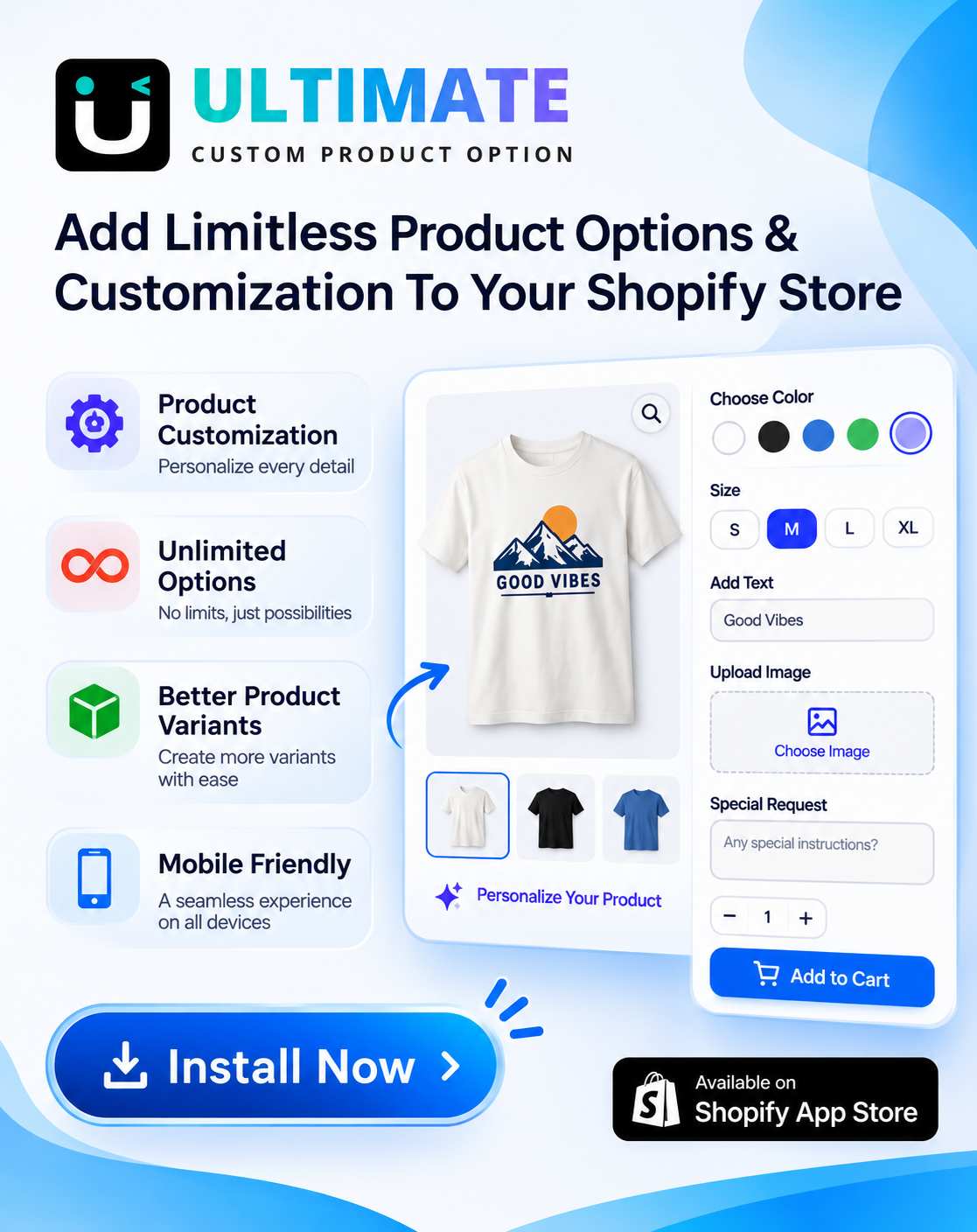
- Make sure your product options and personalization work in the app.
- Choose a builder that lets you change the app without resubmitting it.
In this guide
- The 15 features at a glance
- The 11 must-have features
- 4 nice-to-have features
- Features that rarely matter
- 10 questions to ask an app builder
- Looking for the Shopify app for merchants?
- FAQ
Which Features Does a Shopify Mobile App Need? The 15 at a Glance
| # | Feature | Why it matters | Priority |
|---|---|---|---|
| 1 | Fast checkout (Shop Pay, Apple Pay, Google Pay) | Fewer steps to pay | Must-have |
| 2 | Live sync with Shopify | Right prices and stock, no double work | Must-have |
| 3 | Push notifications | Free, direct way to bring shoppers back | Must-have |
| 4 | Search and filters | Shoppers find products in seconds | Must-have |
| 5 | Customer accounts and reorder | Repeat orders in one tap | Must-have |
| 6 | Wishlist | Saves intent for later, powers reminders | Must-have |
| 7 | Product reviews with photos | Trust at the moment of buying | Must-have |
| 8 | App-only discounts | Gives shoppers a reason to install | Must-have |
| 9 | Deep links | Emails, ads and posts open the right screen | Must-have |
| 10 | Analytics | Shows if the app earns its cost | Must-have |
| 11 | Published under your own brand | Your name and icon in the app stores | Must-have |
| 12 | Loyalty in the app | Points and tiers people check often | Nice-to-have |
| 13 | Languages and currencies | Needed if you sell abroad | Nice-to-have |
| 14 | Drag-and-drop home screen editor | Change banners without a developer | Nice-to-have |
| 15 | Product options and personalization | Custom products sell in the app too | Must-have for custom stores |
The 11 Must-Have Shopify Mobile App Features
1. Fast checkout with Shop Pay and wallets
Checkout is where an app wins or loses the sale. Look for Shopify’s own checkout inside the app, with Shop Pay, Apple Pay and Google Pay, so your discounts, shipping rates and payment settings work exactly as on your website. Ask the builder whether your checkout customizations carry over.
2. Live sync with your Shopify store
Products, prices, stock, collections and discounts should update in the app automatically. If you have to edit products twice, or the app shows sold-out items as available, shoppers lose trust fast.
3. Push notifications
Push notifications are the main reason to have an app: they reach the phone’s lock screen for free, without email filters. You need both automated messages (abandoned cart, back in stock, order shipped) and campaigns you send yourself, with segments so not everyone gets every message. See push notification types and 20 examples.
4. Search and filters
Search should suggest products as the shopper types, handle spelling mistakes and use the same filters as your collections, such as size, color and price. A search with no results should suggest alternatives.
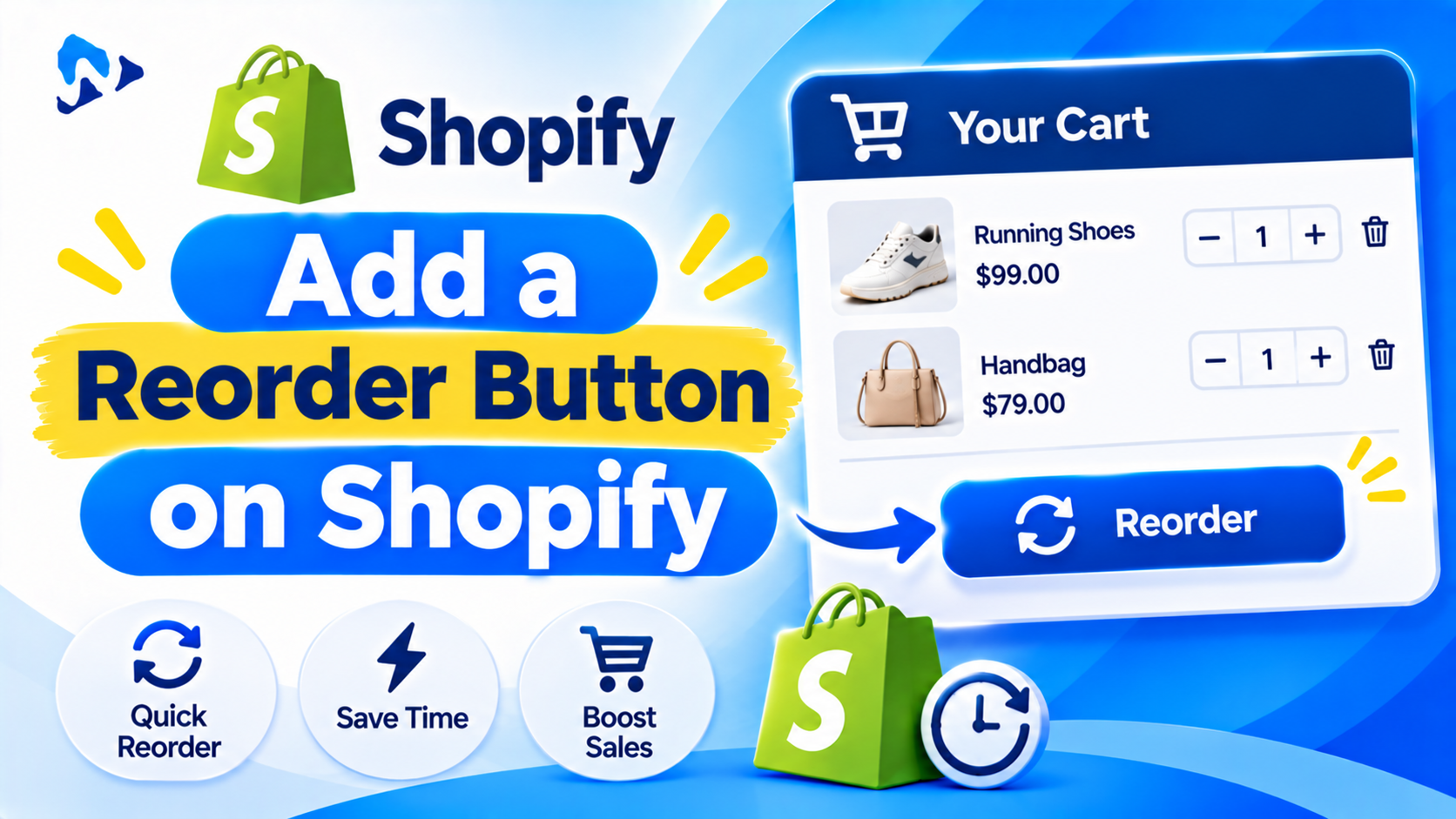
5. Customer accounts with order history and reorder
Shoppers stay logged in on their phone, so the app is ideal for checking orders and buying again. Look for order history, tracking and a one-tap reorder. See how reorder buttons work on Shopify.
6. Wishlist
A wishlist saves products shoppers aren’t ready to buy and lets you send price-drop and back-in-stock pushes for them. Check that the app’s wishlist syncs with your website’s. See the best Shopify wishlist apps.
7. Product reviews with photos
Your existing reviews should show in the app with star ratings and customer photos, pulled from the reviews app you already use. See how to collect photo and video reviews.
8. App-only discounts
An offer only available in the app gives shoppers a reason to download it and gives existing customers a reason to open it. See how to set up app-only discounts.
9. Deep links
A link in an email, SMS, ad or social post should open the exact product or collection in the app if it’s installed, and your website if it isn’t. Without deep links, every campaign lands on the app’s home screen.
10. Analytics
You need to see installs, active users, push opt-ins, app revenue and conversion rate, and ideally see app orders separately in Shopify. Otherwise you can’t tell if the app is worth its monthly fee.
11. Published under your own brand
The app should appear in the App Store and Google Play with your store’s name and icon, ideally under your own developer accounts so you keep control. Apple’s developer program costs $99 a year and Google Play charges a one-time $25 registration fee. See how much a Shopify mobile app costs.
4 Nice-to-Have Shopify Mobile App Features
12. Loyalty points and VIP tiers
Shoppers check their points more often when they’re one tap away. Make sure your loyalty app works inside the mobile app. See Shopify VIP tiers.
13. Multiple languages and currencies
If you sell in several countries with Shopify Markets, the app should follow the same languages, currencies and prices.
14. Drag-and-drop home screen editor
You’ll want to change banners, collections and sale sections often. A no-code editor that updates the app without resubmitting it to Apple and Google saves days on every change.
15. Product options and personalization
If you sell custom products, this one is a must-have. Engraving fields, swatches, file uploads and add-on prices from your product options app need to show in the app and carry through to the order. Test a personalized product in the builder’s demo before you sign up.
Which Mobile App Features Rarely Matter?
- AR try-on and 3D viewers: great for furniture or eyewear, unnecessary for most stores.
- Chatbots: shoppers on mobile usually want an order status or a human, not a bot.
- Long splash screens and animations: they slow the app down.
- Too many home screen sections: a short, fast home screen beats a long one.
- Features you won’t maintain: a blog or video feed that’s never updated makes the app look abandoned.
What Should You Ask a Shopify App Builder? 10 Questions
- Does checkout use Shopify’s checkout, with Shop Pay, Apple Pay and Google Pay?
- Do my discounts, shipping rates and checkout settings work in the app?
- Which of my current apps work inside the app: reviews, wishlist, loyalty, product options?
- Are push notifications included, and are automated pushes such as abandoned cart included?
- Can I change the home screen without resubmitting the app?
- Does the app support deep links from email, SMS and ads?
- Is the app published under my own developer accounts?
- What analytics do I get, and can I see app orders in Shopify?
- What’s the monthly price, and is there a revenue share or order limit?
- If I cancel, what happens to the app in the stores?
For a comparison of builders, see the best Shopify mobile app builders. Not sure you need an app yet? See mobile app vs mobile website.
Looking for the Shopify App for Merchants?
The Shopify app (for iPhone and Android) is a different thing: it’s how merchants run their store from a phone, not an app for shoppers. With it you can manage orders, products, customers, discounts and analytics, edit your theme, write blog posts and pages, and turn password protection on or off. See Shopify Help Center: Managing your online store with the Shopify app.
Frequently Asked Questions
What features should a Shopify mobile app have?
At minimum: fast checkout with Shop Pay and wallets, live sync with your store, push notifications, search and filters, customer accounts with reorder, a wishlist, reviews, app-only discounts, deep links, analytics and publishing under your brand.
What is the most important feature of a Shopify mobile app?
Checkout and push notifications. Checkout decides whether the app makes sales; push notifications are what bring shoppers back without paying for ads.
Do my Shopify apps work inside a mobile app?
Some do and some don’t. Ask the builder which integrations are supported, especially reviews, wishlist, loyalty and product options.
Can I update my Shopify mobile app without a developer?
With most no-code builders, yes: products sync automatically and you change the home screen in an editor. Big changes to how the app works may need a new app store release.
Is the Shopify app the same as a mobile app for my store?
No. The Shopify app is for merchants to manage their store. A mobile app for your store is a branded app your customers download to shop.
How much does it cost to publish a Shopify mobile app?
Apple charges $99 a year for a developer account and Google Play charges a one-time $25 fee, plus the app builder’s monthly price.
Related Reading
- Best Shopify Mobile App Builders
- How Much Does a Shopify Mobile App Cost?
- How to Get More Downloads for Your Shopify Mobile App
- Shopify App Push Notifications: Types, Timing and 20 Examples
Update Log
November 20, 2026: First published with 15 features ranked by priority, features that rarely matter, 10 questions for app builders and a note on the Shopify merchant app.