

Last updated: November 17, 2026. Shopify discount rules come from the Shopify Help Center, checked on November 17, 2026. Disclosure: Webiots builds Shopify apps and custom mobile apps.
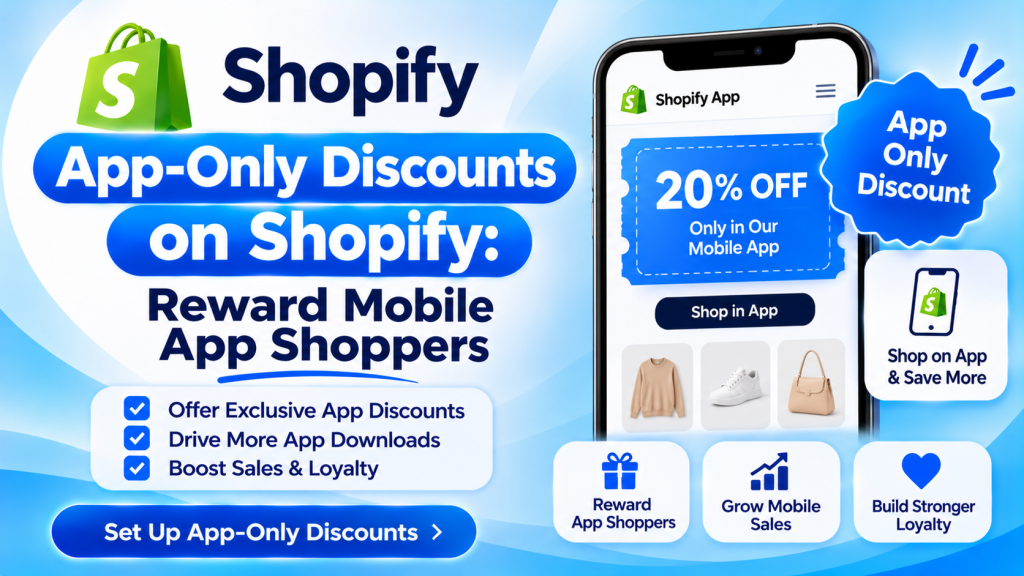
Quick answer: An app-only discount is an offer shoppers can only get in your store’s mobile app, such as 15% off the first app order or early access to a sale. Shopify itself can’t limit a discount code to one channel: codes work on every channel, and automatic discounts apply everywhere except where you limit them to POS. So app-only offers are set up in your mobile app builder, or by showing a code only inside the app and limiting it to one use per customer. Use them to get installs and repeat orders, keep them to the app, and check that the extra orders cover the discount.
Key takeaways:
- Shopify codes can’t be locked to one channel.
- Your app builder handles app-only offers.
- A first-app-order discount drives installs.
- Use early access, not only bigger discounts.
In this guide
- What Shopify discounts can and can’t do
- How app-only discounts are set up
- 8 app-only offer ideas
- How to launch an app-only offer: 6 steps
- Protect your margin
- What to measure
- FAQ
Can Shopify Limit a Discount to a Mobile App?
Not on its own. Shopify’s Help Center says you can’t restrict customers from redeeming discount codes on specific sales channels; codes work on all channels you’ve set up. Automatic discounts also apply on all channels, except that you can limit them to Shopify POS Pro locations. The sales channel setting on a code controls where it can be featured, such as in the Shop app, not where it can be used (Shopify Help Center).
| Shopify discount | Can it be limited to one channel? |
|---|---|
| Discount code | No. It works anywhere it’s entered |
| Automatic discount | Only to POS Pro locations |
| Sales channel access on a code | Controls where it’s featured, not where it’s redeemed |
How Are App-Only Discounts Set Up?
- In your mobile app builder: many builders include app-only discounts, applied only to orders placed in the app. Check which plan includes them.
- A code shown only in the app: create a code in Shopify, show it only in the app’s home screen or push notification, and limit it to one use per customer so sharing it costs little.
- A customer segment: tag customers who log in to the app and make the discount available only to that segment.
- App-only products or early access: show a collection only in the app, so the reward is access, not a code that can leak.
Compare builders and plans in our Shopify mobile app builders comparison.
What App-Only Offers Work Best?
| Offer | Example | Goal |
|---|---|---|
| First app order | 15% off your first app order | Installs |
| Early access | Sale opens in the app 24 hours early | Engagement without a bigger discount |
| App-only free shipping | Free shipping on app orders this weekend | Repeat orders |
| Exclusive products | A color or bundle sold only in the app | Reason to keep the app |
| Flash deal by push | 2 hours only: 20% off one product | Push notification opt-ins |
| Double points | 2x loyalty points on app orders | Loyalty |
| Birthday reward | A birthday gift waiting in the app | Personal touch |
| Win-back | 10% off for app users who haven’t ordered in 60 days | Reactivation |
How Do You Launch an App-Only Offer? 6 Steps
- Pick one goal: installs, repeat orders or push opt-ins.
- Create the offer in your app builder, or as a one-use-per-customer code shown only in the app.
- Add a smart banner on your mobile website: “Get 15% off your first order in our app.”
- Tell your email and SMS list about the app-only offer.
- Send a push notification when the offer starts and once before it ends. See push notification timing and examples.
- Set an end date and review results after 2 to 4 weeks.
How Do You Protect Your Margin?
- Reward access, not just price: early access and exclusive products cost less than bigger discounts.
- One use per customer on any app-only code.
- Set a minimum order for free shipping offers.
- Don’t stack app-only discounts with sitewide sales unless you mean to.
- Check the math: a 15% first-order discount on a $60 order costs $9; it pays off if that customer orders again.
What Should You Measure?
- App installs during the offer
- First app orders and their average value
- Repeat orders from app customers in the next 60 days
- Push opt-in rate
- Discount cost compared with extra profit
Not sure an app is worth it yet? See how much a Shopify mobile app costs.
Frequently Asked Questions
Can I make a Shopify discount code work only in my mobile app?
Not with Shopify alone. Shopify discount codes work on all channels. Use your app builder’s app-only discount feature, or show a one-use code only inside the app.
Why offer app-only discounts?
They give shoppers a reason to install the app, and app users are easier to bring back with push notifications.
What’s the best app-only offer?
A first-app-order discount for installs, and early access to sales for keeping app users engaged without bigger discounts.
Can app-only discounts be shared?
Codes can be shared, because Shopify codes work everywhere. Limit them to one use per customer, or use your app builder’s app-only discounts.
Do app-only discounts combine with other discounts?
That depends on your combination settings in Shopify and your app builder. Decide whether they should stack with sitewide sales before launching.
Related Reading
- 12 Best Shopify Mobile App Builders (2026)
- Shopify App Push Notifications: Types, Timing and 20 Examples
- How Much Does a Shopify Mobile App Cost?
- How to Create Discounts on Shopify
Update Log
November 17, 2026: First published with Shopify’s channel rules for discounts, how app-only offers are set up, 8 offer ideas, launch steps, margin rules and metrics.