Last updated: October 24, 2026. Shopify details and app plan details are linked to their sources. Disclosure: Webiots develops Ultimate Product Options, the app used in the setup steps.
Cart notes and cart attributes are saved on the order as a whole (Shopify Dev Docs: cart). Product options are saved on each line as line item properties (Shopify Dev Docs: line_item), which is why method 3 can tell you exactly which item is a gift.
Packing time is costed at $15 an hour in this example. The gap between cost and price covers card stock, damaged wrap and your margin.
To run a “free gift wrap” promotion, set the add-on price to $0 for the promotion dates and change the label to “Free gift wrap”. Remember to change it back afterwards.
Quick answer: Shopify has no built-in gift wrap setting. The 3 usual ways are: sell gift wrap as a separate product, collect a message in the cart note, or add a paid gift wrap checkbox to the product page with a product options app. The product options method keeps the wrap choice, the fee and the gift message attached to each item on the order.
Key takeaways:
- Put a price on the checkbox so wrapping covers its cost.
- Show the message fields only when gift wrap is ticked.
- Place a test order before the holiday rush.
In this guide
- Does Shopify have a gift wrap option?
- 3 ways to add gift wrap
- Step-by-step setup with a price and message
- How much to charge
- Making sure your team sees the message
- Common mistakes
- The bottom line
- FAQ
Does Shopify Have a Built-In Gift Wrap Option?
No. Shopify doesn’t have a gift wrap setting, so you add it with a workaround, a theme feature or an app. Some paid themes include a gift wrap option for the cart, so check your theme’s documentation first. For example, FoxEcom documents a cart gift wrap setup for its Minimog theme (FoxEcom docs). Theme options usually work on the cart page and apply to the whole order. If you want shoppers to choose gift wrap for one item, add a note to that item, and pay a fee for it, you need a product-level option.What Are the 3 Ways to Add Gift Wrap on Shopify?
A separate gift wrap product, the cart note, or a gift wrap option on the product page.| Method | How it works | Gift message | Best for |
|---|---|---|---|
| 1. Gift wrap product | Create a product called “Gift Wrap” with a price, and shoppers add it to the cart | Needs a separate note field | One wrap fee per order |
| 2. Cart note | Shoppers type a message in the cart note box (if your theme shows one) | Yes, one note for the whole order | Free messages only, no fee |
| 3. Product options app | A gift wrap checkbox with a price on the product page | Yes, per item, shown only when needed | Per-item wrapping, fees and messages |
Watch out with method 1: the wrap isn’t linked to a specific item, so with several products in the cart your team has to guess which one to wrap. It’s also easy for shoppers to miss.
How Do You Add a Gift Wrap Option With a Price and Message?
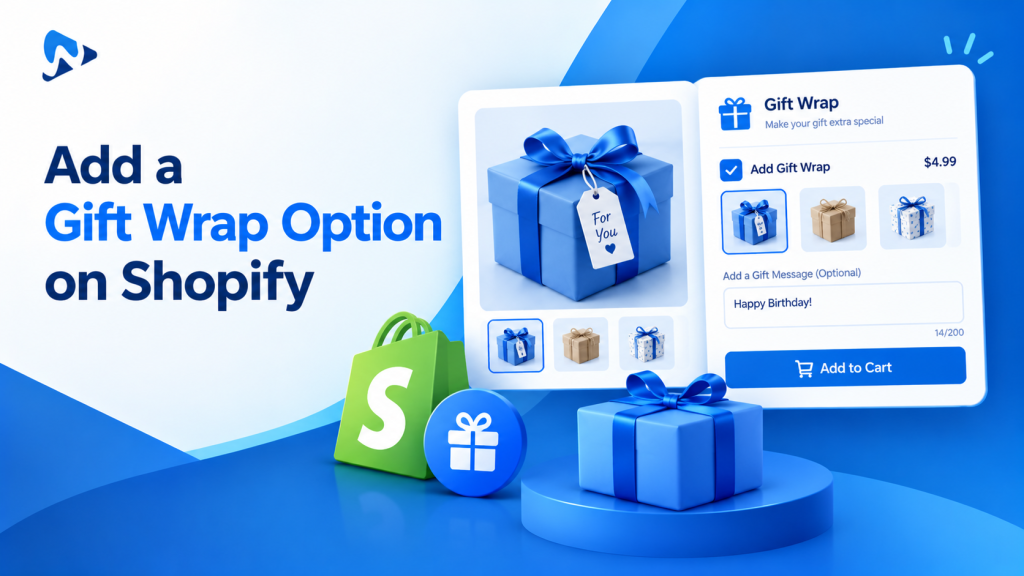
Create a “Gift options” set with a paid checkbox and message fields, show the fields only when the checkbox is ticked, then test an order. Webiots develops Ultimate Product Options; here is the setup in it.- Install Ultimate Product Options and turn on its app embed in the theme editor.
- Create an option set called “Gift options” and assign it to your giftable products or a collection.
- Add a checkbox: “Add gift wrap (+$5)”, with an add-on price of $5. Add-on pricing is included on the free plan.
- Add wrap styles (optional): image swatches such as Kraft paper, Holiday red and Gift box, each with its own price.
- Add message fields: text fields for To, From and Gift message. Put the length in the label, such as “Gift message (up to 150 characters)”, so notes fit your cards.
- Add conditional logic (Basic plan and above): show the wrap styles and message fields only when “Add gift wrap” is ticked, so other shoppers see a short form.
- Test the full journey with the checklist below before you go live.
Test checklist: 2 products, gift wrap on 1
Use a real test order so you see exactly what your team will see.- Add Product A with gift wrap ticked and a message, and quantity 2.
- Add Product B without gift wrap.
- In the cart, check the wrap fee and message show under Product A only.
- Check the total: is the fee charged once for the line, or once per unit (2 × $5)? Change the label if it doesn’t match what you intended.
- Complete checkout with a test payment.
- Open the order in Shopify admin and confirm the gift details sit under Product A, not Product B.
- Print the packing slip and check the message is readable there.
Add a paid gift wrap option in minutes
Gift wrap checkboxes, add-on prices and message fields, with no code. Free plan available.
How Much Should You Charge for Gift Wrap?
Charge enough to cover materials and packing time, and keep the price visible next to the checkbox. Illustrative example; use your own costs:| Wrap style | Materials | Packing time | Price to shopper |
|---|---|---|---|
| Kraft paper and twine | $0.75 | $0.75 (3 min) | +$4 |
| Holiday paper and ribbon | $1.25 | $1.25 (5 min) | +$6 |
| Gift box with card | $3.50 | $1.50 (6 min) | +$10 |
How Do You Make Sure Your Team Sees the Gift Message?
Each choice is saved on the order line, so check it shows wherever your team packs orders.- Order admin: the wrap choice and message appear under the item they belong to.
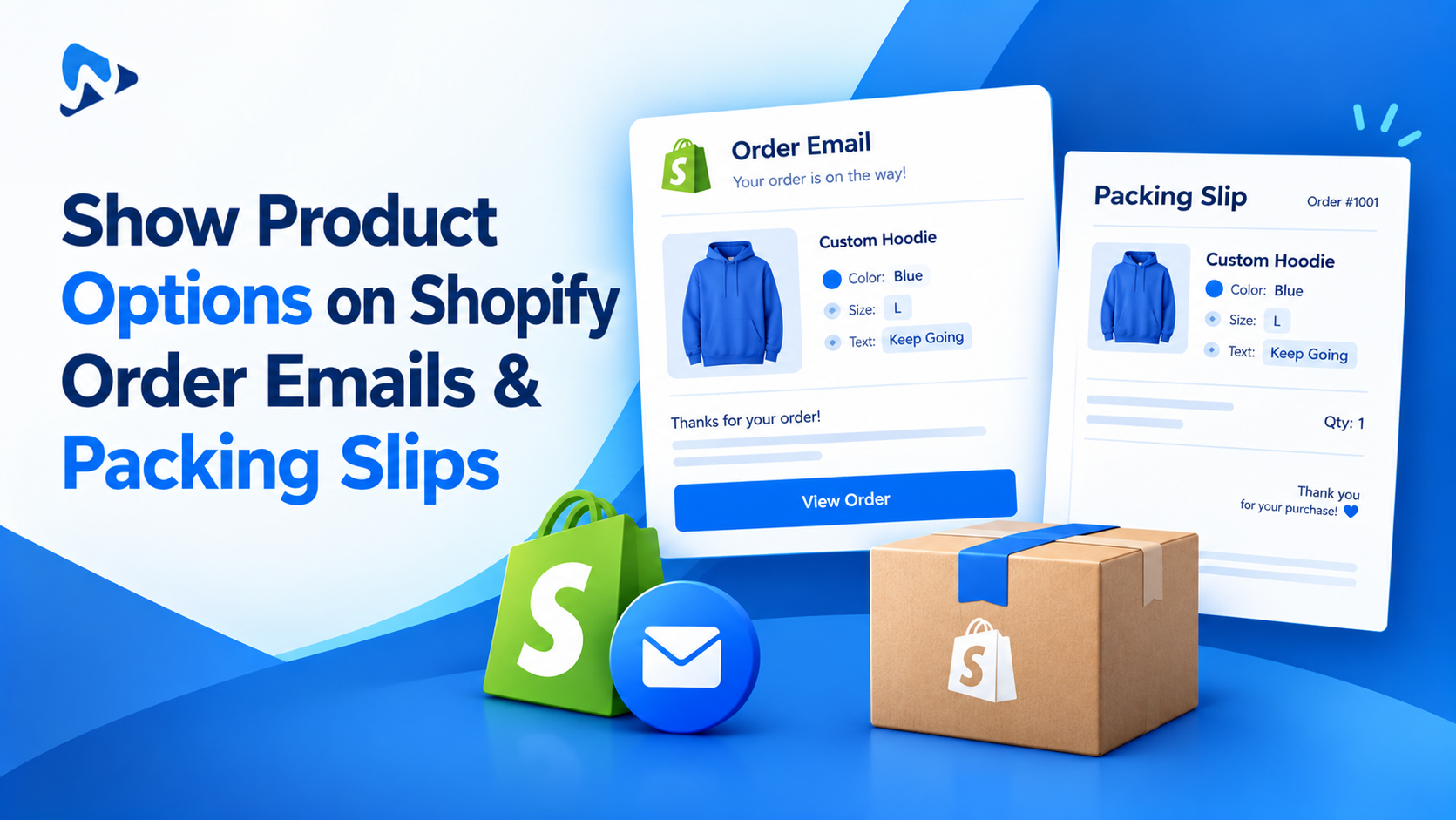
- Packing slips: check that your packing slip template prints line item properties. If it doesn’t, follow our guide to show product options on Shopify order emails and packing slips before your busy season.
- No prices in the box: wrapped gifts often go to someone else, so make sure the slip that goes inside the parcel doesn’t show prices if you don’t want it to.
- Fulfillment tools: if you use a 3PL, send a test order and confirm the gift details arrive.
What Are the Most Common Gift Wrap Mistakes?
- The fee isn’t clear: shoppers abandon the cart when a charge appears late. Put the price in the checkbox label.
- Messages are too long: a long note won’t fit a small card. State the limit in the label.
- Wrap is offered on everything: don’t show it on oversized or flat-packed products you can’t wrap. Assign the option set only to giftable products.
- The message disappears: if gift details don’t reach the cart or order, see how to fix product options not showing in the cart.
The Bottom Line
Shopify doesn’t include gift wrap, but you don’t need a separate gift app to offer it. A gift wrap checkbox with a price, plus message fields that appear only when needed, keeps every gift choice attached to the right item. Set it up on your giftable products, test an order, and check your packing slips before the holiday rush. Want to try it on your own products? Install Ultimate Product Options free or learn more about the app.Frequently Asked Questions
Does Shopify have a built-in gift wrap option?
No. Shopify doesn’t include a gift wrap setting. You can sell gift wrap as a separate product, use a theme that includes a cart gift wrap option, or add a gift wrap checkbox with a product options app.Can I charge for gift wrap on Shopify?
Yes. Either sell gift wrap as its own product with a price, or add a gift wrap checkbox with an add-on price, such as +$5, using a product options app.Can customers add a gift message to each item?
Yes, with a product-level option. A product options app can add a message field to each item, so a shopper buying three gifts can write three different notes. The cart note only allows one message per order.Will the gift message show on the order?
Yes. Product options are saved on the order line as line item properties. Check that your order emails and packing slip template print them (here’s how), and place a test order before your busy season.Can I offer free gift wrap?
Yes. Set the gift wrap price to $0 and label it “Free gift wrap”. Many stores do this for a limited time as a holiday promotion.Related Reading
- How to Charge Extra for Product Options on Shopify
- How to Add a Custom Text Field to a Shopify Product Page
- Automated Gift Services and Greeting Cards for Q4
- How to Add a Delivery Date Picker to Shopify Product Pages
- BFCM 2026 Checklist for Custom Product Stores
- How to Show Product Options on Shopify Order Emails & Packing Slips