

Last updated: October 22, 2026. Disclosure: Webiots develops Ultimate Product Options, the app used in the setup steps.
Quick answer: You can offer a range of product options under 1 main product by replacing rigid native variants with a dynamic product options app using conditional logic and price modifiers. Instead of forcing shoppers to pick every variant or purchase fixed bundles, customers selectively choose pack sizes, flavors, and optional add-on gift boxes. The price updates live on the product page and pushes a single customized item to checkout.
Key takeaways:
- Native Shopify variants force customers to select an option for every category before checkout.
- Traditional bundle apps restrict shoppers by packaging separate products into mandatory group purchases.
- Conditional product options let buyers configure modular packs and optional upgrades in one add-to-cart click.
In this guide:
- Why do standard Shopify variants fail for modular pack and flavor selections?
- How do bundle apps, combo sets, and custom option apps compare?
- How does conditional logic allow selective option choices?
- How do you track inventory for modular pack choices?
- How do you offer a range of product options under 1 main product on Shopify?
- The Bottom Line
- Frequently Asked Questions
- Related Reading
- Update Log
- Sources
Why do standard Shopify variants fail for modular pack and flavor selections?
Standard Shopify variant architecture requires shoppers to select a value for every active option category before adding an item to the cart. As merchants highlight in the Shopify Community discussion, native product setups cannot offer optional or tiered selections on one page without creating forced selections. If you create options for Pack Size, Flavor 1, Flavor 2, and Gift Box, the native form requires the buyer to select an option for all of them.
Shopify products support up to 3 option names and up to 2,048 variants per product. When selling configurable beverage packs, beauty boxes, or snack assortments, combining pack tiers (such as 3-Pack, 5-Pack, or Pump Pack) with multiple flavor dropdowns creates a massive combinatorial matrix. Attempting to build optional gift boxes into native variants forces you to create artificial “No Gift Box” option choices that unnecessarily multiply database records.
Tip: Native Shopify variants work best for mandatory choices like apparel size. For mix-and-match configurations or optional upgrades, use virtual option sets with conditional display rules.
How do bundle apps, combo sets, and custom option apps compare?
Traditional bundle apps combine separate catalog products, combo apps sell pre-grouped kits, and product options apps build modular custom configurations on a single product page. Each approach handles purchasing flexibility and cart structures differently.
| Solution Type | Purchase Model | Pricing Mechanism | Buyer Flexibility |
|---|---|---|---|
| Standard Bundle Apps | Packs multiple distinct products | Fixed or discounted bundle price | Low; requires buying all items |
| Combo / Kit Products | Fixed multi-item product set | Single SKU set price | Moderate; restricted to defined sets |
| Custom Product Options | Single product with modular fields | Dynamic price modifiers & add-ons | High; customer picks only what they want |
How does conditional logic allow selective option choices?
Conditional logic displays dependent options only after a buyer selects a specific parent choice. In a modular drink mixer or cosmetics store, you can hide all flavor selections until the shopper chooses a pack size. When the shopper clicks “3-Pack,” conditional rules reveal exactly three flavor dropdowns. If they click “5-Pack,” the form updates to reveal five flavor selectors.
Optional add-ons, like a gift box or dispenser pump, can be presented as independent checkboxes with standalone price modifiers. According to Shopify Developer documentation, customer selections attach to the order as line item properties. This guarantees that customer choices carry into the cart and checkout without forcing the customer to buy unneeded items.
How do you track inventory for modular pack choices?
Physical component stock should be tracked on base products or parent variants, while virtual configurations capture customer preference data. When pack tiers represent distinct physical inventory configurations (e.g., 3-pack boxes versus 5-pack boxes), track those base tiers using native Shopify variants.
For custom flavor picks and packaging upgrades, capture choices as line item properties. This approach keeps the base inventory accurate while providing complete personalization data on picking slips for warehouse staff.
How do you offer a range of product options under 1 main product on Shopify?
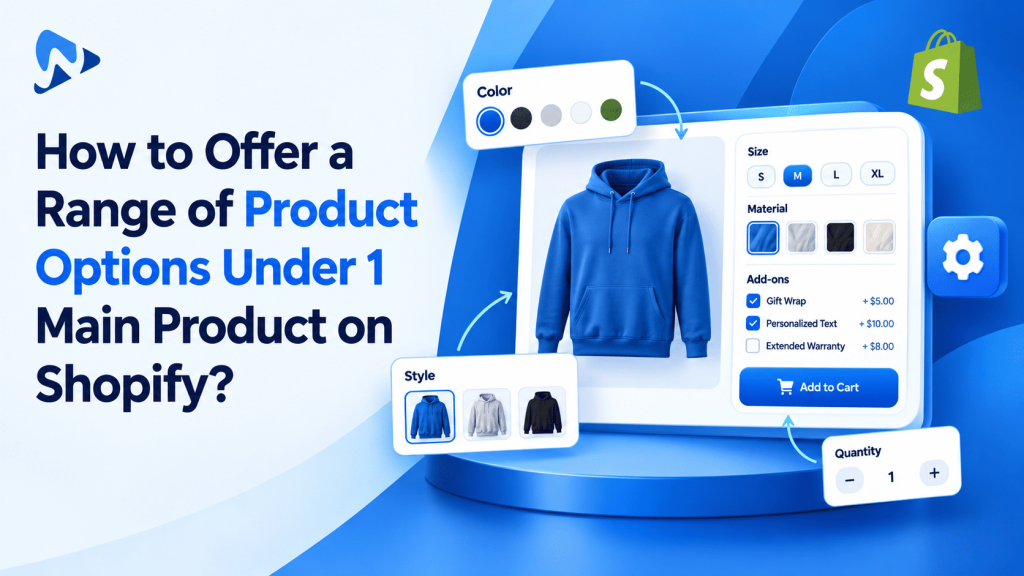
You offer a range of product options under 1 main product by using an app to configure conditional option sets with dynamic price add-ons. This setup allows shoppers to pick their pack size, select relevant flavors, and toggle optional accessories in a single add-to-cart transaction.
- Install Ultimate Product Options from the Shopify App Store.
- Open your Shopify Admin, navigate to Online Store > Themes > Customize, and switch the Ultimate Product Options app embed to On.
- Open Apps > Ultimate Product Options and click Create Option Set.
- Assign the option set to your main product or collection.
- Add a Radio Button or Button Group field for your pack sizes, such as “3-Pack ($36.99)” and “5-Pack ($60.00)”, assigning price modifiers to each value.
- Add individual Dropdown or Swatch fields for flavor selections (e.g., Lime, Peach, Berry, Blueberry, Passionfruit).
- Set up conditional logic rules (available on the Basic plan at $7.99/month and above) so that Flavor 1, 2, and 3 only appear when “3-Pack” is selected, while Flavors 4 and 5 display when “5-Pack” is active.
- Add an optional Checkbox field for accessories (e.g., “Add Premium Gift Box”) with an extra price surcharge. (Illustrative example: Selecting a $36.99 3-Pack plus an $8.00 gift box calculates a $44.99 total price. Selecting a $60.00 5-Pack plus an $8.00 gift box calculates a $68.00 total price.)
- Enable Dynamic PDP Price Update in the app settings to recalculate the on-page subtotal dynamically as options are selected.
- Publish your option set, open the live product page, select a pack and flavors, check the optional gift box, click add to cart, and verify that the cart drawer and checkout show the correct customized selections and pricing.
Build Modular Product Options on One Page
Offer pack sizes, flavor pickers, and paid gift box add-ons with conditional logic. Free plan available.
The Bottom Line
Selling modular packs, multi-flavor assortments, and optional upgrades on a single product page does not require rigid bundle apps or complicated variant workarounds. By using conditional logic and dynamic price modifiers in Ultimate Product Options, you can offer shoppers a flexible, single-page buying experience that updates prices live and sends complete customization details directly to checkout.
Want to try it on your own products? Install Ultimate Product Options free or learn more about the app.
Frequently Asked Questions
Can shoppers select just one pack tier or multiple choices on the same page?
Yes, by structuring choices with independent button selectors or checkboxes, buyers can purchase a single pack tier or combine choices in one add-to-cart transaction. The subtotal updates dynamically based on active selections.
Do I have to create separate Shopify variants for every flavor combination?
No, flavor selections can be captured as line item properties without generating native variants. This approach avoids hitting variant combination limits and keeps your inventory catalog simple.
Will the price update automatically on the product page when an add-on is checked?
Yes, dynamic price modifiers update the storefront display in real time as options are toggled. The updated total transfers into the cart drawer and checkout automatically.
Can conditional logic show different flavor counts based on pack size?
Yes, conditional rules allow you to display specific dropdown fields only when their corresponding parent pack size is selected. This feature is available on the Basic plan ($7.99/month) and above.
Do line item properties pass to fulfillment software like ShipStation?
Yes, all custom options captured via line item properties are included in Shopify’s order API and webhook payloads. Warehouse systems can read these properties to fulfill custom packs accurately.
Related Reading
- How to Add Product Options Without Creating Additional Variants
- How to Use Conditional Logic in Shopify Product Options
- The Add-On Revenue Engine: Boosting AOV with Checkbox Surcharges
Update Log
October 22, 2026: Published guide on offering a modular range of product options under 1 main product on Shopify.