Last verified: October 2026. Black Friday and Cyber Monday dates are fixed for 2026. App plans and features change often, so confirm them on the Shopify App Store listing before you buy.
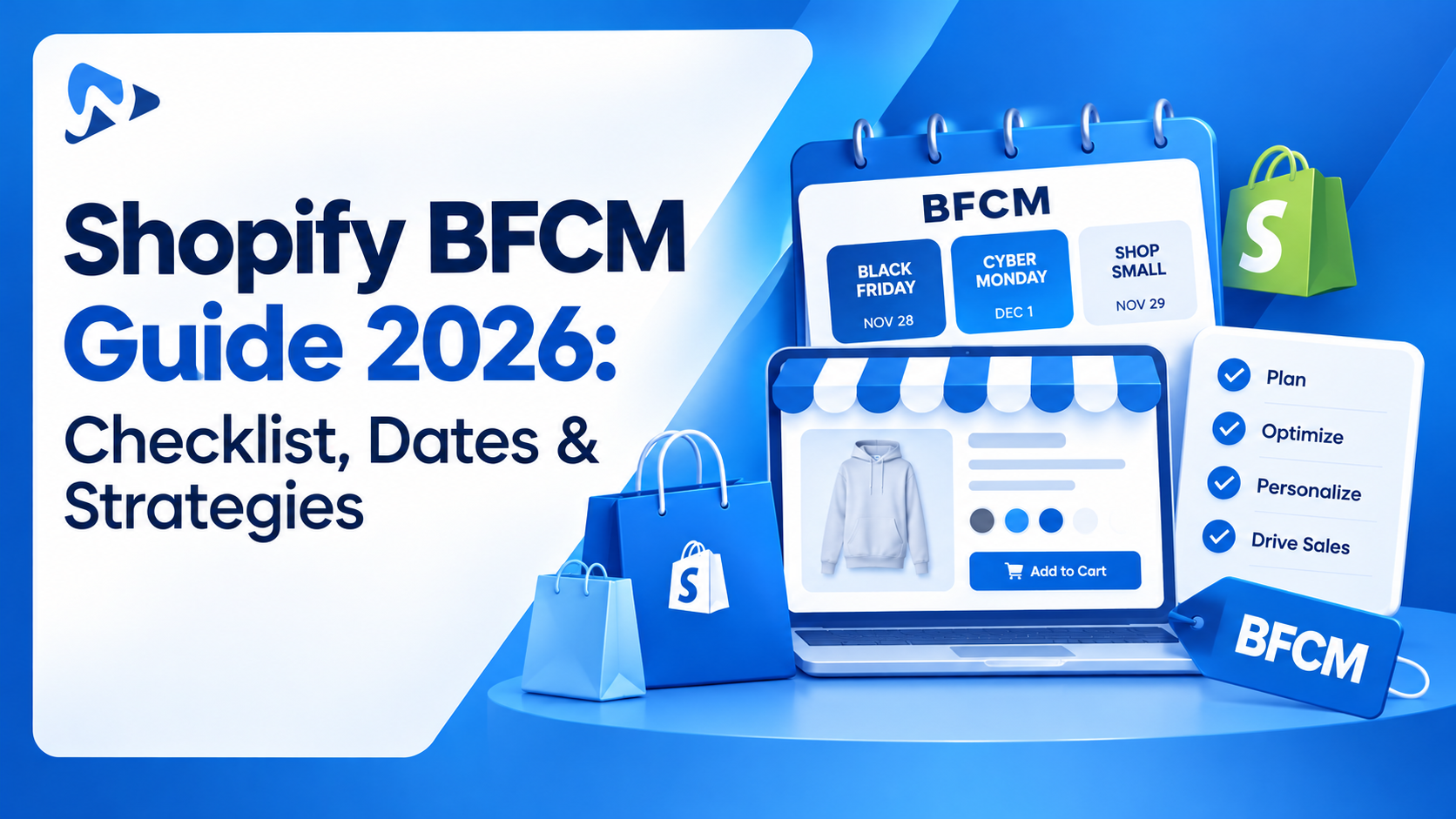
Quick answer: Black Friday 2026 is November 27 and Cyber Monday is November 30. A Shopify store that sells personalized or custom products needs a different BFCM checklist from a stock-and-ship store, because every order takes production time and every option adds a step at checkout. Lock your production and shipping cutoffs in October, use paid add-ons (engraving, gift wrap, premium upgrades) to raise order value instead of deepening discounts, test every option combination on mobile before November 18, and follow up with photo reviews after November 30.
Key takeaways:
- Your production capacity, not your ad budget, is your real BFCM revenue ceiling.
- Offers like free personalization or free gift wrap protect margin better than a flat sitewide discount.
- Shopify allows only 3 options per product, so complex custom products usually need a product options app.
- Conditional logic keeps long option forms short on mobile, where most holiday shoppers browse.
- Test that the product page price, cart and checkout all match when add-ons and BFCM discounts combine.
In this guide
- BFCM 2025 results: what they mean for 2026
- Why BFCM is different for custom product stores
- BFCM 2026 timeline
- The 15-step Shopify BFCM checklist
- What to do after BFCM
- Final verdict
- FAQ
BFCM 2025 Results: What They Mean for 2026
BFCM is still the biggest sales weekend of the year for Shopify merchants. According to Shopify’s BFCM 2025 report, merchants made a record $14.6 billion in sales over the 2025 BFCM weekend, up 27% from 2024.
| BFCM 2025 metric (Shopify) | Result |
|---|---|
| Global merchant sales | $14.6 billion (up 27% year over year) |
| Shoppers who bought from Shopify brands | 81+ million |
| Merchants with their best sales day ever | 94,900+ |
| Average cart price | $114.70 |
| Peak sales per minute | $5.1 million (12:01 PM EST, Black Friday) |
For a custom product store, the lesson is simple: demand will be there. The stores that win are the ones that can fulfill personalized orders on time and turn each order into a bigger one.
Why Is BFCM Different for Personalized Product Stores?
A store selling a single-variant product can run a sitewide sale and mostly be fine. A store selling custom name necklaces, printed apparel, or made-to-order furniture can’t, for four reasons:
- Production time is real. Every engraved, printed, or made-to-order item needs hours or days before it ships, so your holiday shipping cutoff comes earlier.
- Shopify’s native limits get in the way. According to the Shopify Help Center, each product can have up to 3 options and 2,048 variants. Size, color, material, font, gift wrap, and a message field blow past 3 options fast.
- The price changes on the page. Add-ons like engraving or gift boxes change the total. If the product page price doesn’t match the cart during a sale, shoppers lose trust.
- More fields means more mobile friction. Long forms, text inputs, and file uploads are harder to complete on a phone.
The upside: these same options are your best average order value (AOV) lever. A shopper who is already personalizing a product is primed to add gift wrap, a premium finish, or a second engraving line.
Shopify BFCM 2026 Timeline for Custom Product Stores
If you are reading this in late October, you still have about five weeks. That is enough if you work in this order.
| Phase | Dates (2026) | What to do |
|---|---|---|
| Plan | Now to Oct 31 | Review last year’s BFCM data. Pick hero products and your offer. Set production capacity and shipping cutoffs. Order blanks, packaging and gift-wrap stock. |
| Build | Nov 1 to 10 | Set up BFCM options, add-ons and pricing. Build your sale collection and landing page. Write emails, SMS and ads. |
| Test | Nov 11 to 18 | Test every option combination, conditional rule and file upload on mobile and desktop. Run full test orders. Check page speed. |
| Warm up | Nov 19 to 26 | Open VIP early access. Publish gift guides. Show your personalization cutoff date site-wide. |
| BFCM live | Nov 27 to 30 | Monitor conversion rate, AOV, add-on take rate and support tickets. Pause offers on products that run low. |
| Follow up | Dec 1 onward | Ship on time. Request photo reviews. Run a holiday gifting push before your final cutoff. |
The Shopify BFCM Checklist: 15 Steps for Custom Product Stores
1. Review Last Year’s BFCM Numbers
Your own data beats any industry benchmark. Pull these from Shopify Analytics for last year’s BFCM week:
- Revenue, conversion rate and AOV
- Best-selling products and the options shoppers picked most (colors, sizes, materials)
- Which add-ons sold, and what share of orders included one
- Products that sold out early, and products that barely moved
- Orders that shipped late, and why
The add-on data matters most. If many shoppers chose gift wrap last year, make it more visible this year. If nobody picked the premium finish, rethink its price or placement.
2. Set Goals Around AOV and Margin, Not Just Revenue
Personalized products usually cost more per unit in materials, labor and production time. A deep sitewide discount can wipe out your margin. Set targets for:
- Revenue for the full BFCM window
- AOV, including how much add-ons should contribute
- Margin floor: the lowest margin you’ll accept on any offer
- Production capacity: the maximum custom orders your team can fulfill per day
Pro tip: Your production capacity is your real revenue ceiling. Sell more than you can make, and you’ll spend December issuing refunds.
3. Lock Production Capacity and Shipping Cutoffs
Most BFCM checklists skip this step. Work backward from your holiday delivery date:
- Check each carrier’s holiday shipping deadlines.
- Subtract your production time for custom orders.
- Subtract a 2 to 3 day buffer for BFCM volume.
- Publish one clear “order personalized items by” date.
Show that date on product pages, in the cart, in emails and in your announcement bar. If some options take longer (hand-painted, custom-sized), give them a separate, earlier cutoff.
4. Stock Up on Blanks, Materials and Packaging
Forecast at the option level, not just the product level. If your bestselling necklace comes in gold, silver and rose gold, you need stock of each finish. Also order:
- Blank products and raw materials for your top options
- Gift boxes, wrap and cards if you sell them as add-ons
- Shipping boxes, mailers and labels
Running out of gift boxes mid-BFCM turns every gift-wrap add-on you sell into a support ticket.
5. Choose a BFCM Offer That Protects Margin
For custom product stores, these offers usually beat a flat percentage off:
- Free personalization (waive the engraving or monogram fee)
- Free gift wrap on orders over a set amount
- Spend-and-save tiers, such as $10 off $75 and $25 off $150
- Free upgrade to a premium material or finish
- VIP early access for past customers
These give shoppers a real reason to buy now while your base price stays intact.
6. Turn Product Options and Add-Ons Into AOV Boosters
This is where custom product stores can beat everyone else on BFCM. A shopper personalizing a product is already in buying mode, so offer relevant upgrades right on the product page:
- Paid add-ons: engraving, gift wrapping, a gift message card, rush production
- Premium upgrades: solid gold instead of plated, organic cotton, a larger size
- Extras: a matching keychain or a second name line
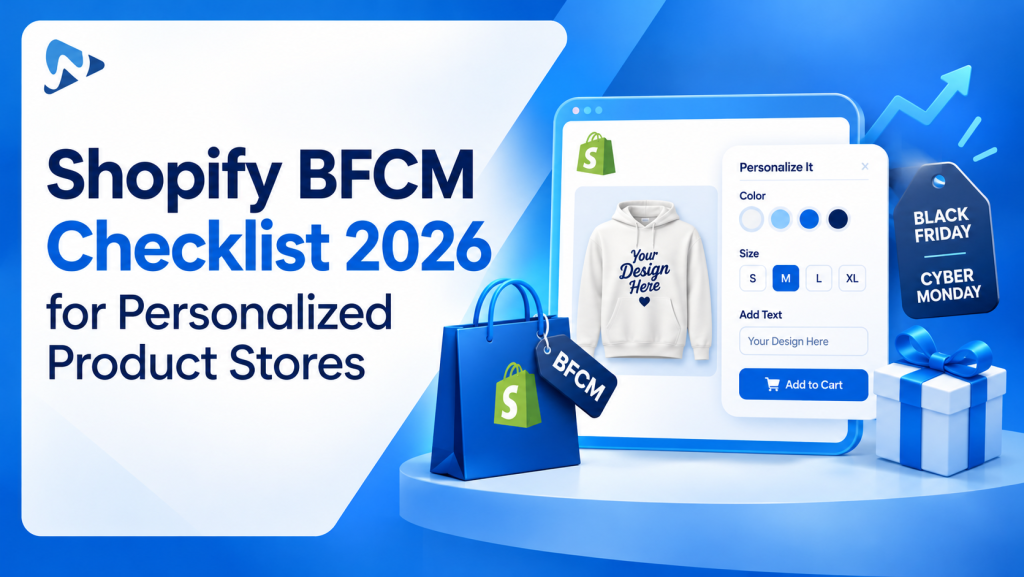
Shopify’s 3-option limit makes this hard to do natively. Ultimate Product Options removes that limit with unlimited options and 42+ option types, and add-on pricing is included on the free plan. The price updates live as shoppers choose, so they always see what they are paying. For more ideas, read how checkbox and swatch surcharges boost AOV.
Build higher-value BFCM orders with paid add-ons
Add engraving, gift wrap and premium upgrades to any product, with live pricing. Free plan available.
7. Set Up BFCM Options Fast With Bulk Apply
With hundreds of products, adding a “Free BFCM gift wrap” option one product at a time isn’t realistic. Plan your BFCM option sets once and apply them in bulk:
- Create one option set (for example, gift wrap plus gift message) and apply it to a whole collection
- Use CSV import and export to update many products at once
- Remove or swap BFCM-only options in bulk after the sale
Ultimate Product Options supports bulk apply and CSV import/export, and can generate option sets from an AI prompt or a product screenshot. That saves hours in November, when you have none to spare.
8. Simplify Option Forms With Conditional Logic
Long option forms hurt mobile conversions. Conditional logic shows only the fields that matter:
- Show “Engraving text” only after a shopper selects “Add engraving”
- Show “Gift message” only when “Gift wrap” is checked
- Show font choices only for products that support text
The shopper sees a short, clean form, and you still capture every detail production needs. To plan more complex rules, see our guide to conditional logic trees that prevent invalid product configurations.
9. Use Swatches, Live Preview and Clear Labels
Personalized products are an emotional purchase. Shoppers want to see what they’re getting before they pay. Before BFCM:
- Use color and image swatches instead of text-only dropdowns
- Add a live preview so shoppers see their text or design on the product
- Write short helper text under each field (“Max 15 characters”, “JPG or PNG, at least 1000 px”)
- Set character limits to prevent production errors
10. Test Every Option, Add-On and Discount Combination
This is your most important pre-BFCM task. Build a test matrix that covers:
- Option combinations on your top 10 products
- Conditional rules: hidden fields stay hidden and appear when they should
- Add-on pricing: the product page price matches the cart and checkout
- Discounts plus add-ons: decide whether your BFCM code applies to add-ons or only the base product, then confirm it works that way
- File uploads: large images upload on a slow mobile connection
- Order details: every personalization field appears correctly in the Shopify order and on packing slips
Place at least one full test order on mobile and one on desktop.
11. Optimize Product Pages for Mobile Speed
Test the exact pages your ads and emails link to, not just your homepage. Then:
- Compress product and swatch images
- Remove apps and scripts you no longer use
- Make option fields, swatches and the Add to Cart button easy to tap
- Check each page in Google PageSpeed Insights
12. Build a BFCM Landing Page and Gift Guide
Send campaign traffic to a focused page instead of your homepage. Include:
- Your offer and its end date, above the fold
- Your “order personalized gifts by” cutoff date
- Gift guides by recipient: “For Mom”, “For Him”, “Under $50”
- Best-selling personalized products with a clear “Personalize it” button
13. Plan Email, SMS and Ads Around Your Cutoffs
Your production cutoff is your most honest urgency message. A simple sequence:
- Early November: gift guide and VIP early-access signup
- Nov 24 to 26: VIP early access opens
- Nov 27: Black Friday launch
- Nov 28 to 29: best sellers and add-on highlights
- Nov 30: Cyber Monday offer
- December: “last day to order personalized gifts” reminders
Keep the offer, price and dates identical across ads, emails and landing pages.
14. Prepare Support for Personalization Questions
Custom orders bring specific questions. Write saved replies for:
- “Can I change my engraving text after ordering?”
- “Will my order arrive before the holidays?”
- “My photo upload failed. What do I do?”
- “Does the BFCM discount apply to add-ons?”
Decide your policy on edits to personalized orders (for example, “within 2 hours of ordering”) and publish it.
15. Set Up Abandoned Cart Recovery and a Backup Plan
Personalized carts take effort to build, so recovery emails are worth getting right. Make sure your abandoned cart flow brings back the shopper’s exact options and personalization, not just the base product.
Then write a short contingency plan: a theme backup, a list of critical apps, and who to contact if a discount, option set or upload field breaks during BFCM weekend.
What to Do After BFCM 2026
- Ship on time and flag delays early. A late personalized gift costs you more than one order.
- Analyze add-on performance. Which add-ons sold best? Which options confused shoppers? Use the answers for holiday and Valentine’s Day campaigns.
- Ask for photo reviews. Personalized products make strong user-generated content. Request reviews once orders arrive.
- Run a final holiday push. Promote your last personalization cutoff and gift cards for late shoppers.
- Remove BFCM-only options. Bulk-remove temporary add-ons and free upgrades so regular pricing returns cleanly.
Final Verdict
Custom product stores have a real advantage on Black Friday: shoppers are engaged, already personalizing, and open to upgrades. The stores that waste it are the ones that copy a generic discount playbook, oversell their production capacity, or let a confusing option form slow down mobile shoppers.
If you only do five things before November 27, do these: set a personalization cutoff date, choose a margin-safe offer like free gift wrap or free personalization, add paid add-ons to your best sellers, hide unneeded fields with conditional logic, and place test orders on mobile. Everything else on this checklist makes BFCM smoother, but those five protect your revenue and your margin.
If Shopify’s 3-option limit is what’s stopping you, try Ultimate Product Options free on the Shopify App Store or learn more about the app. Set it up on a duplicate theme first, build one real product, and place a test order before you roll it out for BFCM.
Frequently Asked Questions
When is Black Friday and Cyber Monday 2026?
Black Friday is Friday, November 27, 2026, and Cyber Monday is Monday, November 30, 2026.
When should a Shopify store start preparing for BFCM?
Ideally by early October. Stores that sell personalized or made-to-order products should lock production capacity, materials and shipping cutoffs before November, because custom orders take longer to fulfill.
How do I increase AOV on Shopify during Black Friday?
Add paid add-ons and upgrades to product pages, such as engraving, gift wrapping or premium materials. Pair them with spend-and-save tiers or free gift wrap above a set order value, so shoppers add value instead of you cutting price.
Can I add more than 3 options to a Shopify product?
Not natively. Shopify allows up to 3 options and 2,048 variants per product. A product options app such as Ultimate Product Options adds unlimited options, text fields, file uploads, swatches and paid add-ons.
Should BFCM discounts apply to product add-ons?
It depends on your margin. Decide in advance, set it up on purpose, and test it. Then state it clearly in your offer terms so shoppers aren’t surprised at checkout.
What is a good BFCM offer for personalized products?
Free personalization, free gift wrap above a set order value, or a free material upgrade. These protect your base price while still giving shoppers a reason to buy during BFCM.
Related Reading
- Best Shopify Product Options Apps (2026): 10 Compared
- Automated gift services and greeting cards for Q4 AOV
- The Add-On Revenue Engine: Boosting AOV with Checkbox & Swatch Surcharges
- Clean 3PL & ERP order sync for personalized orders
Update Log
October 2026: First published with BFCM 2026 dates, Shopify’s BFCM 2025 results, and a 15-step checklist for custom product stores.