

Last updated: November 16, 2026. Ratings, reviews and prices come from each app’s Shopify App Store listing or pricing page, checked between November 13 and 16, 2026. Disclosure: Webiots builds Ultimate Product Options and LUX AI Product Images, which are listed first. No apps paid to be included.
Quick answer: A Shopify clothing store needs apps for seven jobs: product options and personalization, product photos, size charts, reviews, loyalty, back-in-stock alerts and search filters. Our picks: Ultimate Product Options for custom options and add-on pricing (free plan, then $7.99), LUX for AI product photos and image SEO (free plan, then $9.99), Kiwi Size Chart for sizing (free, then $7.99), Judge.me for photo reviews (free, then $15), Smile for loyalty (free to 200 orders), Swym for back-in-stock alerts (from $19.99) and Shopify Search & Discovery for filters (free). Start with size charts, photos and reviews, since fit and trust drive most clothing sales.
Key takeaways:
- Fix sizing, photos and reviews first.
- Six of the seven apps have a free plan.
- You can start for $0 and add paid plans as you grow.
- Pick apps for your store type, not a generic top 20 list.
In this guide
- The 7 apps compared
- How we chose
- Which apps to install first
- The 7 apps, one by one
- App stacks by store type
- Other apps to add later
- What it costs at each stage
- Common mistakes
- FAQ
What Are the Best Shopify Apps for Clothing Stores?
The best Shopify apps for clothing stores cover sizing, photos, personalization, reviews, loyalty, stock alerts and filters. Here they are side by side.
| App | Job | Rating (reviews) | Free plan | Paid from |
|---|---|---|---|---|
| Ultimate Product Options | Options, personalization, add-ons | 5.0 (15) | Yes | $7.99/mo |
| LUX AI Product Images | AI photos, alt text, compression | 5.0 (2) | Yes (200 credits) | $9.99/mo |
| Kiwi Size Chart & Recommender | Size charts, fit finder | 4.7 (1,245) | Yes | $7.99/mo |
| Judge.me Product Reviews | Photo and video reviews | 5.0 (50,206) | Yes | $15/mo |
| Smile: Loyalty Program Rewards | Loyalty points and rewards | 4.9 (4,681) | Up to 200 orders | $15/mo |
| Swym Back in Stock Alerts | Restock alerts by size | 4.5 (445) | 30-day trial | $19.99/mo |
| Shopify Search & Discovery | Filters, synonyms, recommendations | 2.6 (514) | Free | Free |
How We Chose These Apps
We started from the reasons shoppers don’t buy clothes online (fit, how it looks, trust and finding the right size in stock) and picked one app per job instead of listing every app in a category. For each app we checked its Shopify App Store listing for rating, number of reviews, free plan and price between November 13 and 16, 2026. We favored apps with a free plan or trial, a long review history or a clear feature no other app on the list covers. Webiots builds the first two apps; we’ve listed what they cost and what they don’t do, too.
Which Apps Should a Clothing Store Install First?
Install in the order that removes the biggest reasons shoppers don’t buy clothes online: fit, how it looks, and trust.
- Size charts answer “will it fit?” before shoppers leave or return the item.
- Product photos show the garment clearly, on a model and in a setting.
- Photo reviews show real customers wearing it.
- Filters let shoppers find their size, color and style fast.
- Back-in-stock alerts win back sales when a size sells out.
- Product options add monograms, custom sizes or gift wrap as paid extras.
- Loyalty brings customers back for the next season.
The 7 Best Shopify Apps for Clothing Stores, One by One
1. Ultimate Product Options: Best for Personalization and Add-Ons
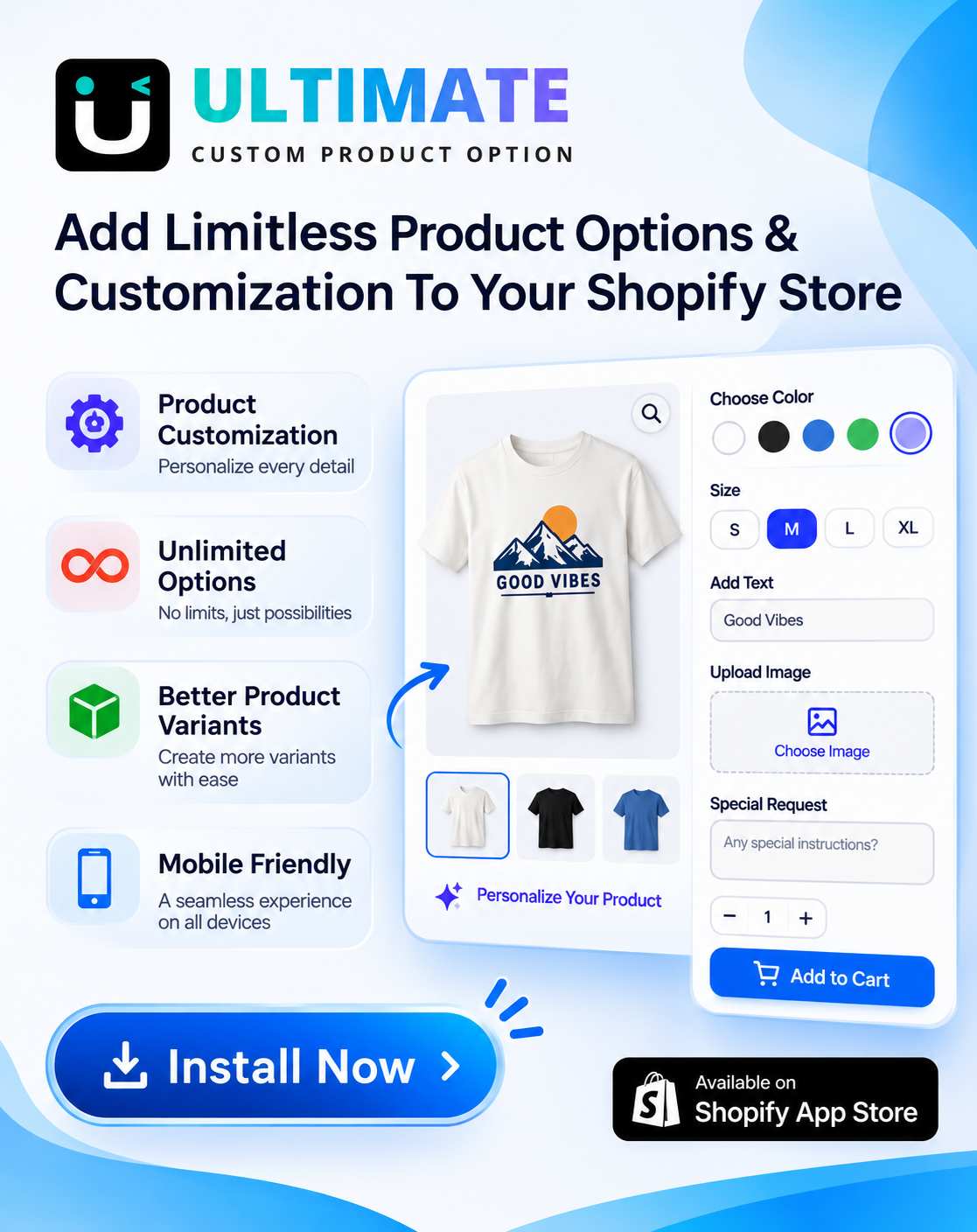
Clothing stores often need more than Shopify’s 3 options per product: custom measurements, monograms, patches, gift wrap or a choice of embroidery thread. Ultimate Product Options adds unlimited options with add-on pricing, so a $10 monogram is charged at checkout without creating extra variants.
Rating: 5.0 (15 reviews)
Free: unlimited option sets, add-on pricing
Basic $7.99: 42+ option types, conditional logic, cart editing, MCP for Claude and ChatGPT
Advanced $12.99: live text preview on the product image
Trade-offs: a newer app with fewer reviews than older options apps
Best for: custom, personalized and made-to-measure clothing
View Ultimate Product Options on the Shopify App Store
2. LUX AI Product Images: Best for Product Photos and Image SEO
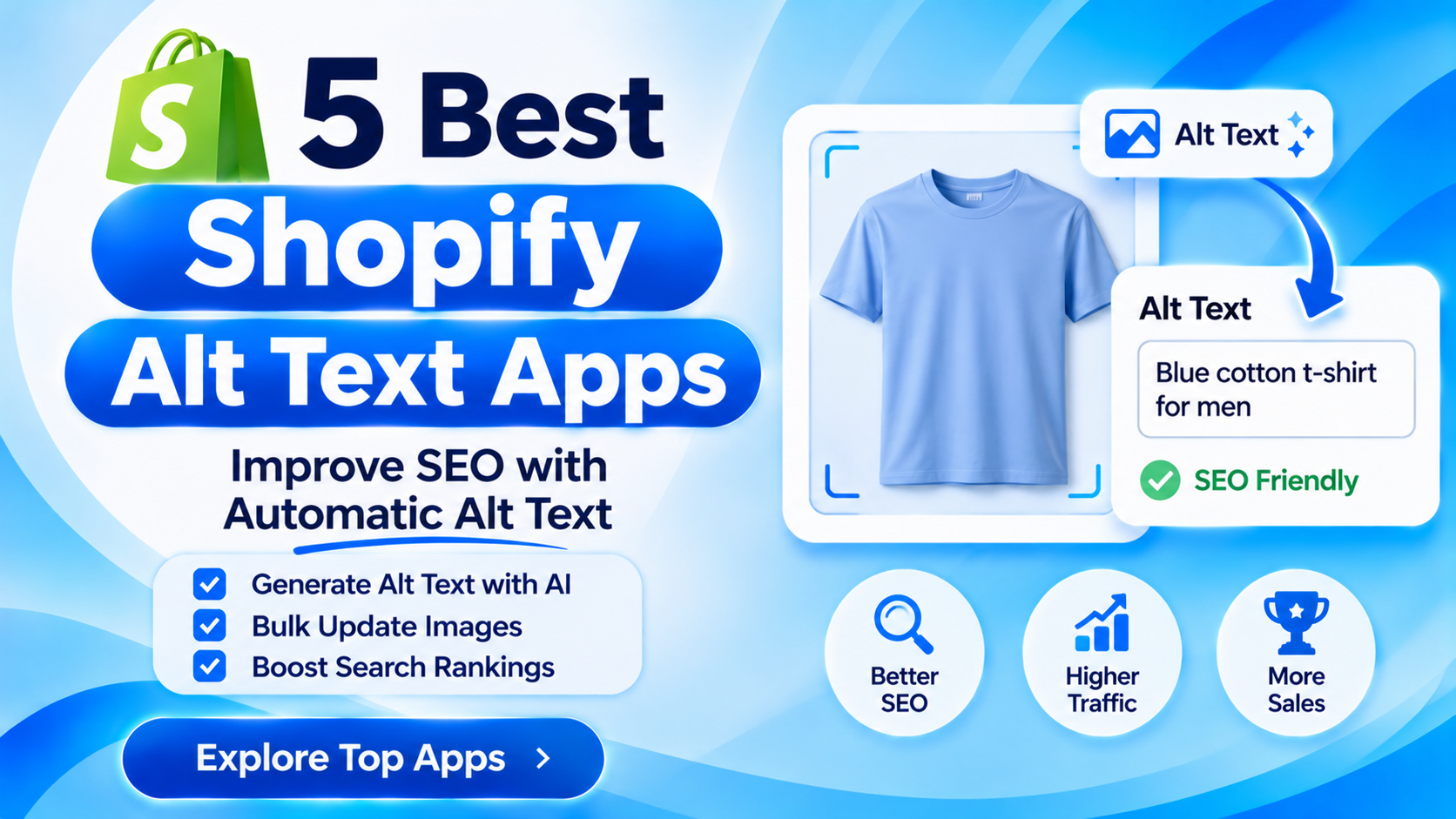
LUX turns one product photo into lifestyle scenes and clean catalog images, removes backgrounds, and writes AI alt text and SEO file names in bulk. It also compresses and resizes images so collection pages stay fast.
Free: 200 credits with image generation, bulk alt text and compression
Paid: Starter $9.99 (1,500 credits), Growth $19.99, Pro $49.99, with video
Trade-offs: creates scenes without models; for AI human models, use a fashion model app alongside it
Best for: lifestyle photos and image SEO for a whole catalog
For a full workflow, see AI clothing product photos for Shopify. View LUX on the Shopify App Store
3. Kiwi Size Chart & Recommender: Best for Size Charts
Kiwi adds size charts and a fit recommender to product pages, so shoppers can pick the right size before buying.
Rating: 4.7 (1,245 reviews)
Plans: Free; Premium $7.99, Plus $14.99, Ultimate $26.99 a month
Best for: any store selling sized clothing
4. Judge.me: Best for Photo and Video Reviews
Judge.me collects reviews by email after fulfillment or delivery and shows photo and video reviews on product pages. Its free plan includes unlimited reviews, unlimited photo and video reviews, Google rich snippets and a reviews importer.
Rating: 5.0 (50,206 reviews) · Built for Shopify
Plans: Free; Awesome $15 a month (AI replies, auto-reminders, coupons and referrals, Google Shopping), 15-day free trial
Best for: stores that want photo reviews without a big monthly bill
See how to collect photo and video reviews on Shopify.
5. Smile: Best for Loyalty
Smile runs points, rewards, referrals and VIP tiers, and works with Shopify POS, so customers come back for the next drop.
Rating: 4.9 (4,681 reviews) · Built for Shopify
Plans: Free up to 200 orders a month; Essential $15 (up to 500 orders), Standard $79 (up to 1,000), Growth $199 (VIP tiers), each with a 14-day trial
Best for: stores with repeat buyers
Compare 10 options in our Shopify loyalty apps comparison.
6. Swym Back in Stock Alerts: Best for Sold-Out Sizes
When a popular size sells out, Swym lets shoppers sign up for an alert and emails them when it’s back.
Rating: 4.5 (445 reviews)
Plans: Starter $19.99, Pro $59.99, Premium $99.99 a month, each with a 30-day free trial
Best for: stores with fast-selling sizes and restocks
7. Shopify Search & Discovery: Best Free Filters
Shopify’s own free app adds filters (size, color, price), search synonyms, product boosts and related product recommendations. Its rating is low, but it’s free and made by Shopify, so most clothing stores should install it before paying for a search app.
Rating: 2.6 (514 reviews)
Price: Free
Best for: size and color filters on collection pages
Which Apps Fit Your Type of Clothing Store?
| Store type | Start with | Why |
|---|---|---|
| Print-on-demand t-shirts | A print-on-demand app, Ultimate Product Options, LUX, Judge.me | Names and custom text, mockups and lifestyle photos, social proof |
| Boutique | Kiwi, LUX, Judge.me, Smile, Search & Discovery | Fit, good photos, reviews and repeat buyers |
| Custom or made-to-measure | Ultimate Product Options, Kiwi, Judge.me | Measurement fields, fabric and add-on prices, size help |
| Streetwear and drops | Swym, Smile, LUX, Judge.me | Restock alerts, VIP early access, fresh photos for each drop |
| Large catalog | Search & Discovery, LUX, Kiwi, Swym | Filters, bulk image SEO, size charts and stock alerts at scale |
Which Other Apps Should Clothing Stores Add Later?
Once the basics are working, these categories are worth a look. Compare a few apps in each on the Shopify App Store:
- Returns and exchanges: let shoppers swap sizes online instead of asking for a refund.
- Order tracking: a branded tracking page cuts “where is my order?” emails.
- Print on demand: Printful and Printify print and ship designs without stock. See how to sell custom t-shirts on Shopify.
- Virtual try-on and AI models: show garments on a model without a photoshoot.
- Bundles, free gifts and cart upsells: sell outfits and raise order value with offers in the cart drawer. See gift options in the Shopify cart.
- Instagram and UGC galleries: show customers wearing your clothes on product pages.
- A mobile app: for stores with many repeat buyers. See how much a Shopify mobile app costs.
How Much Do These Apps Cost Together?
| Stage | Setup | Monthly cost |
|---|---|---|
| Just starting | Free plans of Ultimate, LUX, Kiwi, Judge.me, Smile and Search & Discovery | $0 |
| Growing | Ultimate Basic, LUX Starter, Kiwi Premium, Judge.me Awesome, Smile free, Swym Starter | About $61 |
Growing total: $7.99 + $9.99 + $7.99 + $15 + $0 + $19.99 = $60.96. Smile becomes $15 a month above 200 orders a month.
Common Mistakes When Choosing Clothing Store Apps
- Installing too many apps at once. Each one can add scripts to your theme. Add one, test speed, then add the next.
- Using variants for everything. Shopify allows 3 options per product; use an options app for monograms, custom sizes and gift wrap.
- Skipping size charts. Fit questions are one of the biggest reasons shoppers hesitate on clothing.
- Two apps doing the same job. Two review or popup apps slow the store and confuse shoppers.
- Not testing on mobile. Check that size charts, swatches and option fields work on a phone.
Frequently Asked Questions
What apps does a Shopify clothing store need?
Size charts, product photos, photo reviews, filters, back-in-stock alerts, product options for personalization, and loyalty. Most have free plans to start.
How many apps should a clothing store install?
Start with 4 to 6 that cover fit, photos, reviews and filters, then add one at a time as a clear need appears. Remove apps you stop using.
What is the best free Shopify app for a clothing store?
Shopify Search & Discovery is fully free for filters. Ultimate Product Options, LUX, Kiwi, Judge.me and Smile all have free plans.
Is Shopify good for a clothing business?
Yes. Shopify handles variants for size and color, works with print-on-demand apps, and has apps for size charts, reviews and personalization, so you can start small and add features as you grow.
Which Shopify app prints t-shirts?
Print-on-demand apps such as Printful and Printify print and ship each order. Add a product options app if customers can personalize the design.
How do I add personalization to clothing on Shopify?
Use a product options app such as Ultimate Product Options to add text fields, font pickers and paid add-ons like monograms, without creating extra variants.
How can I get better clothing photos without a photoshoot?
Shoot one clear photo of each garment and use an AI image app such as LUX to create lifestyle scenes and clean catalog images from it.
Do apps slow down a Shopify clothing store?
They can. Install one at a time, test your product page speed on mobile, and remove apps you no longer use.
Related Reading
- Best Shopify Product Options Apps (2026): 12 Compared
- AI Clothing Product Photos for Shopify
- 10 Best Shopify Loyalty Apps (2026)
- Shopify Size Chart with Custom Options
- How to Add More Than 3 Options to a Shopify Product
Update Log
November 16, 2026: First published with 7 apps for clothing stores, checked against App Store listings and pricing pages, plus app stacks by store type and other apps to add later.
Sources
- Shopify App Store: Ultimate Product Options
- Shopify App Store: LUX AI Product Images
- Shopify App Store: Kiwi Size Chart & Recommender
- Shopify App Store: Judge.me Product Reviews
- Shopify App Store: Smile Loyalty Program Rewards
- Shopify App Store: Swym Back in Stock Alerts
- Shopify App Store: Shopify Search & Discovery