

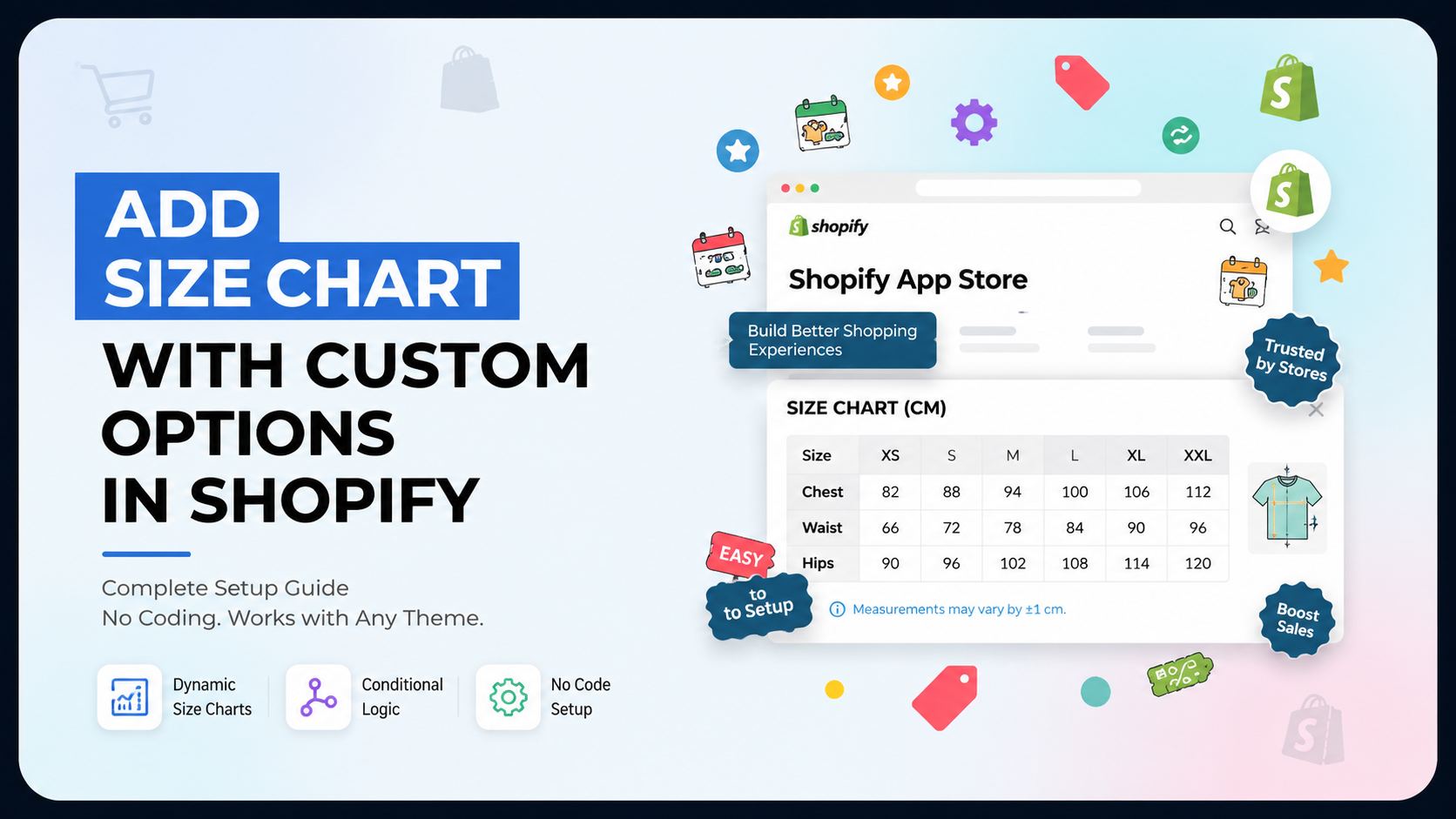
How to add a dynamic, mobile-friendly size chart to any Shopify product using Ultimate Product Options — no developer, no theme code edits.
Quick Answer
Ultimate Product Options lets you add a Shopify size chart with custom options to any product. You can show it as a linked popup, an inline table, or a conditional option tied to variant selection. Everything happens inside the app’s visual editor. No Liquid code and no CSS are required.
You can also assign different size charts to different products or collections. Better yet, you can combine each chart with custom options like fit, engraving, or fabric. As a result, shoppers see the right sizing guidance exactly when they need it.
Why a Static Size Chart Page Isn’t Enough
Most Shopify themes only support one basic size chart link. It sits in the product description and points to one generic page. That’s fine for a store with a single product type.
However, it breaks down fast. For example, once you sell shoes and hats, or men’s and women’s fits, sizing logic changes per product. A single static chart simply can’t keep up.
The result? Shoppers guess. Support tickets pile up asking “does this run small?” Returns increase. A Shopify size chart with custom options fixes this. It stays aware of the specific product and, ideally, the options a shopper is already selecting. That solves the sizing problem at the point of decision, not after checkout.
How to Add a Shopify Size Chart with Custom Options
Setting up a Shopify size chart with custom options takes just a few steps. Here’s the full process:
- Install and open Ultimate Product Options from the Shopify App Store, then go to the app dashboard.
- Create a new option set and add a Size option using dropdown, button, or swatch style — whichever matches your product layout.
- Attach a size chart using the app’s chart/table option type, or link an image-based chart as a popup triggered by an “info” icon next to the Size field.
- Map charts to products or collections so footwear gets a shoe chart, apparel gets a clothing chart, and so on — without duplicating option sets manually.
- Add conditional logic if needed, so the chart or its values change based on another option, like Region (US/UK/EU sizing) or Category (Men’s/Women’s).
- Preview on mobile inside the app to confirm the chart opens as a clean popup rather than a squeezed inline table.
- Publish — no theme file edits, no Liquid, and it stays intact through theme updates.
Combining a Size Chart with Other Custom Options
A plain size-chart app only does one job. Sizing doesn’t have to live in isolation, though. With Ultimate Product Options, the same option set can include:
- Fit and cut selectors (slim, regular, oversized) that adjust which chart or chart column applies.
- Region-based sizing so the chart auto-switches between US, UK, and EU measurements.
- Add-ons like monogramming or gift wrap that appear only after a size is chosen, keeping the page uncluttered.
- Price adjustments for extended sizes, handled automatically without separate variants.
This is exactly where a full custom options app beats a single-function size-chart tool. Sizing, pricing logic, and personalization all live in one configuration. You avoid juggling three separate apps that don’t talk to each other.
The Size Chart Popup Flow
Here’s how the shopper experience flows. It starts on the product page and ends with the correct size in cart:
Example: A T-Shirt Size Chart in Practice
Here’s what a size chart popup looks like for a simple classic-tee product, with the shopper’s currently selected size highlighted:
Measurements in inches. Find your best fit below.
| Size | Chest | Length | Sleeve |
|---|---|---|---|
| S | 36 | 27 | 8.0 |
| M | 40 | 28 | 8.5 |
| L | 44 | 29 | 9.0 |
| XL | 48 | 30 | 9.5 |
Size M is highlighted to match the shopper’s current selection on the product page.
Design and Performance Notes
A Shopify size chart with custom options renders as a lightweight popup or inline table. By default, it inherits your theme’s fonts and colors. You can restyle it from the app without touching theme CSS.
Page speed stays fast, too. The chart data loads with the option set rather than as a separate embed. This avoids a common complaint with older size-chart apps, which often inject third-party scripts on every product page.
Frequently Asked Questions
Can I use a different size chart for different products?
Yes. Ultimate Product Options lets you map specific charts to individual products, collections, or tags, so footwear, apparel, and accessories can each show the correct sizing table automatically.
Does adding a size chart require editing my theme code?
No. The chart is built and attached entirely inside the app’s visual editor, and it survives theme updates since it isn’t hard-coded into theme files.
Can the size chart change based on another option, like region or category?
Yes, using conditional logic you can show a different chart or different chart values depending on a shopper’s Region or Category selection, so US and UK sizing don’t have to share one table.
Will a size chart popup slow down my product pages?
No noticeable impact in most cases, since the chart data loads with the existing option set rather than through a separate third-party embed or script.
Can I combine a size chart with paid add-ons on the same product?
Yes. Size selection, conditional add-ons, and price adjustments can all live in the same option set, so a shopper can pick a size and then see relevant add-ons like monogramming appear afterward.
Set Up Your Shopify Size Chart Today
Ultimate Product Options handles size charts, conditional logic, and custom add-ons in one app. It’s built for Shopify merchants who need product pages to do more than show a price.
Explore Ultimate Product Options