

Last updated: November 12, 2026. Disclosure: Webiots develops Ultimate Product Options, the app used in the setup steps.
Quick answer: You can find free variation or option apps on Shopify by searching the Shopify App Store for product options, product variants, or product customization. Compare each app’s free plan, available input types, pricing features, and support. Ultimate Product Options offers a Free plan with unlimited option sets and options for basic product customization.
Key takeaways:
- Shopify supports up to 3 native options and 2,048 variants per product.
- Product options apps can collect extra customer choices without creating a separate variant for every choice.
- Check free-plan limits and test the app on your storefront before publishing.
In this guide
- How can you find free variation or option apps on Shopify?
- What is the difference between Shopify variants and custom options?
- What should you look for in a free product options app?
- What can you do with Ultimate Product Options’ Free plan?
- How do you set up product options with Ultimate Product Options?
- The Bottom Line
- Frequently Asked Questions
- Related Reading
- Update Log
- Sources
How can you find free variation or option apps on Shopify?
Search the Shopify App Store for product options, product variants, and product customization apps. These search terms help you find tools that add choices to product pages. You can then compare their features and pricing.
Start with the official Shopify App Store. Search for terms such as “product options,” “custom product options,” or “product variants.” Open relevant listings and check whether they offer a free plan or only a free trial.
Do not choose an app based on the word “free” alone. Some apps offer a limited free tier. Others provide a trial that requires a paid subscription later. Read the plan details before installing.
Also check the app’s supported input types, customer support, theme compatibility, and how selected options appear in orders. These details matter when customers need to provide information such as engraving text, gift messages, or custom preferences.
What is the difference between Shopify variants and custom options?
Variants represent purchasable product versions, while custom options collect additional choices or information from customers. The right approach depends on whether a choice needs its own inventory and SKU.
Shopify lets you create variants from combinations of product options. For example, a shirt may have Size and Color options. Each combination can become a separate variant with its own price and inventory settings.
Shopify currently allows up to 3 options and 2,048 variants per product. If you need additional customer inputs, a product options app can collect them without creating a new variant for every customization.
| Comparison | Native variants | Custom product options |
|---|---|---|
| Main purpose | Manage product versions | Collect customer choices |
| Inventory | Can track each variant | Does not create a separate variant for each input |
| Examples | Size, color, material | Engraving, gift message, add-ons |
| Best suited for | Stocked product versions | Personalization and extra details |
For example, a store selling personalized mugs can use variants for stocked mug colors. It can use a custom text field to collect the customer’s engraving message. This keeps inventory choices separate from personalization details.
Shopify’s official guide explains the variant limits and setup process. Some third-party themes, apps, and sales channels might not support more than 100 variants, even though Shopify’s product limit is higher.
What should you look for in a free product options app?
Choose an app based on the options your customers need and the features included in its free plan. A free plan should support your basic product setup without forcing you to pay for features you do not use.
Review these points before installing an app:
- Input types: Look for text fields, dropdowns, radio buttons, checkboxes, and color swatches if your products need them.
- Option limits: Check how many products, option sets, and fields you can create on the free plan.
- Extra charges: If you sell paid upgrades, check whether the app supports add-on pricing.
- Order details: Confirm that customer selections are available when you process orders.
- Store compatibility: Check the app’s theme and storefront requirements.
- Support: Review the available help channels and documentation.
It is also useful to read recent reviews and inspect the app’s demo store, if one is available. Test the customer experience on desktop and mobile before making it available to shoppers.
What can you do with Ultimate Product Options’ Free plan?
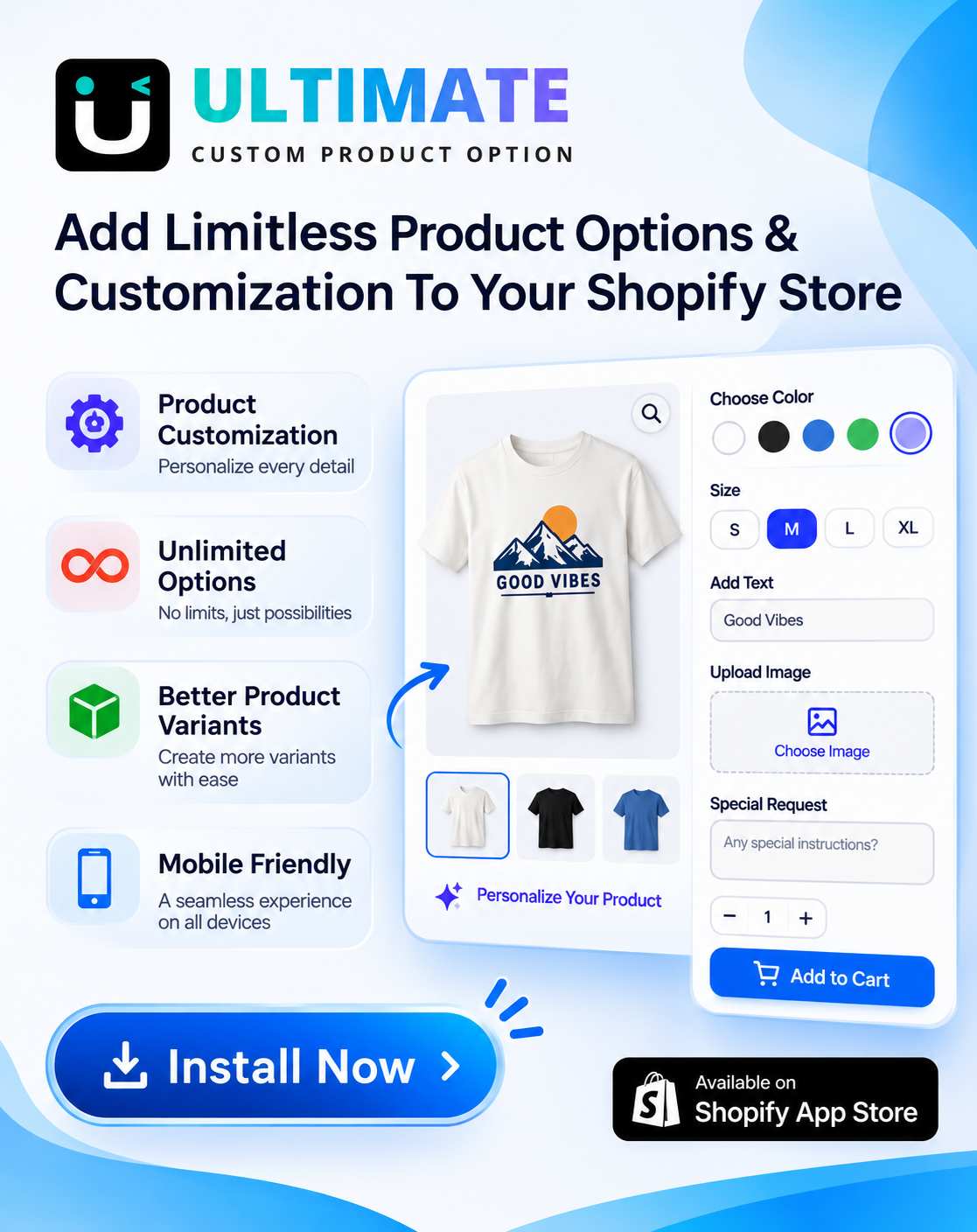
Ultimate Product Options includes a Free plan with unlimited option sets and options for basic product customization. It is designed for merchants who want to add extra product choices without immediately committing to a paid subscription.
According to its Shopify App Store listing, the Free plan includes:
- Unlimited option sets and options.
- Text boxes, dropdowns, radio buttons, and checkboxes.
- Color and image swatches, plus buttons.
- Add-on pricing for extra charges.
- Options displayed in orders and packing slips.
- Unlimited templates and the ability to copy option sets.
- Live chat and email support, with no watermark.
- 50 AI option builder credits.
Paid plans add further capabilities. For example, conditional logic, more option types, and file uploads up to 20 MB are listed under Basic. Live text preview and POS support are listed under Advanced. Always check the current listing for the latest plan details and billing terms.
How do you set up product options with Ultimate Product Options?
You can start by installing the app, creating an option set, choosing the fields, and testing the customer experience. Keep the first setup simple so you can confirm that the options work as expected.
- Install the app. Open the Ultimate Product Options listing in the Shopify App Store and install it on your store.
- Choose the Free plan. Review the available plan details and start with Free if its included features meet your needs.
- Create an option set. Use the app to create a group of choices for the product or products you want to customize.
- Add the required fields. Choose from the available free input types, such as text boxes, dropdowns, radio buttons, checkboxes, swatches, or buttons.
- Configure add-on pricing if needed. Set an additional charge for an optional upgrade when your product setup requires it.
- Save and review the option set. Check the selections and make sure the fields match the information you want customers to provide.
- Test the storefront and cart. Open the product page, select different options, add the product to the cart, and check that the choices and any extra charges appear correctly. Place a test order if possible.
Shopify also supports custom line item properties through product form inputs. These can capture information such as an engraving message and associate it with a cart line item. Read the Shopify line_item documentation for details.
Add more choices to your Shopify products
Start with unlimited option sets, basic input types, and add-on pricing on the Free plan.
The Bottom Line
Finding a free product options app on Shopify starts with understanding what your products need. Use native variants for choices that require separate inventory, and use custom options for details such as messages, preferences, and paid extras. Compare free-plan features carefully and test the complete buying journey before publishing. Ultimate Product Options offers a Free plan for merchants who want to begin adding flexible choices to their product pages.
Want to try it on your own products? Install Ultimate Product Options free or learn more about the app.
Frequently Asked Questions
Are there free product options apps on Shopify?
Yes, some Shopify product options apps offer free plans. Check the included option types, limits, and pricing features before installing one.
What is the difference between a product variant and a product option?
A variant is a purchasable version of a product, while a custom option collects an additional choice or detail. For example, size can be a variant, while an engraving message can be a custom option.
How many options can a Shopify product have?
Shopify allows up to 3 native options and 2,048 variants per product. A third-party product options app can collect additional customization details without creating a variant for every choice.
Can I add custom product options without creating variants?
Yes, a product options app can collect custom inputs without creating a separate Shopify variant for each selection. Shopify also documents how line item properties can capture custom information on cart items.
Does Ultimate Product Options have a free plan?
Yes, Ultimate Product Options lists a Free plan with unlimited option sets and options, basic input types, and add-on pricing. Features such as conditional logic and file uploads are listed under paid plans, so check the App Store listing for current details.
Related Reading
- How to Add More Than 3 Options to a Shopify Product
- Shopify Custom Product Options: Advanced Setup Guide
- How to Add Product Options Without Creating Additional Variants
Update Log
November 12, 2026: Published this guide with updated Shopify variant limits, free-plan details, and a setup walkthrough.