

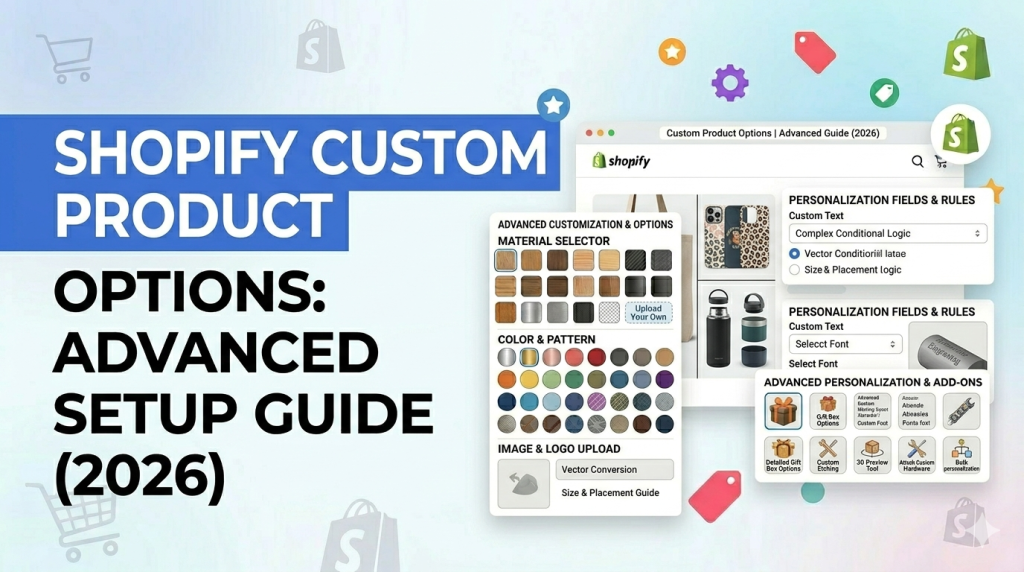
If you are running a serious Shopify store in 2026, basic product variants are not enough.
Customers expect personalization. They want to choose, modify, and customize products before buying.
And if your store cannot support that experience, they will move to a competitor that can.
Even though Shopify has increased its variant limit to 2,000 per product, that does not solve deeper customization needs.
You still cannot handle file uploads, complex conditional logic, or flexible pricing with native features alone. This is where shopify custom product options become critical.
This guide goes beyond basics. It is built for merchants who want to increase revenue and for developers who need scalable, flexible implementations.
What Are Shopify Custom Product Options?
Shopify custom product options extend the default product configuration system.
Instead of relying only on variants, you can introduce dynamic fields and logic that allow customers to personalize products in real time.
Key Capabilities
With advanced product options, you can:
- Collect custom input from customers
- Create unlimited option sets
- Apply conditional logic between fields
- Add price adjustments dynamically
- Capture complex order data cleanly
This transforms a static product page into an interactive buying experience.
Default Shopify Variant Limitations (2026 Reality)
Shopify now supports:
- Up to 3 options per product
- Up to 2,000 variants per product
This is a strong upgrade. But from a developer and scalability perspective, problems still remain.
Where Native Variants Fall Short
Even with 2,000 variants, you still cannot:
- Accept text input such as engraving
- Upload files for custom printing
- Show or hide fields based on user choices
- Apply complex pricing logic
- Avoid variant explosion in large catalogs
Variant Explosion Problem
Let’s say you sell a custom hoodie:
- 5 sizes
- 10 colors
- 20 print designs
- Optional personalization
Variants required:
5 × 10 × 20 = 1,000 variants already
Now add personalization or add-ons and the system becomes unmanageable.
This is why serious stores move beyond variants.
Types of Shopify Custom Product Options
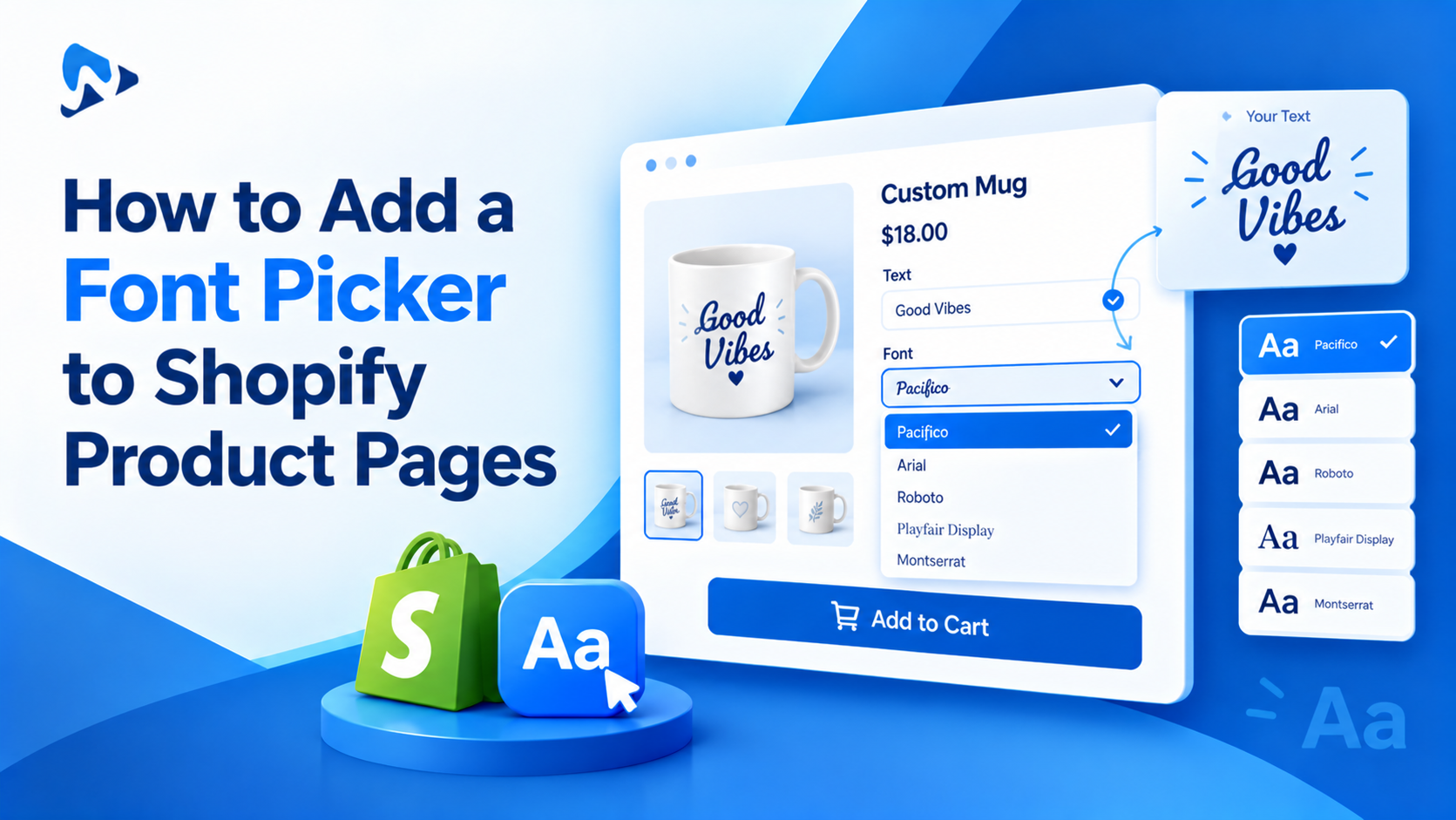
Text Inputs with Validation
Used for:
- Engraving
- Custom messages
- Personal identifiers
Advanced setup includes:
- Character limits
- Regex validation
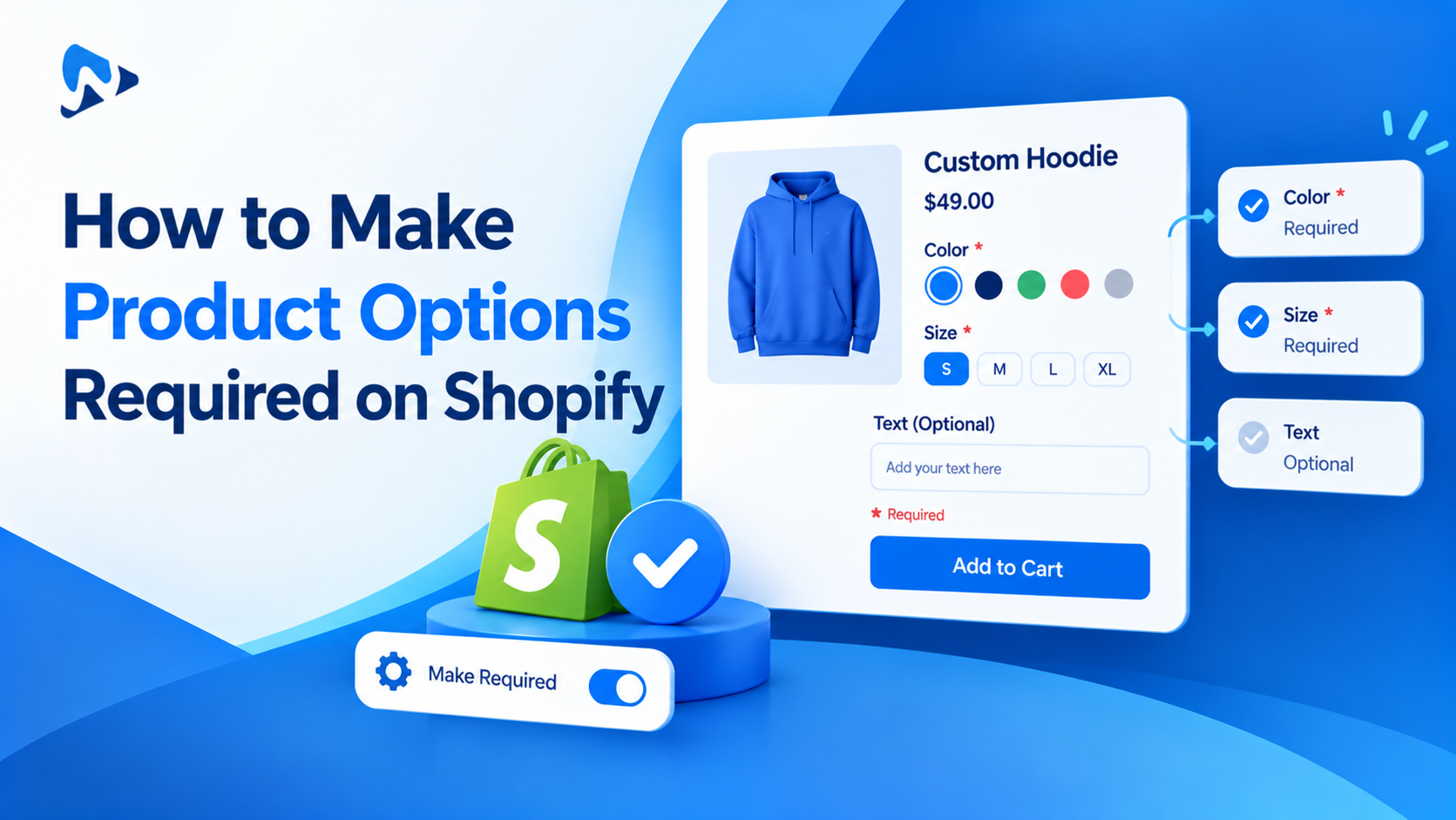
- Required field enforcement
Structured Inputs (Dropdowns, Radios, Checkboxes)
Used for:
- Product configurations
- Feature selections
- Add-on services
Developer tip:
Use structured inputs when data needs to map cleanly to backend systems like ERPs.
Image and Color Swatches
Visual selection improves conversion rates.
Advanced implementation includes:
- Dynamic image switching
- Variant image mapping
- Lazy loading for performance
File Uploads
Essential for print-on-demand and custom manufacturing.
Best practices:
- Restrict file types
- Compress files server-side
- Store securely using Shopify files or external storage
Conditional Logic (Core for Advanced UX)
This is where most stores gain an advantage.
Example:
- Show engraving field only if “Add engraving” is selected
- Display premium options only for specific product types
Benefits:
- Cleaner UI
- Reduced cognitive load
- Higher conversion rates
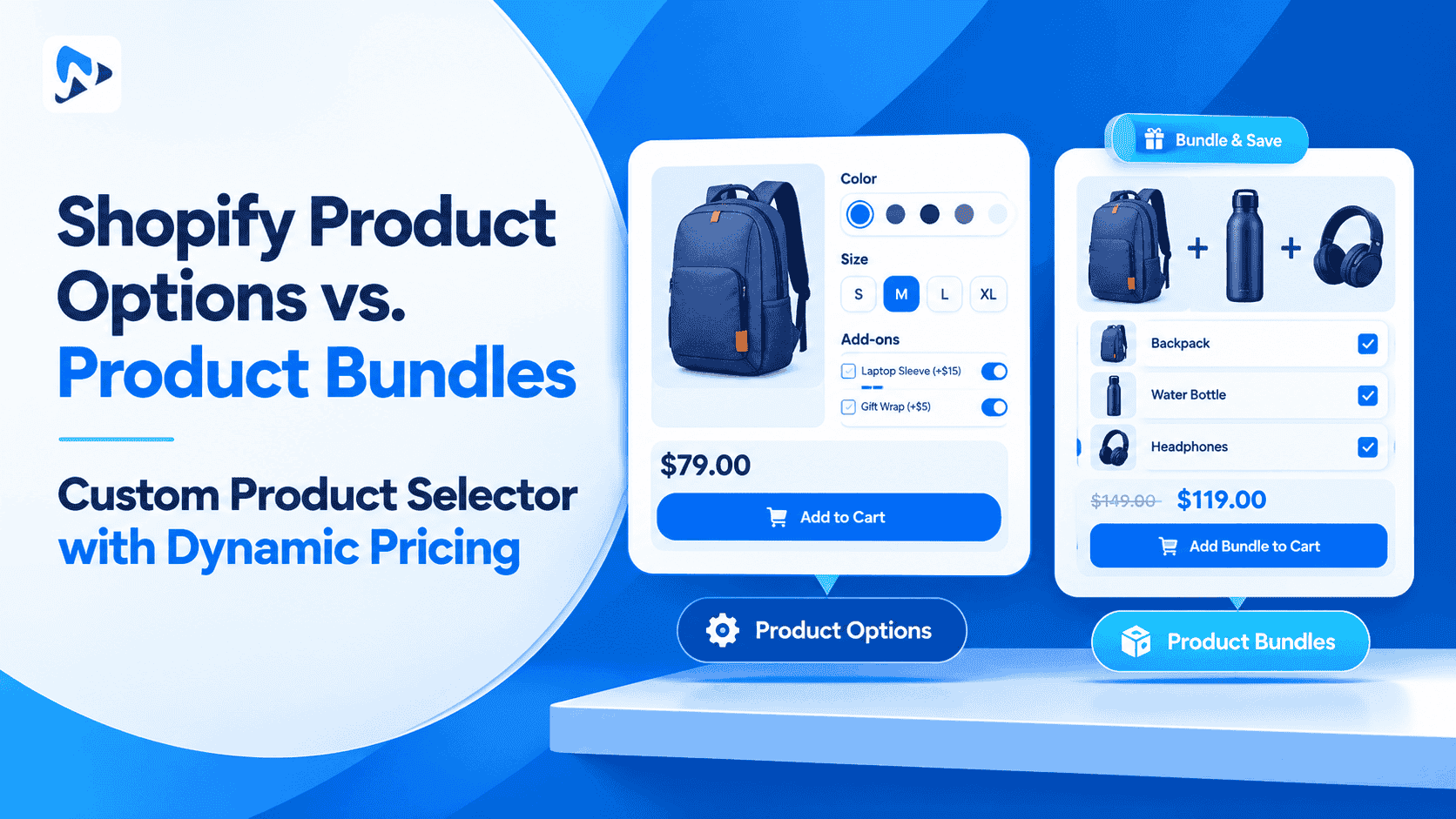
Product Add-ons and Bundles
This directly impacts revenue.
Examples:
- Gift wrapping
- Extended warranty
- Complementary products
Advanced strategy:
Use tiered pricing and volume discounts within add-ons.
Shopify Native Options vs Product Options Apps (Technical Breakdown)
Native Shopify Capabilities
Pros:
- Fast performance
- Built-in inventory tracking
- Simple setup
Cons:
- Limited flexibility
- No advanced logic
- No custom inputs
Why Apps Are Still Essential
Even in 2026, apps are the backbone of customization.
They provide:
- Infinite option combinations
- Logic-based rendering
- API-level integrations
- Pricing rules beyond variants
What Developers Should Look for in an App
When selecting a solution, evaluate:
- Liquid compatibility
- Shopify Functions support
- Performance impact
- Cart and checkout integration
- API access
How Shopify Custom Product Options Increase Revenue
1. Higher Conversion Rates
Customers convert better when they can personalize products.
2. Increased Average Order Value
Add-ons and upgrades increase cart size.
3. Better Data Collection
You capture customer preferences directly.
4. Reduced Returns
Clear customization reduces errors and dissatisfaction.
Method 1: Using Shopify Variants (Basic & Limited)
Shopify’s built-in variants are the simplest way to add options like size, color, or material. This method works well when your product options are fixed and limited, and you need to track inventory for each variation.
However, Shopify restricts you to 3 options and 2000 variants, which quickly becomes limiting for stores offering personalized or complex products.
Best for:
- Simple products (e.g., size, color)
- Inventory tracking per variant
- Small catalogs with limited customization
Method 2: Using Product Options Apps (Advanced & Flexible)
For most modern Shopify stores, product options apps are the go-to solution. They remove Shopify’s limitations and allow you to create unlimited custom fields like text inputs, image swatches, file uploads, dropdowns, conditional logic, and more.
This is especially useful if you sell:
- Personalized products
- Custom bundles
- Products with complex configurations
Instead of being restricted by variants, you can offer a smooth, user-friendly customization experience that improves conversions.
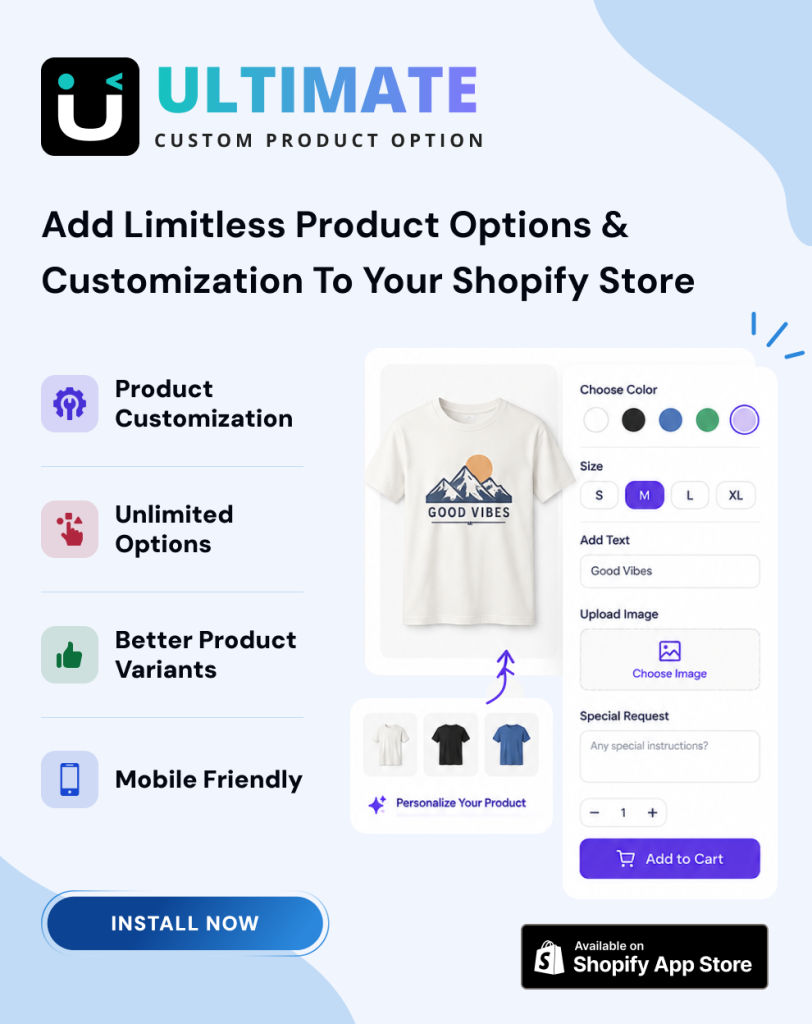
If you’re looking for a powerful yet easy solution, apps like Shopify Ultimate Product Options let you:
- Add unlimited custom options
- Use advanced conditional logic
- Create a clean, professional product page experience
Best for:
- Advanced product customization
- Better user experience
- Increasing average order value
Conclusion
In conclusion, setting up custom product options in Shopify in 2026 is no longer optional. It plays a direct role in how customers interact with your store and how confident they feel when making a purchase.
Modern shoppers look for flexibility and clear choices. Offering options such as size, color, personalization, and add-ons helps create a better buying experience. Shopify provides several ways to build these options, whether through native features, apps, or custom solutions. Choosing the right approach depends on your product type and long-term business goals.
It is important to keep the setup simple and easy to understand. Too many complicated choices can confuse customers and lead to abandoned carts. A clean and well-organized product page helps users make faster decisions and reduces order mistakes.
When implemented properly, custom product options can increase customer satisfaction and improve average order value. They also help your store stand out in a competitive market.
As Shopify continues to grow, staying updated with new tools and best practices will help you maintain a strong and scalable store. A thoughtful approach to product options will support long-term success and create a smoother shopping experience for your customers.
FAQs
What are Shopify custom product options?
They are advanced customization fields that go beyond standard variants and allow personalized product configurations.
Can I use Shopify without apps for customization?
Yes, but only for basic use cases. Advanced functionality requires apps or custom development.
What is the biggest limitation of Shopify variants?
Even with 2,000 variants, you cannot handle dynamic inputs, logic, or flexible pricing.
Are product options apps worth it?
Yes. They directly impact conversion rate and revenue when used correctly.
What is the best approach for developers?
Use a combination of apps, Shopify Functions, and custom frontend logic depending on complexity.