

Last updated: November 6, 2026. Ratings and prices come from each app’s public Shopify App Store listing, checked between October 26 and November 4, 2026. Disclosure: Webiots develops Ultimate Product Options, one of the 6 apps compared.
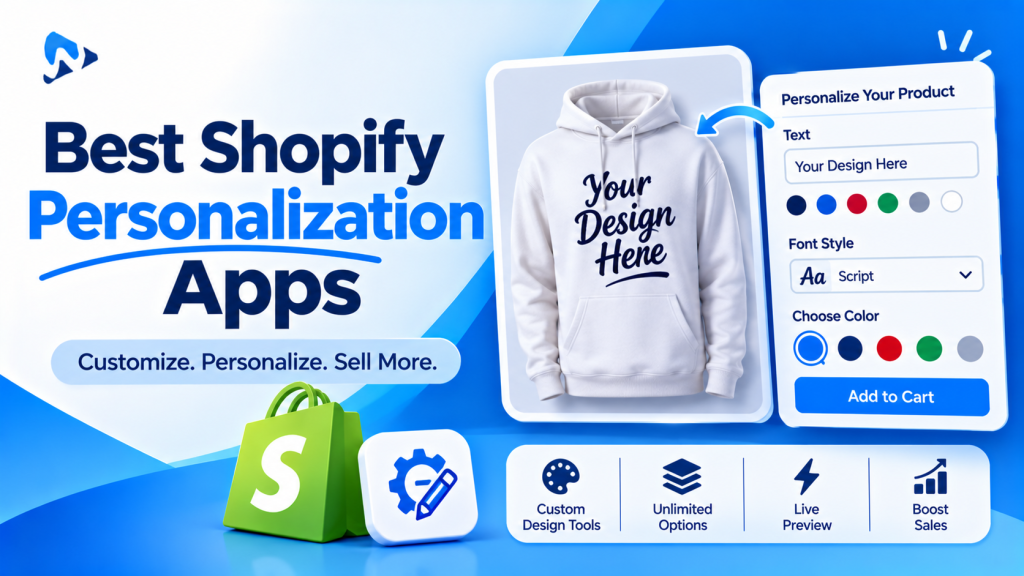
Quick answer: The best Shopify personalization app depends on what shoppers personalize. For text, fonts, uploads and paid extras, options apps such as Ultimate Product Options, Globo, Easify, Aris and Hulk all work; Ultimate Product Options is the only one of these six that lists add-on pricing on its free plan. If shoppers need to see their own text on the product, Ultimate Product Options shows a live text preview on its Advanced plan ($12.99 a month); for previews of uploaded photos, look at Globo, Easify and Aris, which list a live preview personalizer on plans from $19.90 to $24 a month.
Key takeaways:
- Decide first whether you need a live preview.
- Compare the plan that includes your features.
- Test a real order before the holiday rush.
In this guide
- Features that matter
- Comparison table
- The 6 apps, one by one
- Which app for which product
- What to test before choosing
- The bottom line
- FAQ
What Should a Shopify Personalization App Do?
Collect the shopper’s custom details, charge for extras, and send every detail to the order. Shopify products can have only 3 options and 2,048 variants, and variants can’t collect typed text or uploaded files (Shopify Help Center). Personalization apps add those fields and save each choice as a line item property on the order.
| Feature | Why it matters |
|---|---|
| Text fields | Names, initials, dates and messages for engraving or printing |
| Font choice | Lets shoppers pick a lettering style; image swatches work best |
| File upload | Photos and logos for printed or custom products |
| Add-on pricing | Charge for engraving, extra lines or gift wrap |
| Conditional logic | Shows fields only when needed, so mobile forms stay short |
| Live preview | Shows the shopper’s own text or photo on the product image |
| Cart editing | Lets shoppers fix a typo before checkout |
How Do the Best Shopify Personalization Apps Compare?
Here’s the cheapest monthly plan (USD, billed monthly) that includes each feature.
How we compared: we reviewed each app’s public Shopify App Store listing between October 26 and November 4, 2026, covering listed features, plan prices, ratings and review counts. This is a feature and pricing comparison, not a hands-on performance test. One exception: Ultimate Product Options’ live text preview is confirmed by Webiots, its developer, and isn’t yet shown on its App Store listing.
| App | Rating (reviews) | Add-on pricing | File upload | Conditional logic | Live preview | Font selector |
|---|---|---|---|---|---|---|
| Ultimate Product Options | 5.0 (15) | Free | $7.99 | $7.99 | $12.99 (text) | Fonts listed (plan not stated) |
| Globo | 4.9 (5,202) | $9.90 | $9.90 | Free | $19.90 | Not listed |
| Easify | 4.9 (3,187) | $9.99 | $9.99 | Free | $19.99 | Not listed |
| Aris | 4.9 (1,683) | $12 | $12 | Free | $24 | $12 |
| Hulk | 4.8 (1,213) | $10 | $10 | $20 | Not listed | $49.90 |
| King | 4.7 (489) | Not listed | Free | Not listed | Not listed | Not listed |
How to read this: “Free” means the feature is on the free plan; a price is the cheapest monthly plan that includes it. “Not listed” means the feature wasn’t clearly stated on the App Store listing, not that the app can’t do it. A font selector is a dedicated font option, not just a dropdown of font names. Plans and prices change often, so confirm on each listing before you install.
The 6 Best Shopify Personalization Apps, One by One
1. Ultimate Product Options
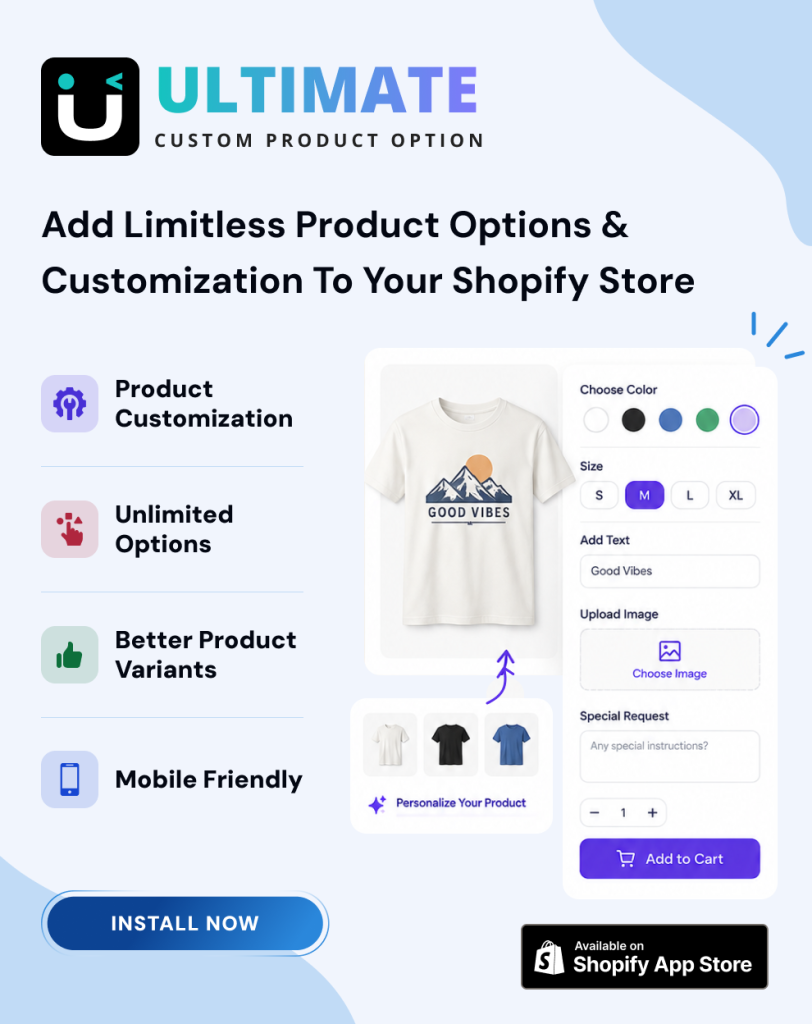
Best for: charging for personalization on a small budget, with the lowest-priced live text preview here. Webiots develops this app.
- Free: unlimited option sets and add-on pricing, such as +$5 for engraving
- Basic $7.99: 35+ option types, conditional logic, inline cart editing, 20 MB uploads
- Advanced $12.99: live text preview on the product image, option groups and a step wizard, multi-language
Trade-offs: the live preview shows text, not uploaded photos, and it’s a newer app with 15 reviews so far. See how to add a custom text field and how to add a font picker.
2. Globo Product Options
Best for: stores that want the largest review history and a live preview on a mid-priced plan.
- Free: 15 option types and conditional logic
- Premium $9.90: add-on pricing, file uploads up to 20 MB, multi-language
- Advanced $19.90: live preview personalizer and cart editing
Trade-offs: add-on pricing isn’t free, and the live preview needs Advanced.
3. Easify Custom Product Options
Best for: photo and print products that need a live preview.
- Free: 15 option types, 100+ templates, conditional logic
- Pro $9.99: add-on prices, multi-file upload, in-cart editing, date picker
- Premium $19.99: live preview personalizer and background removal
Trade-offs: the live preview is on the $19.99 plan. See our Easify comparison.
4. Aris Product Options
Best for: engraving stores that want a font selector and a generous free plan.
- Free: unlimited options, 23 option types, conditional logic
- Pro $12: price add-ons, file upload, font selector, cart editing
- Advanced $24: live preview personalizer
Trade-offs: the highest live preview price here, and no Built for Shopify badge shown.
5. Hulk Product Options
Best for: stores that need formula pricing or stock for each option.
- Basic $10: 10 option types, swatches, file upload, price add-ons
- Advanced $20: conditional logic, edit in cart, change product images per option
- Enterprise $49.90: Google font picker, formula-based options, inventory and SKU management
Trade-offs: no free plan for live stores, and the font picker is on Enterprise. See our Hulk comparison.
6. King Product Options
Best for: simple personalization at zero cost.
- Completely free: custom text, checkboxes, swatches, dropdowns, dates and file uploads
Trade-offs: no paid tier, so no add-on pricing or live preview to grow into.
Which Personalization App Is Best for Your Products?
Match the app to what shoppers personalize and whether they need to see it first.
| You sell… | You need | Look at |
|---|---|---|
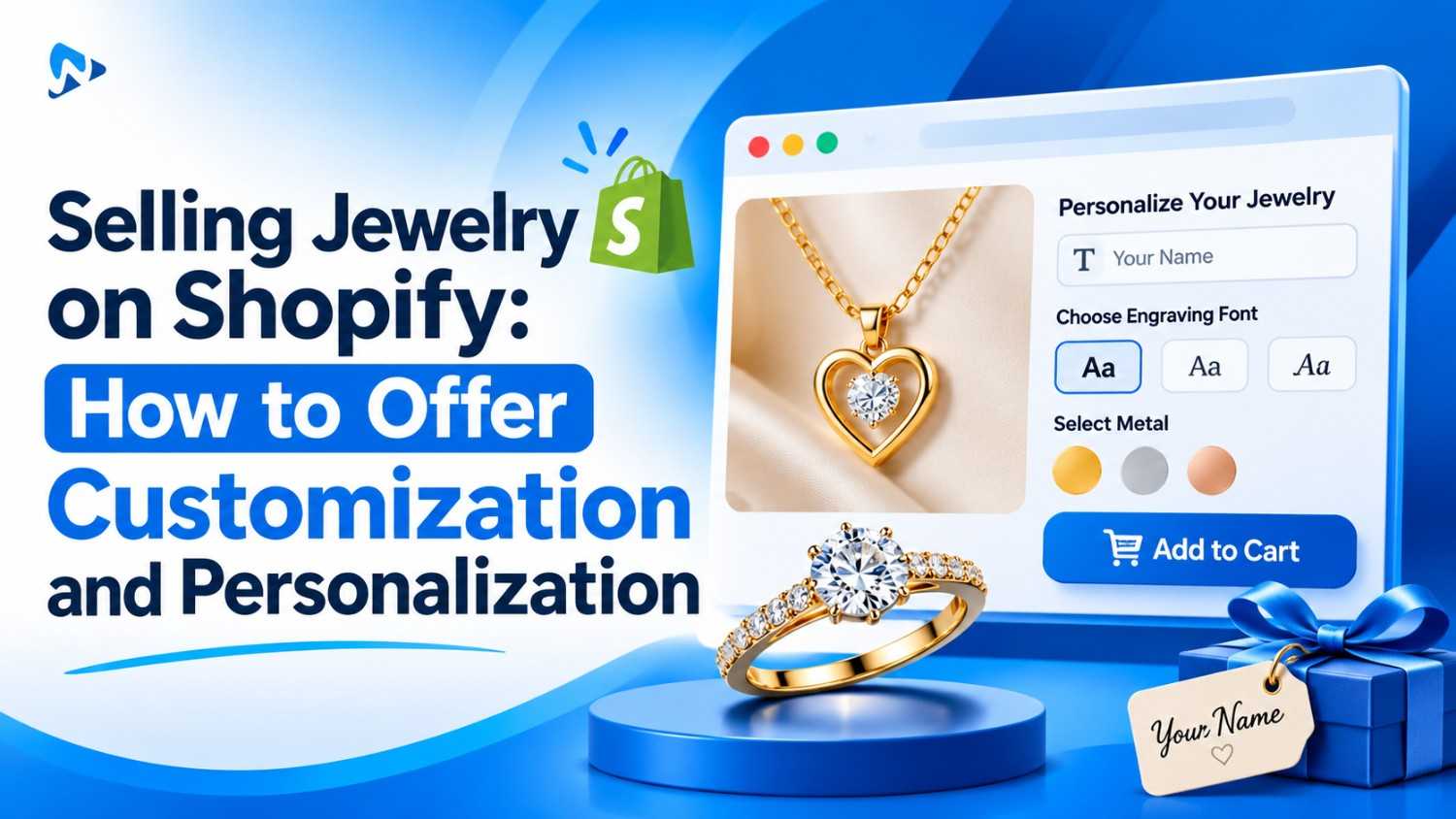
| Engraved jewelry and gifts | Text fields, font swatches, paid engraving, a text preview | Ultimate Product Options, Aris |
| Photo gifts, mugs, prints | File upload and a live preview | Easify, Globo, Aris |
| Custom apparel | Uploads, print placement choices, add-on prices | Ultimate Product Options, Globo, Hulk |
| Made-to-order furniture | Steps, conditional logic, priced upgrades | Ultimate Product Options, Hulk |
| A few simple text fields | Free text fields only | King, or the free plans above |
For holiday orders, also plan your holiday order cutoff and how you’ll handle personalization changes after an order.
Charge for personalization from the free plan
Add-on pricing on the free plan, conditional logic and uploads from $7.99, and a live text preview from $12.99. 14-day free trial.
What Should You Test Before Choosing a Personalization App?
Install your top two on a duplicate theme and place a real test order with each. Check that:
- Every text field, font choice and upload appears on the order and packing slip
- Add-on prices add up correctly in the cart and at checkout
- Conditional fields show and hide correctly on mobile
- Shoppers can fix a typo in the cart before they pay
- The app works with your theme’s product page and cart drawer
The Bottom Line
Pick a personalization app by what your shoppers create. If they type names or choose fonts, an options app with add-on pricing covers it, and Ultimate Product Options includes add-on pricing for free. If they need to see their own text on the product, Ultimate Product Options shows a live text preview from $12.99 a month; for previews of uploaded photos, look at Globo, Easify or Aris. Whichever you choose, test a real order and check every detail reaches the order before the holiday rush.
Want to try paid personalization for free? Install Ultimate Product Options free or learn more about the app.
Frequently Asked Questions
What is the best Shopify personalization app?
For paid personalization on a small budget, Ultimate Product Options includes add-on pricing on its free plan. For a live text preview at the lowest price here, it includes one on its $12.99 Advanced plan; for photo previews, Globo, Easify and Aris include a personalizer on paid plans. Globo and Easify have the most reviews.
Which Shopify personalization app has a live preview?
Ultimate Product Options shows a live text preview on its Advanced plan ($12.99/month). Globo (Advanced, $19.90/month), Easify (Premium, $19.99/month) and Aris (Advanced, $24/month) list a live preview personalizer, based on their listings in October 2026; check each for photo previews.
Is there a free Shopify personalization app?
King Product Options is completely free. Ultimate Product Options, Globo, Easify and Aris have free plans, and Ultimate Product Options includes add-on pricing on its free plan.
Can I charge extra for personalization on Shopify?
Yes. Add an add-on price to the personalization option, such as +$5 for engraving. See how to charge extra for product options.
Do I need a personalization app, or can I use variants?
Use variants for choices you stock, such as size. You need an app, or custom code, for typed text, uploads and priced extras, because variants can’t collect them.
Related Reading
- Best Shopify Product Options Apps (2026): 12 Compared
- How to Build a Shopify Product Configurator or Customizer
- How to Sell Personalized Christmas Ornaments on Shopify
- How to Add a Font Picker to Shopify Product Pages
Update Log
November 6, 2026: First published.