Last updated: October 28, 2026. Disclosure: Webiots develops Ultimate Product Options, the app used in the setup steps. Plan details come from its public Shopify App Store listing.
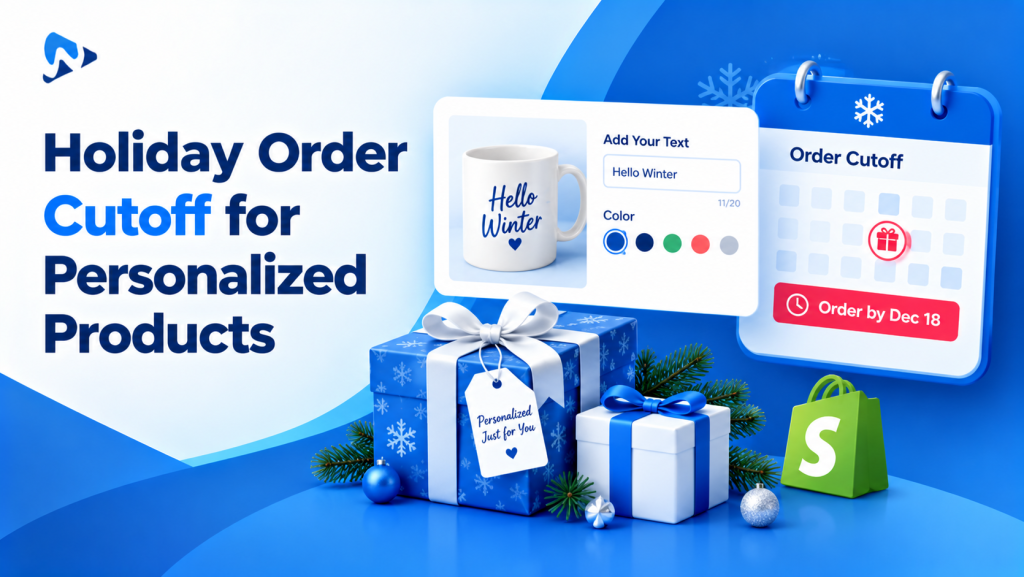
Quick answer: A holiday order cutoff is the last date a customer can order a personalized product and still receive it before the holiday. Work it out by counting back from your carrier’s holiday deadline: subtract your production time plus a buffer. Then show that date on the product page, in your announcement bar and in the cart, and decide what happens after it passes.
Key takeaways:
- Custom products need an earlier cutoff than stock items.
- Show the date where shoppers decide, not only in FAQs.
- Plan a rush option or gift card for late shoppers.
In this guide
- Why personalized products need an earlier cutoff
- How to calculate your cutoff date
- Where to show the cutoff
- Add it to product options
- What to do after the cutoff
- The bottom line
- FAQ
Why Do Personalized Products Need an Earlier Holiday Cutoff?
Because every custom order needs production time before it can ship. A stock item can ship the day it’s ordered. An engraved necklace, a printed blanket or a made-to-order sign may need several days of work first, and holiday order volume can stretch that further.
If your store only shows the carrier’s deadline, shoppers will order too late and expect delivery anyway. That leads to refund requests, disappointed gift-givers and a busy support inbox in mid-December. A clear “order personalized items by” date sets the right expectation before they buy.
How Do You Calculate a Holiday Order Cutoff Date?
Start from your carrier’s holiday send-by date, then count back your production time and a safety buffer, in business days.
- Find your carrier’s deadline. For 2026, USPS recommends sending by December 17 for Ground Advantage and First-Class Mail, December 18 for Priority Mail and December 19 for Priority Mail Express, for delivery in the contiguous U.S. before December 25 (USPS). These are recommended mailing dates, not guaranteed delivery dates, and Alaska, Hawaii, U.S. territories, military and international addresses have different deadlines. Check your own carriers’ dates too.
- Subtract your production time for custom orders at holiday volume.
- Subtract a buffer of 1 to 2 business days for delays and reprints.
- Publish one clear date for each shipping method you offer.
Illustrative example: 3 business days of production plus a 2-day buffer (5 business days in total), counted back from the business days before each USPS send-by date. Adjust for your own production schedule, holidays and carrier pickup times.
| Shipping method | USPS send-by date | Order personalized items by |
|---|---|---|
| Ground Advantage | Thu, Dec 17 | Thu, Dec 10 |
| Priority Mail | Fri, Dec 18 | Fri, Dec 11 |
| Priority Mail Express | Sat, Dec 19 | Mon, Dec 14 |
Different production times? If some options take longer, such as hand-painted or custom-sized items, give them their own earlier cutoff and say so next to that option.
Where Should You Show the Holiday Cutoff on Shopify?
Show it wherever shoppers decide to buy: the product page, the announcement bar, the cart and your emails.
| Place | Example message | How to add it |
|---|---|---|
| Announcement bar | “Order personalized gifts by Dec 10 for Christmas delivery” | Most themes: Online Store > Themes > Customize > Announcement bar |
| Product page | “Engraving text (order by Dec 10 for Christmas)” | In the personalization field’s label, or a product description line |
| Cart | “Personalized items ordered after Dec 10 may arrive after Christmas” | Cart note text or a theme cart message, if your theme has one |
| Emails and SMS | “Last day to order personalized gifts: Dec 10” | Your email or SMS marketing tool |
Use the same date everywhere. If the announcement bar says December 10 and an email says December 12, shoppers will trust the later one.
How Do You Add the Cutoff to Your Product Options?
Put the date right next to the personalization fields, and add a paid rush option if you can offer one. Webiots develops Ultimate Product Options; here’s how to do it there.
- Install Ultimate Product Options and open the option set for your personalized products.
- Add the date to the field label, such as “Engraving text (order by Dec 10 for Christmas)”, so shoppers see it while they personalize.
- Add a “Rush production” checkbox with an add-on price, such as +$15, if your team can fast-track late orders. Add-on pricing is on the free plan. Rush production speeds up making the item, not shipping, so it doesn’t guarantee holiday delivery on its own.
- Use conditional logic (Basic plan and above) to show a short note only when rush is ticked, such as “Rush orders ship within 1 business day”. Only promise a time your team can meet every day.
- Offer a delivery date picker with blocked dates if you deliver locally. See how to add a delivery date picker.
- Test an order and check the rush option and its fee appear on the order and packing slip, so your team prioritizes it.
Add rush options and holiday notes to your product page
Add-on pricing is on the free plan. Conditional logic starts on the Basic plan, with a 14-day free trial.
What Should You Do After the Holiday Cutoff Passes?
Change the message the same day, and give late shoppers another way to buy.
- Update every message to “Ordered now? Arrives after Christmas”, so nobody is misled.
- Keep the rush option available until your fastest shipping cutoff, then remove it.
- Promote gift cards and “personalize later” options for last-minute shoppers.
- Offer gift wrap and a gift message on stock items that can still ship in time. See how to add a gift wrap option.
- Set a calendar reminder for each cutoff date, so messages change on time.
The Bottom Line
Personalized products need their own holiday deadline. Count back from your carrier’s send-by date by your production time plus a buffer, publish one clear order-by date everywhere shoppers decide, and plan for late shoppers with a rush option or gift cards. Set reminders so every message changes on cutoff day.
Want rush options and holiday notes on your product pages? Install Ultimate Product Options free or learn more about the app.
Frequently Asked Questions
What are the USPS holiday shipping deadlines for 2026?
For delivery before December 25 in the contiguous U.S., USPS recommends December 17 for Ground Advantage and First-Class Mail, December 18 for Priority Mail and December 19 for Priority Mail Express.
How early should I set a cutoff for personalized products?
Count back your production time plus a 1 to 2 day buffer from your carrier’s deadline. With 3 days of production and a 2-day buffer, a December 17 send-by date gives an order-by date of December 10.
Does Shopify have a built-in holiday cutoff feature?
Shopify doesn’t calculate holiday cutoffs for personalized products from your production time and shipping method. You set the date yourself and show it using your theme’s announcement bar, product page text and cart messages, or an app.
Can I charge for rush production?
Yes. Add a “Rush production” checkbox with an add-on price in a product options app, and make sure your team can deliver on it.
What if I sell personalized products internationally?
Set separate cutoffs for each destination, using that carrier’s holiday recommendations plus your production time and buffer. Don’t use U.S. domestic dates for international orders.
What if a customer orders after the cutoff?
Tell them clearly before checkout that the order may arrive after the holiday. Offer rush production if you can, or suggest a gift card.
Related Reading
- BFCM 2026 Checklist for Personalized and Custom Product Stores
- How to Add a Gift Wrap Option on Shopify
- How to Add a Delivery Date Picker to Shopify Product Pages
- How to Charge Extra for Product Options on Shopify
Update Log
October 28, 2026: First published with the 2026 USPS holiday deadlines.