

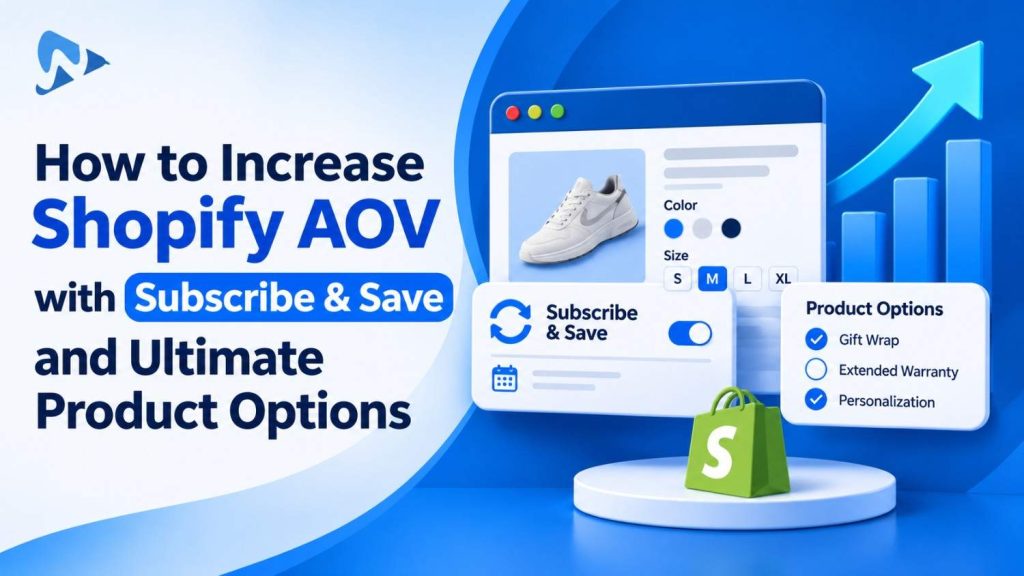
Quick answer: You can increase average order value on recurring orders by pairing subscription plans with customizable product add-ons. While standard Subscribe & Save models offer discounted recurring shipments, adding customizable options like flavor selections, premium accessories, and custom packaging increases the initial and recurring cart subtotal. This strategy maximizes recurring revenue without expanding your physical SKU matrix.
Key takeaways:
- Subscribe & Save builds recurring retention, while custom product options lift immediate cart value.
- Custom add-ons attach to subscription line items using Shopify line item properties.
- Conditional logic hides or reveals subscription-specific personalizations based on purchase frequency.
- Why combine Subscribe & Save with custom product options?
- How do custom product options pass through recurring subscription checkouts?
- How do standalone subscriptions compare to option-boosted subscriptions?
- What option configurations drive the highest order value on recurring plans?
- How to increase Shopify AOV with Subscribe & Save and Ultimate Product Options?
- The Bottom Line
- Frequently Asked Questions
- Related Reading
- Update Log
- Sources
Why combine Subscribe & Save with custom product options?
Combining subscriptions with custom options offsets typical subscription discounts by adding high-margin upgrades to the checkout cart. Standard Subscribe & Save models offer customers 10% to 15% off in exchange for recurring orders. While this improves customer lifetime value, it decreases your upfront average order value on day one. Shopify natively supports up to 3 option names and up to 2,048 variants per product. When merchants attempt to create native variants for both delivery frequencies (e.g., 30, 60, or 90 days) and product configurations (e.g., custom grinds, personalized gift boxes, or flavor selections), their product catalog quickly balloons into duplicate variant combinations. Using virtual options decouples custom choices from physical stock, allowing you to upsell optional items without catalog clutter.Tip: Offer starter accessories (such as reusable storage canisters or custom scoops) as optional one-time add-ons alongside the recurring base subscription.
How do custom product options pass through recurring subscription checkouts?
Custom choices pass through checkout and into recurring billing engines as line item properties attached to the subscription contract. According to Shopify Developer line item documentation, line item properties store custom text strings, selections, and dates directly on the cart item. Modern Shopify subscription apps built on the native Subscription API automatically carry these line item properties into recurring orders. When an order renews every month, the custom options—such as personalized roast preferences or customized pet names—remain bound to the line item. Fulfillment staff receive clear specifications on each recurring packing slip without manual order re-entry.How do standalone subscriptions compare to option-boosted subscriptions?
Standalone subscriptions rely solely on base replenishment, while option-boosted subscriptions capture incremental revenue through customized add-ons. Pairing both models transforms basic reorders into bespoke experiences.| Metric | Standard Subscribe & Save | Option-Boosted Subscription |
|---|---|---|
| Initial Checkout AOV | Discounted base price only | Base price plus paid custom add-ons |
| Personalization Level | Fixed variant attributes only | Swatches, text, uploads, and checkboxes |
| Catalog Overhead | High if creating variant combos | Single base variant with virtual options |
| Customer Flexibility | Rigid replenishment schedules | Tailored choices with live price updates |
What option configurations drive the highest order value on recurring plans?
Configuring paid accessory checkboxes, bespoke formula selections, and premium gift packaging provides the strongest average order value lift. Instead of forcing customers into predetermined product bundles, giving them modular control increases checkout conversions. Common strategies to increase cart totals include:- Modular Multi-Pack Pickers: Let subscribers select their preferred flavor or scent assortment rather than locking them into fixed pre-packs.
- Paid Custom Packaging: Offer reusable airtight containers, monogrammed travel pouches, or gift boxing for an additional fee.
- Service Surcharges: Charge a nominal fee for expedited fulfillment processing or personalized inscription tags.
How to increase Shopify AOV with Subscribe & Save and Ultimate Product Options?
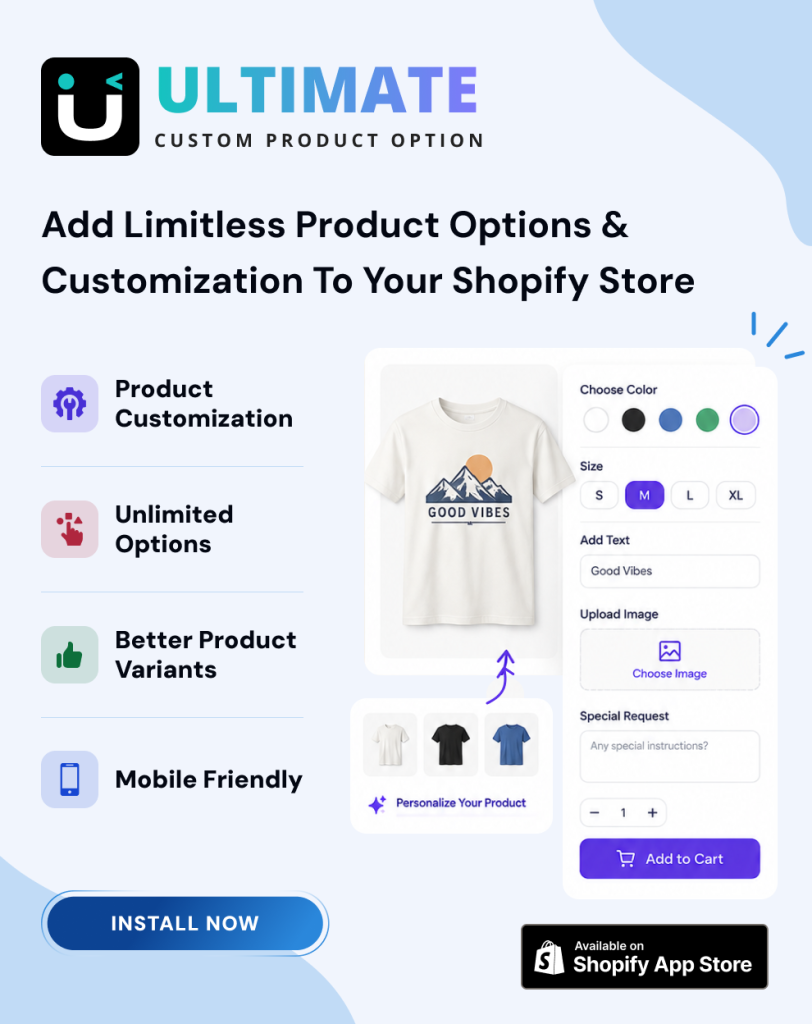
You can increase Shopify AOV with Subscribe & Save and Ultimate Product Options by configuring custom option sets with dynamic price add-ons on your subscription products. Using an Online Store 2.0 theme app embed ensures clean styling alongside your subscription widget without custom coding.- Install Ultimate Product Options from the Shopify App Store.
- In your Shopify admin, open Online Store > Themes > Customize. Under App embeds, switch Ultimate Product Options to On, then click save.
- Open Apps > Ultimate Product Options and click Create Option Set.
- Assign your option set to your subscription-enabled products or collections.
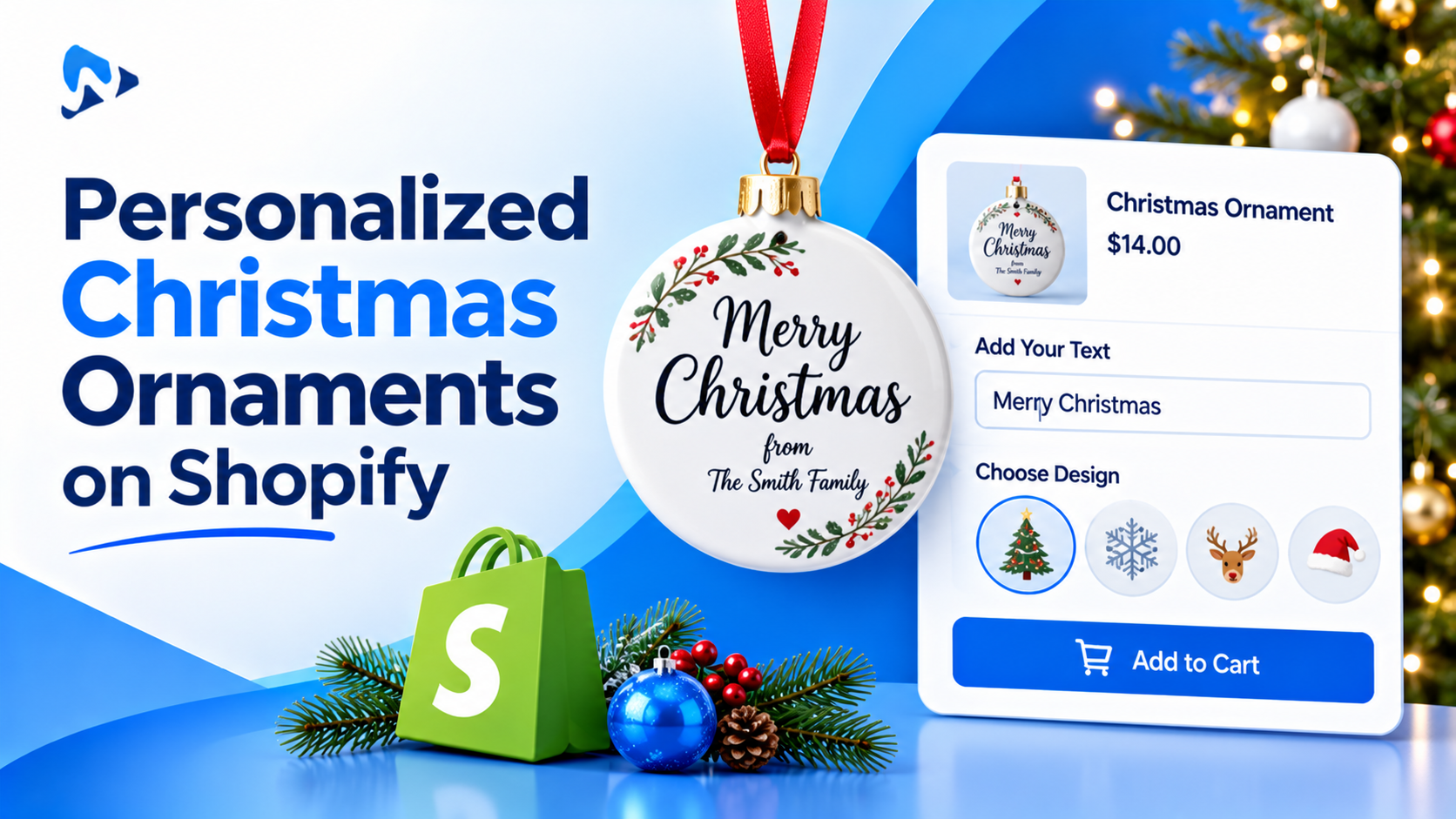
- Add your custom fields, such as visual swatches for flavor selections, radio buttons for grind types, or checkboxes for accessory upgrades.
- Attach price modifiers to paid choices, adding a flat fee or percentage surcharge to premium options.
- Set up conditional logic rules (available on the Basic plan at $7.99/month and above) to reveal secondary options only when specific selections are made.
- Under app settings, enable Dynamic PDP Price Update so the product detail page recalculates the subtotal live as options are toggled.
- Save and publish your option set.
- Visit your storefront product page, select both your subscription frequency and custom options, click add to cart, and verify that the cart drawer and checkout display the correct total and line item properties.
Boost Subscription Revenue with Custom Product Options
Add swatches, paid checkboxes, and custom fields to your subscription products without touching theme code. Free plan available.
The Bottom Line
Offering Subscribe & Save plans should not force merchants to accept lower initial order values. By combining recurring delivery options with customizable product fields and paid add-ons, you protect profit margins while giving shoppers tailored experiences. Using Ultimate Product Options keeps your catalog streamlined and ensures personalized line item data transfers cleanly from product pages into recurring subscription checkouts. Want to try it on your own products? Install Ultimate Product Options free or learn more about the app.Frequently Asked Questions
Do custom product options work with Shopify subscription apps?
Yes, custom options pass into subscription checkouts as line item properties. Native Shopify subscription apps preserve these custom attributes across initial and recurring renewal orders.Can I charge extra for custom options on subscription products?
Yes, dynamic price modifiers allow you to add surcharges directly to selected options. The app updates the item price on the page and carries the total into checkout.What is Shopify’s native variant limit per product?
Shopify natively allows up to 3 option names and up to 2,048 variants per product. Using product options allows you to offer unlimited personalized choices without hitting these variant limits.Can conditional logic hide or show options based on customer selections?
Yes, conditional logic rules let you display dependent fields only when specific parent choices are selected. This feature is available on the Basic plan ($7.99/month) and above.Do custom line item properties appear on recurring customer invoices?
Yes, public line item properties show up on cart screens, checkout summaries, and customer email receipts. If you want to hide internal production codes from the buyer, prefix the property key with an underscore.Related Reading
- How to Add Product Options Without Creating Additional Variants
- How to Dynamically Change Product Prices with Custom Add-Ons
- Shopify Product Options vs. Product Bundles: Custom Selectors