Last updated: October 20, 2026. Disclosure: Webiots develops Ultimate Product Options, the app used in the setup steps.
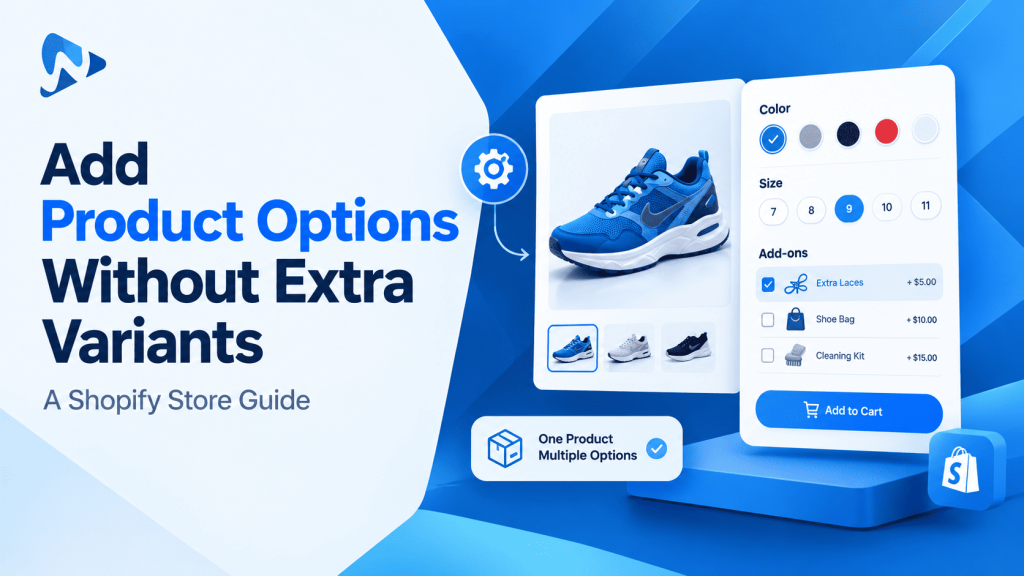
Quick answer: You can add a product options without creating additional variants by utilizing line item properties through a Shopify product options app. This captures on-demand customer inputs like engravings, image uploads, and color swatches on the product page and attaches them directly to the cart line item. Your physical inventory database stays uncluttered, and you avoid creating artificial SKUs for non-stocked options.
Key takeaways:
- Native Shopify variants remain reserved for pre-made inventory items requiring stock decrementing.
- Custom customization fields attach to orders as line item properties without inflating your SKU catalog.
- You can apply dynamic price add-ons for services or upgrades without generating dummy products.
In this guide:
- Why should you avoid creating extra variants for simple options?
- How do line item properties differ from Shopify variants?
- How do native variants compare to virtual product options?
- When should you use native variants instead of custom options?
- How can I add a product options without creating additional variants?
- The Bottom Line
- Frequently Asked Questions
- Related Reading
- Update Log
- Sources
Why should you avoid creating extra variants for simple options?
Creating native variants for every visual or service choice multiplies catalog complexity and creates unnecessary inventory records. Shopify allows up to 3 option names and up to 2,048 variants per product. While this variant allowance supports large catalogs, generating combinations for non-inventory choices like custom text, gift notes, or file uploads multiplies your variant count unnecessarily.
Consider an illustrative example: a canvas tote bag stocked in 4 sizes and 5 colors has 20 physical inventory variants. If you also create native variants for 3 monogram thread styles and 4 packaging upgrades, your catalog matrix expands to 240 combinations (4 sizes × 5 colors × 3 monograms × 4 packaging types = 240 variants). Tracking inventory across 240 separate database rows when the physical tote only exists in 20 blank variations creates stock discrepancy risks and complicates operational reporting.
Tip: Keep native variants reserved strictly for physical blanks that sit on warehouse shelves. Offload on-demand embellishments, custom text, and accessory upgrades to virtual options.
How do line item properties differ from Shopify variants?
Line item properties capture custom text, files, and selections directly on the cart item without creating separate SKU records. According to Shopify Developer documentation, line item properties store custom data entered by buyers on the product page. This metadata travels alongside the product item into the cart, through checkout, and directly into the final order record in your Shopify admin.
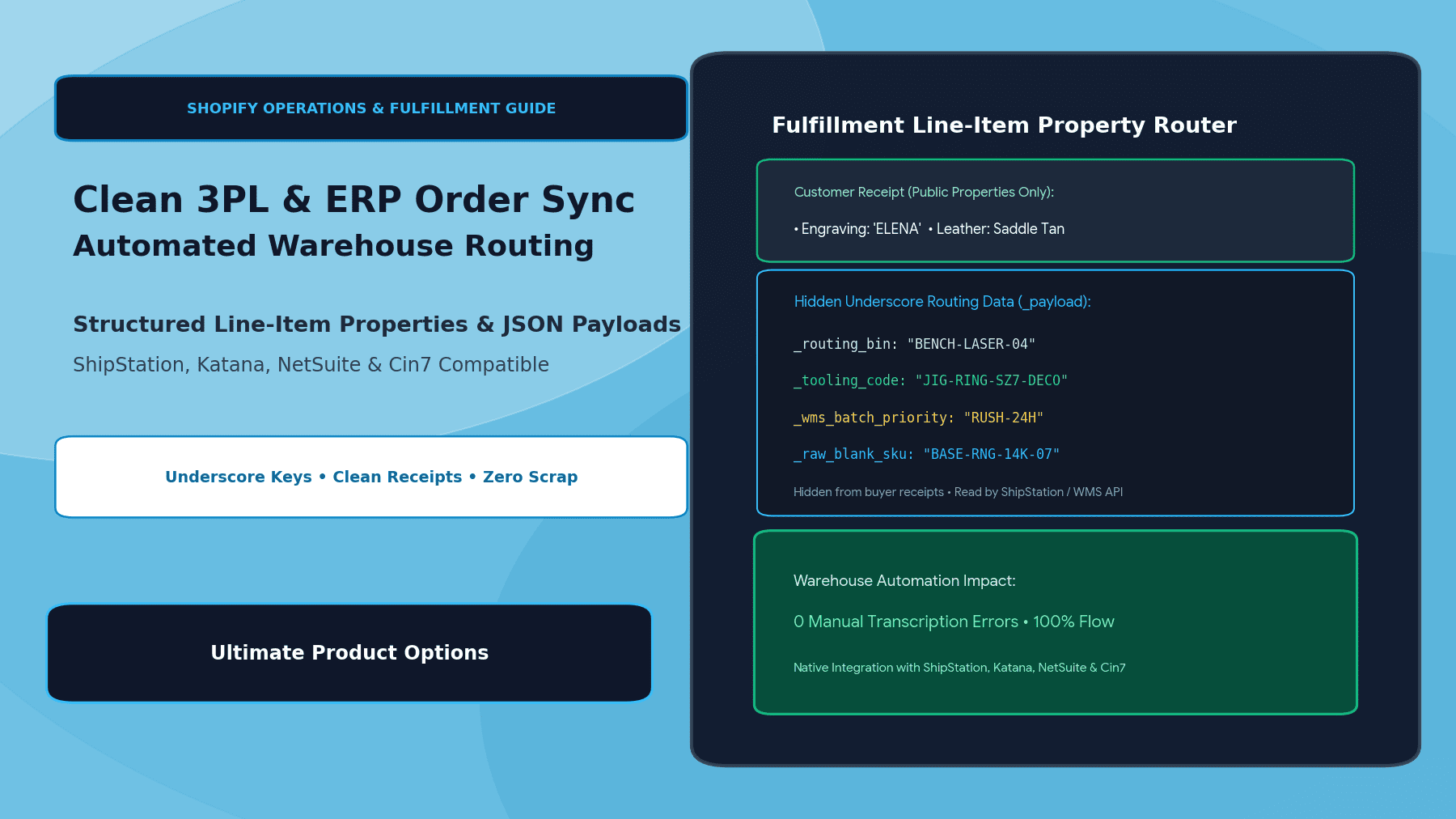
When fulfillment teams open an order in the Shopify admin, the custom specifications appear directly beneath the product title. You can also pass private properties by adding an underscore prefix (such as _production_bin), which preserves internal manufacturing notes for your workshop while keeping them hidden from customer-facing receipts and confirmation emails.
How do native variants compare to virtual product options?
Native variants manage physical warehouse stock, whereas virtual product options capture customized on-demand specifications. Selecting the proper approach depends on whether each choice corresponds to an individually stocked physical item.
| Capability | Native Shopify Variants | Virtual Options (Line Item Properties) |
|---|---|---|
| Inventory management | Tracks individual stock per SKU | Shares the base product inventory |
| Field formats | Pills, radio buttons, dropdowns | Text inputs, file uploads, swatches, dates |
| Platform capacity | 3 options, up to 2,048 variants | Unlimited custom option fields |
| Price adjustments | Defined per individual variant | Dynamic add-on pricing per selection |
When should you use native variants instead of custom options?
Use native variants whenever a variation must be manufactured, stored, and reordered under a distinct barcode or physical SKU. If an item is sitting pre-packaged in a warehouse rack, Shopify needs a dedicated native variant record to decrement stock automatically upon checkout.
Common scenarios where native variants are appropriate include:
- Garment apparel sizes such as Small, Medium, Large, and Extra Large.
- Packaged volume tiers such as 100ml, 250ml, and 500ml bottles.
- Pre-assembled structural hardware that requires unique vendor reorder points.
For on-demand personalizations—such as text engraving, logo file uploads, bespoke dimensions, or gift wrap—virtual options provide complete flexibility without cluttering your product catalog.
How can I add a product options without creating additional variants?
You can add a product options without creating additional variants by installing a product options app and assigning option sets to your products. Utilizing an Online Store 2.0 theme app embed ensures clean storefront rendering without editing your underlying theme template code.
- Install Ultimate Product Options from the Shopify App Store.
- In your Shopify admin, open Online Store > Themes > Customize. Under App embeds, switch the Ultimate Product Options toggle to On, then click save.
- Open Apps > Ultimate Product Options and click Create Option Set.
- Enter an internal title for your option set, then choose the products or automated collections where the options should render.
- Click Add Option and choose your input type, such as text fields, checkboxes, color swatches, or file uploads.
- Configure field rules, such as maximum character length for text inputs or price modifiers if an option carries an upcharge fee.
- Save and publish your completed option set.
- Open your live storefront, navigate to the assigned product page, select your options, add the product to the cart, and complete a test transaction to verify that the custom line item properties appear cleanly in the order details.
Add Unlimited Custom Options to Your Store
Create swatches, text fields, file uploads, and conditional add-ons without touching code. Free plan available.
The Bottom Line
Adding custom options without expanding your native variant count keeps your catalog structure tidy, simplifies inventory management, and allows you to offer personalized products easily. By using line item properties through an app like Ultimate Product Options, customer inputs travel cleanly from the product page straight to your fulfillment team.
Want to try it on your own products? Install Ultimate Product Options free or learn more about the app.
Frequently Asked Questions
Can I charge extra for an option without creating a variant?
Yes, you can attach an add-on surcharge directly to a custom option selection. The app automatically adjusts the price when the customer checks the option, without requiring an extra variant SKU. (Illustrative example: Adding a $5.00 fee for monogramming directly to a $40.00 base bag.)
Do line item properties appear on the customer invoice?
Yes, public line item properties show up on the cart page, order status screen, and email receipts. If you want to hide internal production data from the customer, prefix the property name with an underscore.
Will adding custom options slow down my Shopify store?
Modern apps built with Online Store 2.0 theme app embeds load their scripts cleanly without modifying your theme core files. This keeps your storefront lightweight compared to older apps that injected code directly into theme templates.
Can I show or hide options based on previous selections?
Yes, conditional logic rules let you display dependent options only when a specific choice is selected. This feature is available on the Basic plan and above.
Do customer file uploads take up space in my Shopify admin files?
No, file uploads are stored securely on the app’s servers and linked directly within the order details. Upload file limits range from 20MB on the Basic plan up to 100MB on the Premium plan.
Related Reading
- Best Practices for Shopify Product Customization
- How to Use Conditional Logic in Shopify Product Options
- Managing Made-to-Order Fulfillment on Shopify Stores
Update Log
October 20, 2026: Published new guide on adding product options without creating additional variants.