If you’re running a Shopify store in 2026 and you’re not offering some form of customization… I’ll say it gently — you’re probably leaving easy revenue behind.
Personalized products aren’t a trend anymore. They’re baseline. Customers expect to add their name, upload a photo, tweak colors, throw in a gift message. And the wild part? They’ll happily pay more for it.
But here’s where things get messy.
- Shopify has a variant cap.
- Native options are limited.
- File uploads? Not built in.Conditional logic? Not built in.
- And pricing customizations can turn into a spreadsheet headache fast.
So how do you actually sell personalized products on Shopify without wrecking your backend or slowing down fulfillment?
Let’s walk through it the way I’d explain it to a client.
Why Personalized Products Are Dominating eCommerce in 2026
People don’t just want a product anymore.
They want their product.
Industry research from companies like McKinsey & Company and platform insights from Shopify keep pointing to the same thing: personalization increases conversion rates, boosts average order value, and improves retention.
And honestly, you can feel it as a shopper.
The moment someone types their kid’s name on a blanket or uploads a wedding photo for a canvas print, the item becomes emotionally charged. That emotional attachment lowers price sensitivity. Suddenly, $39 doesn’t feel expensive.
For Shopify merchants, this changes the game.
If you sell gifts, apparel, jewelry, print-on-demand, home decor, even B2B merch — personalization moves you out of price wars and into differentiation.
You’re no longer competing on “cheapest mug.”
You’re selling something no one else can replicate exactly.
That’s powerful.
What Are Personalized Products on Shopify?
Simple definition: a personalized product lets the customer modify something before checkout.
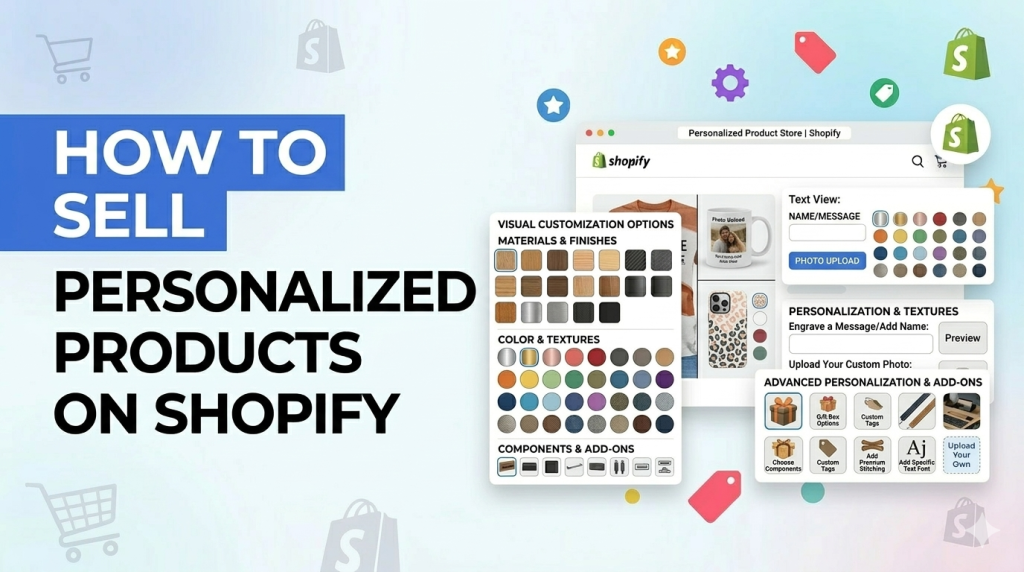
That modification could be:
- A custom text field (like name engraving)
- Image or logo upload
- Color swatches
- Add-on upgrades
- Conditional options
- Custom pricing adjustments
Now here’s something I see merchants mix up all the time.
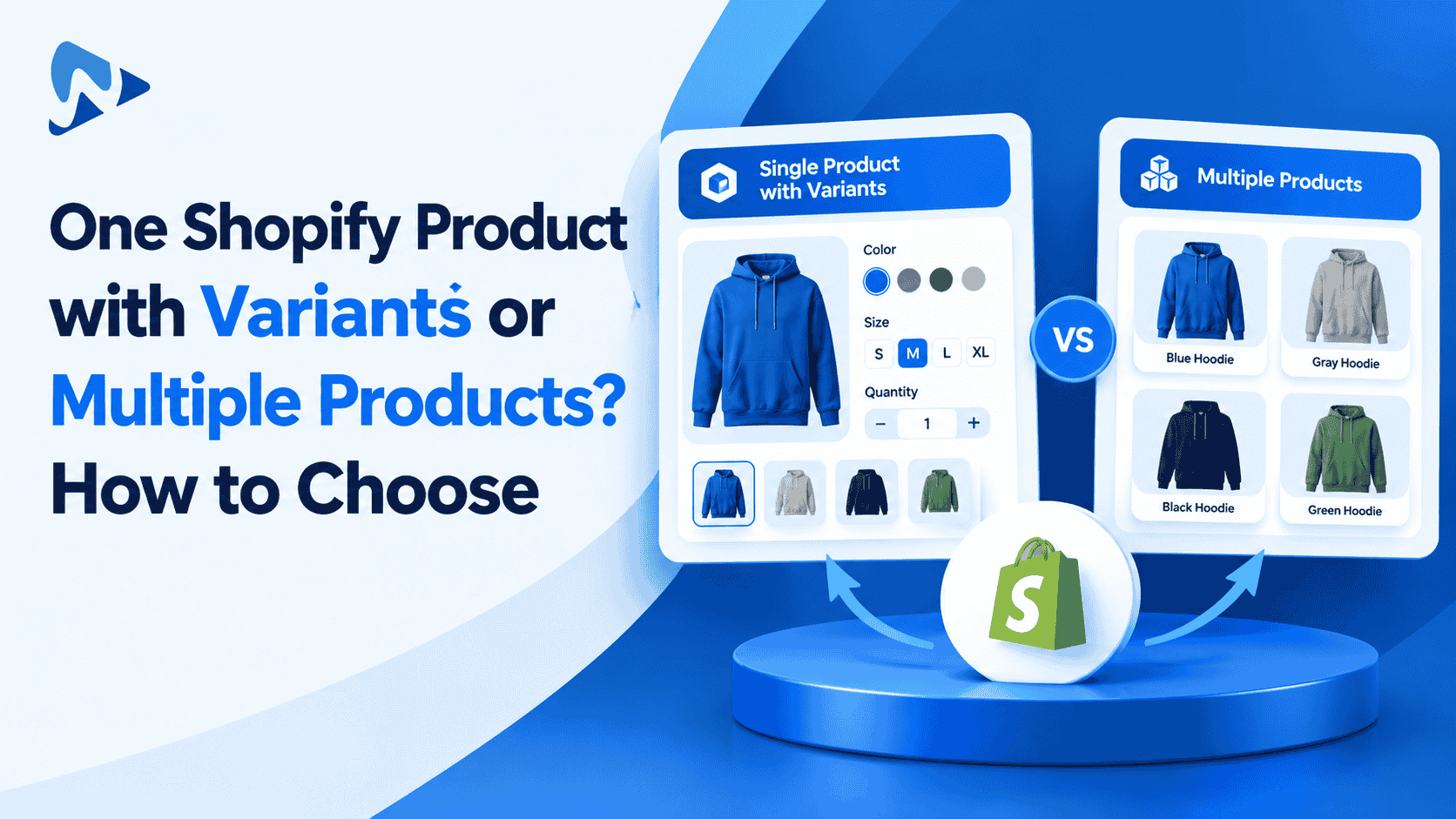
Variants are not personalization.
Variants are predefined combinations size, color, material.
Personalization is customer-driven input.
Example:
Variant: Red / Large
Personalization: “Enter the name you want printed”
Shopify’s variant system works great for standard catalog logic. But once you want flexibility, custom inputs, dynamic pricing, uploads you need something more advanced.
Step-by-Step: How to Sell Personalized Products on Shopify
Let’s keep this practical.
Step 1: Pick the Right Product First
Not every SKU should be customizable.
Ask yourself:
- Does this product carry emotional weight?
- Can I actually fulfill custom orders without chaos?
- Is there enough margin to justify extra production steps?
From what I’ve seen, strong performers include:
- Custom T-shirts
- Engraved jewelry
- Photo gifts
- Custom mugs
- Personalized packaging
Start with one product. Validate demand. Don’t try to personalize your entire catalog on day one. That’s how operations break.
Step 2: Define Your Personalization Options (Keep It Simple)
Early-stage mistake? Adding too many fields.
Text box. Dropdown. Upload. Checkbox. Another dropdown. Another text field.
Customers freeze when forms look complicated.
Start with basics:
- Single text input
- Simple selector
- Optional file upload
If you need conditional logic (for example, show engraving box only if engraving is selected), plan for that upfront.
Clarity > complexity.
Step 3: Work Around Shopify’s Variant Limit
Shopify allows 2048 variants per product.
Now do the math.
8 sizes
8 colors
4 materials
4 customization tiers
You hit the cap quickly. I’ve seen stores break their product structure trying to force this to work.
This is where product options apps become necessary, not optional.
They allow:
- Unlimited product options
- Conditional logic
- Add-on pricing
- File uploads
- Dynamic input fields
If you’re serious about scaling personalized products, relying only on native variants won’t hold long-term.
Step 4: Price Personalization Properly
Please don’t offer custom work for free unless it’s strategic.
Customization takes operational effort. Even automated print-on-demand has additional handling.
Common pricing structures I’ve helped brands implement:
- Flat fee (e.g., +$5 engraving)
- Per character pricing
- Tiered upgrades (basic vs premium customization)
- Conditional add-ons (gift wrap + custom note)
In many stores, personalized products support 15–40% higher pricing without resistance.
That margin buffer matters.
Step 5: Optimize the Product Page Experience
Here’s something people underestimate.
If personalization feels confusing, people leave.
Your product page should:
- Be clean on mobile
- Clearly explain character limits
- Show pricing updates instantly
- Include visual previews (if possible)
I’ve seen conversion rates jump just by rewriting field instructions in plain English.
Don’t assume customers “get it.” Guide them.
Best Ways to Add Personalization in Shopify
There are three main approaches. Each has its place.
1. Shopify Native Variants
Best for simple size and color combinations.
Limitations:
- 2048 variant cap
- No file uploads
- No conditional logic
Good starting point. Not built for heavy customization.
2. Product Options Apps (Most Scalable)
For growing brands, this is usually the cleanest route.
They offer:
- Unlimited product options
- Conditional logic
- File/image uploads
- Advanced pricing rules
No heavy custom coding. Easier long-term management.
If you plan to build personalization into your brand identity not just experiment this is typically the most future-proof setup.
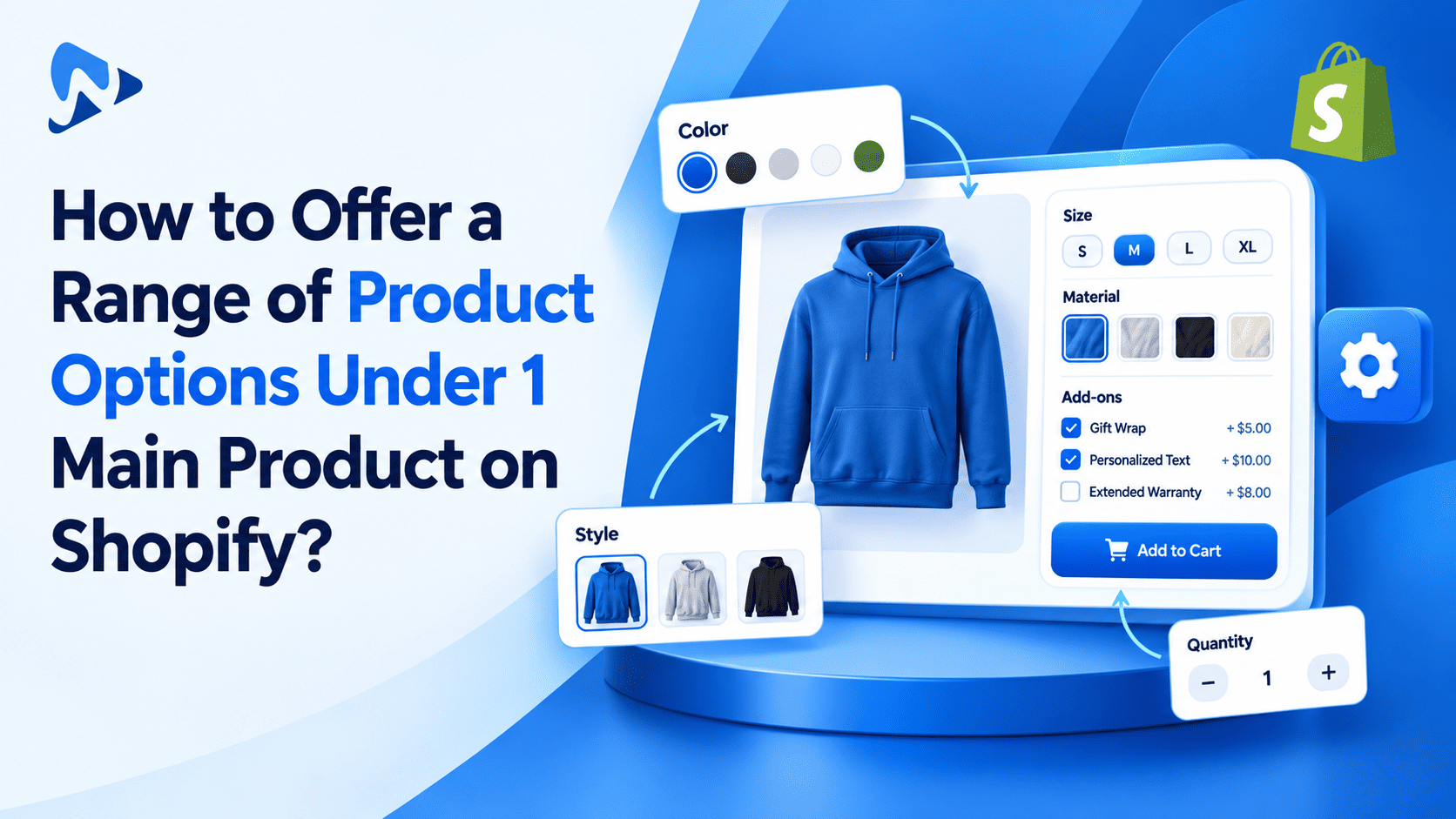
For example, apps like Ultimate Custom Product Options are designed specifically for stores that want serious flexibility. With it, you can:

- Set unlimited product options with text fields, dropdowns, buttons, checkboxes, and more
- Add color and image swatches for visual selection
- Enable file uploads for custom photos or logos
- Use conditional logic to dynamically show or hide options based on customer selections
- Add extra charges depending on selected options to improve Average Order Value
- Assign option sets to multiple products at once for faster management
- Import & Export CSV to back up or transfer option sets between stores
It also helps you go beyond Shopify’s 100-variant limit by creating dynamic product options that work across apparel, gifts, food, flowers, and other highly customizable products.
Shopify Native vs Third-Party Product Options Apps
| Feature | Shopify Native | Product Options App |
|---|---|---|
| Variant Limit | 2048 | Unlimited |
| File Upload | ❌ | ✅ |
| Conditional Logic | ❌ | ✅ |
| Dynamic Pricing | Limited | Advanced |
| Scalability | Moderate | High |
Final Thoughts
Selling personalized products on Shopify isn’t just a growth tactic — it’s a long-term competitive advantage.
When customers can customize a product, they feel ownership. That emotional connection increases conversions, boosts average order value, and builds loyalty that standard products simply can’t match.
Start simple. Test one product. Keep the customization experience clean and mobile-friendly. As your store grows, invest in scalable personalization tools that remove Shopify’s limitations and automate your workflow.
In 2026 and beyond, shoppers expect personalization. The stores that make it easy — and profitable — will win.
Frequently Asked Questions
1. Can you sell personalized products on Shopify?
Yes. Shopify supports personalization via variants, custom fields, or product options apps. Advanced setups usually require third-party tools.
2. How do I add a custom text field in Shopify?
You can use line item properties in your theme or install a product options app to add fields without coding.
3. Are personalized products profitable?
Very often, yes. Customers pay a premium for customization, which increases margins.
4. How do returns work for personalized products?
Most stores mark personalized items as non-returnable unless defective. This should be clearly stated in your return policy.
5. Do personalized products increase AOV?
Absolutely. Add-on pricing and upgrades naturally push average order value higher.