Last verified: October 2026. Ratings and review counts are rounded and change daily. Plans and prices change often, so confirm them on each app’s Shopify App Store listing before you buy.
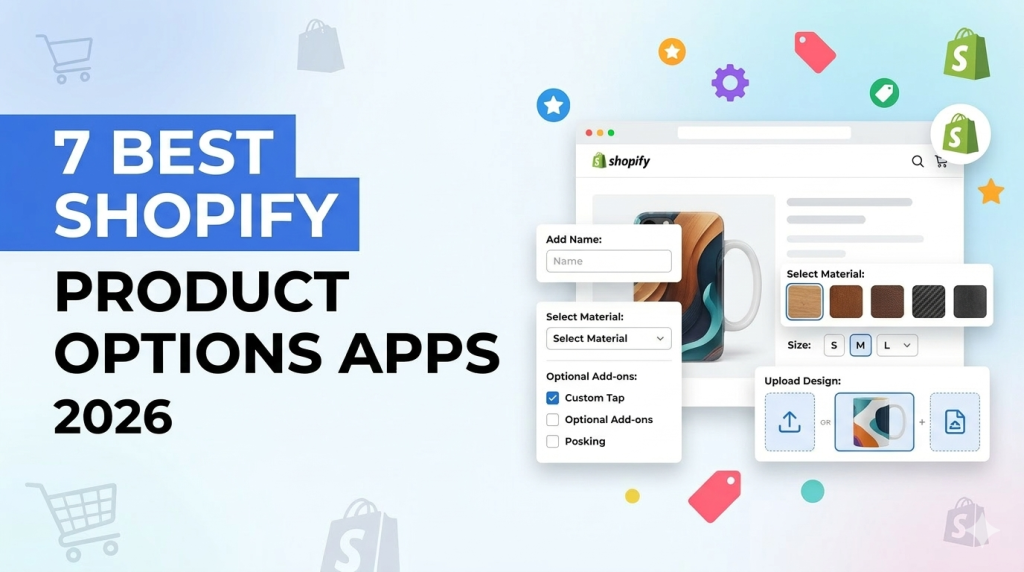
Quick answer: Shopify gives every product three options and up to 2,048 variants. A product options app adds what that setup lacks: text fields, file uploads, swatches, conditional logic and paid add-ons. For the longest review history, look at Globo and Easify. King is completely free. If you want 42+ option types, conditional logic, add-on pricing, live preview and an API in one app, Ultimate Product Options is worth testing.
In this guide
Shopify’s native limits, and when you need an app
According to
Shopify’s Help Center, each product can have up to
three options (for example Size, Color and Material) and up to
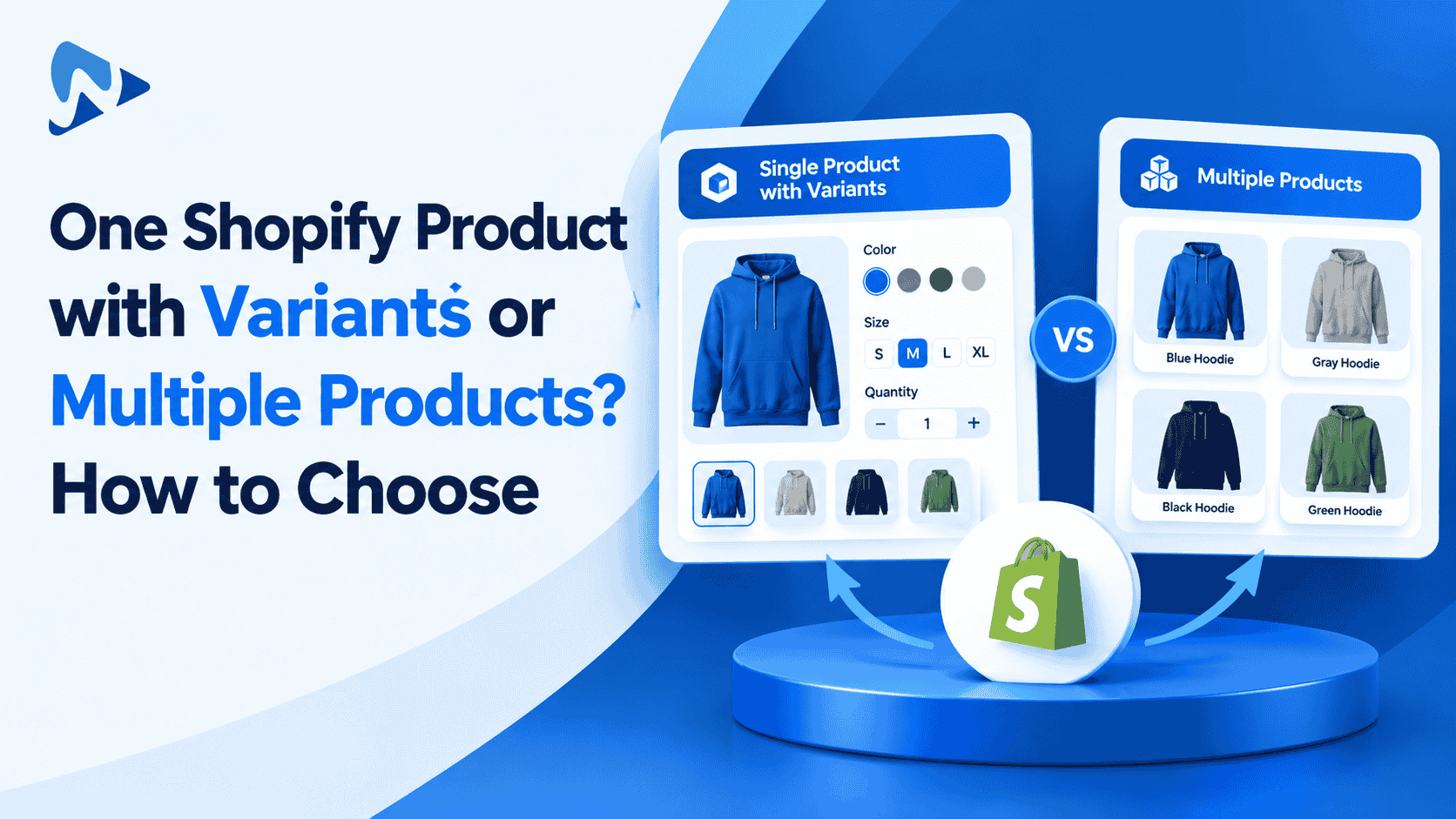
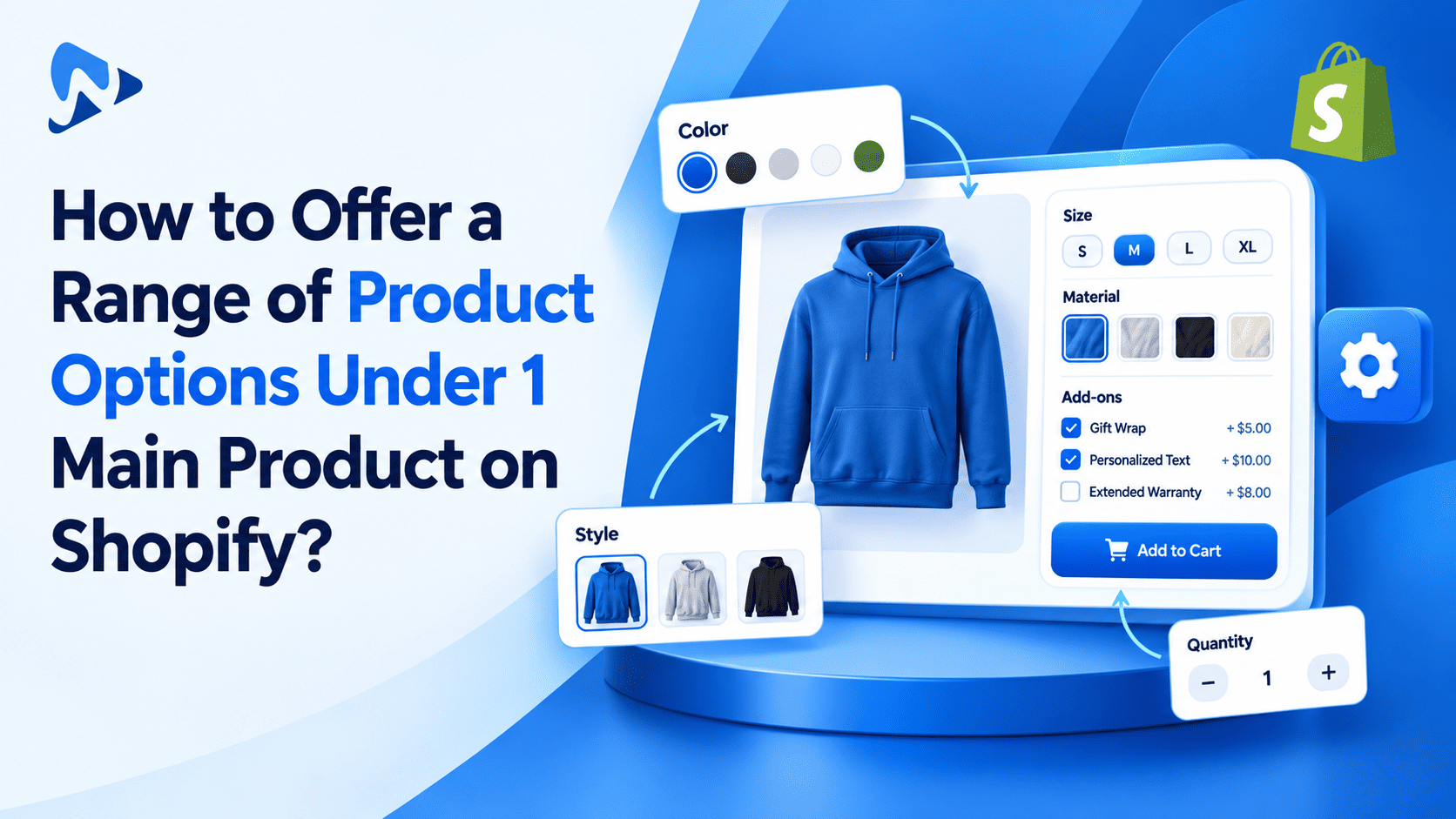
2,048 variants. For most customizable stores, the three-option cap is the real wall, because a monogram, a gift message and a finish quickly add up to more than three choices.
Native variants carry their own price, SKU and stock. Customer input such as an engraved name or an uploaded logo is usually stored as a line item property: plain text attached to the cart line, with no price or stock of its own. That is why options apps exist. They collect the input, show the right fields at the right time, and attach a charge when a choice costs extra.
You may not need an app. If you only need one text box, a developer can add it in your theme. An app starts to pay off when you need paid add-ons, file uploads, conditional logic, reusable option sets, or the ability for non-developers to edit everything.
Three questions to answer before you compare apps
- Which limit are you hitting? More than three option types, too many variant combinations, or extra customer input such as text and files? An app that adds more fields will not fix a catalog that is bloated with variants.
- How does an extra charge appear on the order? Some apps change the price of the same cart line, while others add a separate line item. That affects refunds, shipping, reporting and packing slips. Globo states that its add-on pricing runs on Shopify Functions so discount codes and taxes still apply. Ask every vendor the same question, then place a test order.
- Does the option need to limit stock? A text field does not count down inventory. If only twelve engraved items exist, they should be real variants. Check which inventory features each app offers, and on which plan.
How we compared the apps
We compared each app on the same criteria:
- Rating and review volume on the Shopify App Store
- What the free plan really includes, and what is locked behind paid plans
- Entry price and plan structure
- Option types, conditional logic and add-on pricing
- Live preview or personalization, API access, cart editing, bulk tools and order data
- Languages, support and the Built for Shopify badge where the listing shows it
What this comparison is based on: public Shopify App Store listings, developer pricing and merchant reviews. We have not load-tested every app, so we make no performance claims beyond what listings and reviews state. Before committing, install your shortlist on a duplicate of your live theme and compare page speed and a test order.
Comparison table: Shopify product options apps (2026)
| App |
Rating (reviews) |
Free plan |
Paid plans from |
Standout |
| Ultimate Product Options |
5.0 (13) |
Yes |
$7.99/mo |
42+ option types, live preview, API, conditional logic, add-on pricing |
| Globo Product Options, Variant |
4.9 (5,100+) |
Yes |
$9.90/mo |
Largest review base, POS support |
| Easify Custom Product Options |
4.9 (3,000+) |
Yes |
$9.99/mo |
Live-preview personalizer, same price on every Shopify plan |
| IO: Infinite Product Options |
4.7 (2,600+) |
Trial only |
$12.99/mo |
Long track record, since 2015 |
| OPTIS Product Options, Variant |
4.9 (2,300+) |
Yes |
About $10/mo |
Cart-page editing, size charts |
| Aris Product Options, Variants |
4.9 (1,600+) |
Yes |
About $12/mo |
Broad free plan, live preview on higher tiers |
| SC Product Options (formerly Bold) |
About 4.6 (1,200) |
Development stores only |
$14.99/mo |
Established merchant base, priced extras on Premium |
| King Product Options, Variants |
4.7 (490) |
Free, no paid tier |
Free |
Zero cost |
| EasyFlow Product Options |
4.9 (430) |
Yes |
$9.99/mo |
Multi-currency add-ons, performance focus |
| EXPO – Extra Product Options |
4.9 (about 60) |
Yes |
$7.90/mo |
Bulk assignment of option sets |
Free plans compared: what you actually get
“Free plan available” can mean very different things. Here is what the three free plans we checked in detail include, and what you need to pay for.
| App |
Included free |
Locked behind paid plans |
| Ultimate Product Options |
Unlimited option sets and options per set, basic option types, add-on pricing, 50 AI credits |
Conditional logic, 35+ option types, file uploads and inline cart editing (Basic, $7.99); multi-language, step wizard and product personalization (Advanced, $12.99) |
| Globo |
Unlimited option sets, products and orders, 15 option types, conditional logic, options on orders and packing slips, no watermark |
Price add-ons, file upload and multi-language (Premium, $9.90); live preview, cart editing and POS support (Advanced, $19.90) |
| Easify |
15 option types, 100+ templates, conditional logic, options on orders and packing slips, no watermark, live chat |
28 option types, price formulas, in-cart editing and multi-file upload (Pro, $9.99); live preview (Premium, $19.99) |
The pattern is worth noticing: one free plan includes conditional logic but not paid add-ons, and another includes add-on pricing but not conditional logic. Decide which one your products need first.
The 10 apps, one by one
Every app below follows the same template: what it is, key features, pros, cons, pricing and who it suits. Ratings and review counts come from the Shopify App Store.
1. Ultimate Product Options
Best for: merchants who want live preview, conditional logic, add-on pricing and an API in one app, with a low entry price.
5.0 (13 reviews) · Free plan available · Paid from $7.99/mo · Launched October 2025 · Developer: Webiots Web Creators
Overview: A newer app built to take products past Shopify’s three-option cap without developer help. It combines a wide range of option types with conditional logic, paid add-ons and live preview, and an API supports automation and headless stores.
Key features:
- 42+ option types, including swatches, text, file upload, dropdowns, checkboxes, radio buttons and date pickers
- Conditional logic that shows or hides options based on customer choices
- Add-on pricing and live price updates
- Live preview of customer choices on the product page
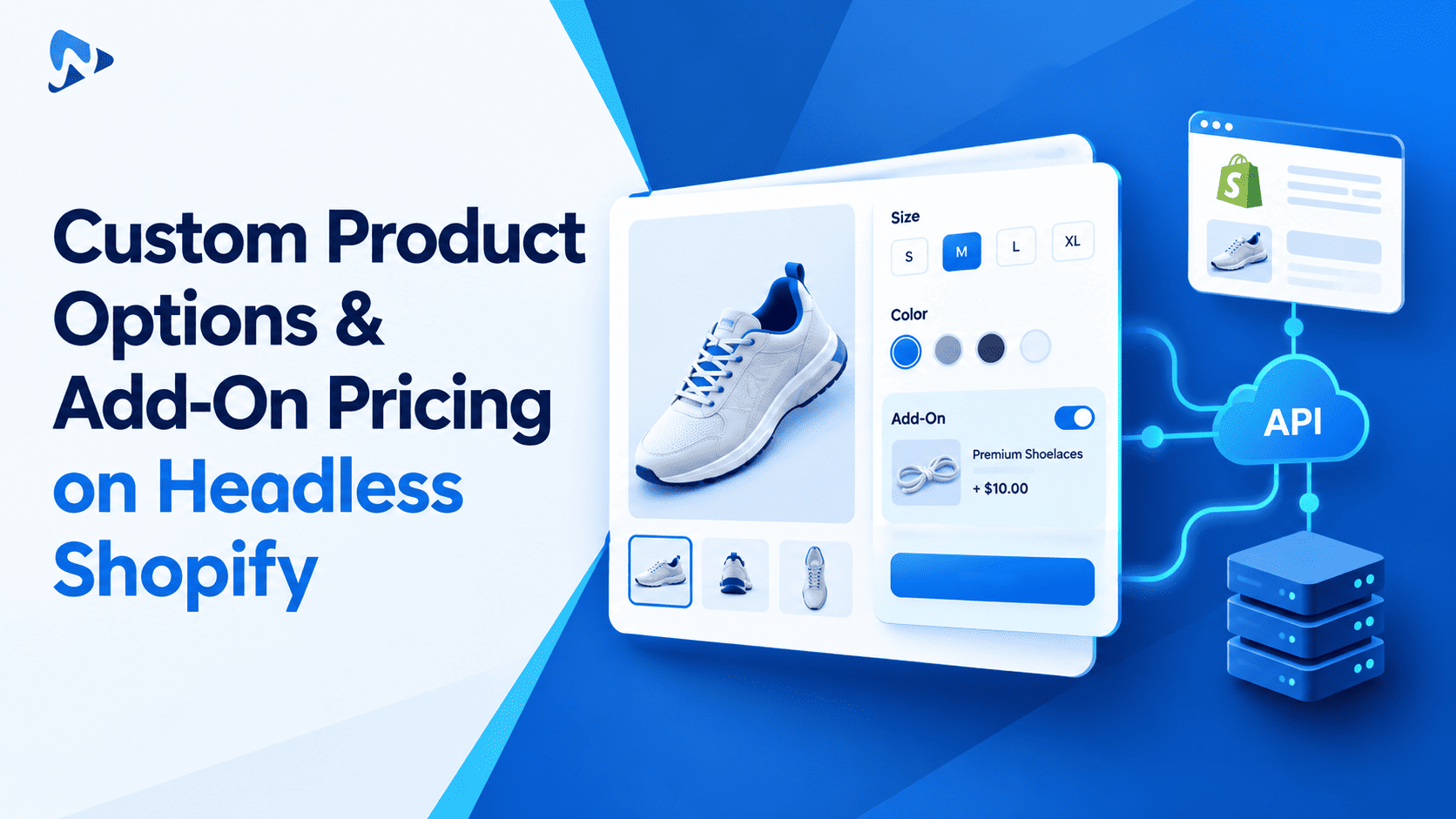
- API for creating, syncing and managing options programmatically (API Gateway on Premium)
- AI option generation from a prompt or screenshot, with 50 credits on the free plan
- Works with Online Store 2.0, headless stores, POS and mobile apps
Pros:
- Live preview, conditional logic, add-on pricing and an API in a single app
- One of the widest option-type libraries in this list
- Add-on pricing is included on the free plan
- Lowest paid entry price among the apps with full feature tiers
Cons:
- Newest app with a small review base (13 reviews), so little long-term track record
- No Built for Shopify badge shown on its listing
- Conditional logic needs a paid plan, and product personalization needs Advanced
Pricing: Free; Basic $7.99/mo; Advanced $12.99/mo; Premium $19.99/mo. Paid plans have a 14-day trial, and annual billing saves about 20%.
View on the Shopify App Store
2. Globo Product Options, Variant
Best for: merchants who want the biggest review history and POS support.
4.9 (5,100+ reviews, about 95% five-star) · Built for Shopify · Free plan available · Paid from $9.90/mo · Launched 2020
Overview: One of the most reviewed apps in the category. You can build option sets from 30+ field types and apply them to one product or the whole catalog.
Key features:
- File upload, swatches, dropdowns, dates and dimensions
- Add-on pricing built on Shopify Functions, so discount codes and taxes still apply
- Conditional logic, including with Shopify variants
- Live preview for engraving, monograms and artwork on Advanced
- Options flow into orders, packing slips and POS; works with GemPages, PageFly and EComposer
Pros:
- Very large review base with consistently high ratings
- Free plan includes conditional logic and no watermark
- POS support and 18 languages
Cons:
- Price add-ons and file upload need Premium; live preview, cart editing and POS need Advanced
- Shopify Plus stores pay more ($39.90 to $59.90 per month)
Pricing: Free; Premium $9.90/mo; Advanced $19.90/mo; Shopify Plus tiers $39.90 and $59.90/mo. Paid plans have a 14-day trial.
View on the Shopify App Store
3. Easify Custom Product Options
Best for: stores that need a live preview of text or photo personalization and want the same price whatever their Shopify plan.
4.9 (3,000+ reviews) · Built for Shopify · Free plan available · Paid from $9.99/mo · Launched 2023
Overview: Combines product options with a personalizer that shows customer text and images on the product page.
Key features:
- 28 option types on Pro, with price rules such as formulas, per-character and one-time charges
- Live preview personalizer, including text effects and background removal, on Premium
- Date picker with blocked dates and lead time, plus in-cart option editing
- 100+ templates and live chat on every plan
Pros:
- Same price on all Shopify plans, including Plus
- Merchants regularly praise its fast support
- Broad free plan with conditional logic and no watermark
Cons:
- Live preview is only on the $19.99 Premium plan
- The Enterprise tier jumps to $99.99 per month
Pricing: Free; Pro $9.99/mo; Premium $19.99/mo; Enterprise $99.99/mo. Paid plans have a 14-day trial.
View on the Shopify App Store
4. IO: Infinite Product Options
Best for: merchants who prefer a long-established app from a long-running developer.
4.7 (2,600+ reviews) · Built for Shopify · Free trial · Paid from $12.99/mo · Developer: ShopPad
Overview: One of the longest-running options apps, on the App Store since 2015. It covers custom fields, selections, conditional display, uploads and add-on products.
Pros:
- Long track record and a large review base
- Built for Shopify badge
Cons:
- No ongoing free plan, only a trial
- Higher starting price than most, and a slightly lower rating than the 4.9 peers
Pricing: Essential from $12.99/mo with a 14-day trial. Confirm higher tiers on the listing.
View on the Shopify App Store
5. OPTIS Product Options, Variant
Best for: stores that want customers to edit options on the cart page.
4.9 (2,300+ reviews) · Built for Shopify · Free plan available · Developer: BSS Commerce
Overview: A well-reviewed app covering text boxes, swatches, dropdowns and file uploads, with extras like gift wrap and size charts.
Key features:
- Conditional logic, price add-ons and bundles
- Cart-page option editing and variant-specific images
- Compatible with Shopify discounts and promotions
Pros:
- High rating across thousands of reviews
- Cart editing and size charts included in the feature set
Cons:
- The free plan limits how many option sets you can create
- Shopify Plus pricing is higher than the standard paid plan
Pricing: Free plan, then paid plans from about $10/mo, plus a higher-priced Shopify Plus plan. Check the listing for current limits.
View on the Shopify App Store
6. Aris Product Options, Variants
Best for: stores that want a generous free plan with room to grow.
4.9 (1,600+ reviews) · Free plan available · Paid from about $12/mo up to $59/mo · Developer: Arisify
Overview: Offers unlimited product options on every plan, including free, with higher tiers adding more option types and a live-preview personalizer.
Key features:
- Roughly 23 option types on the free plan and 35+ on higher plans
- Conditional logic, add-on pricing, bundles and upsells
- Live-preview personalizer, draft order options and a public API on higher tiers
Pros:
- Many features are available without paying
- Live chat support on all plans
Cons:
- File uploads are reported to need the Premium plan
- The top plan reaches $59 per month
View on the Shopify App Store
7. SC Product Options (formerly Bold Product Options)
Best for: merchants already familiar with the Bold brand who want a long-established option.
About 4.6 (1,200 reviews) · Development-store free tier only · Paid from $14.99/mo
Overview: The app previously known as Bold Product Options. It covers extra fields, uploads, priced choices and conditional paths.
Pros:
- Long history and a large installed base
- Covers uploads, priced choices and conditional paths
Cons:
- No ongoing free plan for live stores
- Priced extras, conditional logic and cart editing sit on the $39.99 Premium plan
- Lower rating than most peers
Pricing: Basic $14.99/mo; Premium $39.99/mo.
View on the Shopify App Store
8. King Product Options, Variants
Best for: stores that want to test customization at zero cost.
4.7 (490 reviews) · Built for Shopify · Free, no paid tier
Overview: A fully free app covering core option types such as text fields, swatches, file uploads and conditional visibility.
Pros:
- Costs nothing
- Built for Shopify badge
Cons:
- No paid tier, so no upgrade path for advanced needs
- Smaller review base than the leaders
View on the Shopify App Store
9. EasyFlow Product Options
Best for: multi-currency stores that care about storefront speed.
4.9 (430 reviews) · Built for Shopify · Free plan available · Paid from $9.99/mo
Overview: Stays compatible with Shopify’s native variants while adding unlimited options, add-ons and bulk editing.
Key features:
- Conditional logic with variant support
- Price add-ons with multi-currency support
- Bulk edit and apply option sets across products
Pros:
- High rating and Built for Shopify badge
- Good fit for international pricing
Cons:
- Smaller review base
- Higher tiers are expensive, from $29.99 up to $149.99 per month
Pricing: Free; Growth $9.99/mo; Scale $29.99/mo; Enterprise $149.99/mo.
View on the Shopify App Store
10. EXPO – Extra Product Options
Best for: large catalogs where one option set must be applied to many products at once.
4.9 (about 60 reviews) · Free plan available · Paid from $7.90/mo
Overview: Focuses on bulk management: you can assign full option sets to selected products or product groups instead of configuring each one.
Key features:
- Conditional option flow that reveals choices step by step
- Extra fees or discounts based on selections
- Date and time pickers, uploads and swatches
- Works with translation apps and converts prices for local currencies
Pros:
- Strong bulk assignment
- Low entry price
Cons:
- Small review base, so less social proof
Pricing: Basic free; Plus $7.90/mo; Pro $19.90/mo.
View on the Shopify App Store
Which app fits which store
| If you need… |
Look at |
| The longest review history |
Globo, Easify, IO: Infinite Product Options |
| Live preview of engraving, monograms or artwork |
Ultimate Product Options, Easify (Premium), Globo (Advanced), Aris (higher tiers) |
| 42+ option types with conditional logic, add-ons and live preview |
Ultimate Product Options |
| An API for automation or headless stores |
Ultimate Product Options, Aris (higher tiers) |
| Add-on pricing without paying |
Ultimate Product Options (free plan) |
| Conditional logic without paying |
Globo and Easify (free plans) |
| A completely free app |
King Product Options |
| Editing options on the cart page |
OPTIS, Easify (Pro), Globo (Advanced), Ultimate Product Options (Basic) |
| Multi-currency add-ons |
EasyFlow, EXPO |
| Applying option sets to many products at once |
EXPO, EasyFlow, Globo, Ultimate Product Options |
Final verdict
There is no single best app for every store. If you want the longest history and the biggest community of merchant reviews, start with Globo or Easify. If you sell engraved or photo-based products and need a live preview, compare Easify Premium, Globo Advanced and Ultimate Product Options. If cost is the priority, King is free, and the free plans at Globo, Easify and Ultimate Product Options differ in what they include, so match them to your products.
If you want 42+ option types, conditional logic, add-on pricing, live preview and an API in one app, with a free plan to start, Ultimate Product Options is worth a trial. Its review history is still short, so run your own test before you roll it out.
Whichever you shortlist, install it on a duplicate theme, build one real product, place a test order, and check three things: how the extra charge appears on the order, how the page behaves on mobile, and how easy it is to export your option sets later.
Try Ultimate Product Options free on the Shopify App Store or
learn more about the app.
Frequently asked questions
What is a Shopify product options app?
It extends Shopify’s native options with extra fields such as text boxes, file uploads, swatches, dropdowns and date pickers. Most also add conditional logic and paid add-ons, and some include a live preview.
How many options and variants does Shopify allow per product?
Shopify’s Help Center lists up to three options and up to 2,048 variants per product. Check that page for the current limits before you plan your catalog.
Do I need an app for a simple text field?
Not always. A single engraving or gift-message box can often be added in your theme. An app becomes worthwhile when you need paid add-ons, uploads, conditional logic, reusable option sets or non-developer editing.
How are paid add-ons charged at checkout?
It depends on the app. Some adjust the price of the same cart line, and others add a separate line item. Place a test order to see how refunds, discounts, taxes and packing slips behave.
Will a product options app slow down my store?
It can, depending on the app, your theme and your other apps. The Built for Shopify badge signals that Shopify has reviewed an app against its performance standards, but you should still compare page speed before and after installing.
What is usually locked behind paid plans?
Commonly file uploads, price add-ons or advanced logic, cart editing, multi-language support, live preview and API access. The exact split differs by app, as the free-plan table above shows.
Can I switch apps later?
Usually yes, but plan for it. Prefer an app that lets you export option sets (for example via CSV), and test the migration on one product first.
Which is the best Shopify product options app?
It depends on your products. Use the “Which app fits which store” table to match your needs, then trial your top two or three.
Related reading
Update log
October 2026: Merged our two earlier comparisons into this page, corrected Shopify’s variant limit, refreshed ratings, plans and features, added the missing top-ranked apps, and added a free-plan comparison.
Sources