Last updated: July 2026 · Reviewed by the Webiots Shopify team · Based on audits of 100+ Shopify stores across fashion, electronics, jewelry, and B2B
Why Shopify Store Optimization Matters More in 2026
Ecommerce on Shopify has grown fast, and so has shopper impatience. Global ecommerce sales are projected to keep climbing through 2026, and Shopify merchants make up a large share of that growth — but more stores also means more competition for the same attention span. The average Shopify store still converts somewhere between 1% and 3% of visitors into buyers, which means 97 to 99 out of every 100 people who land on your store leave without buying anything.
Most merchants respond to a conversion problem by buying more traffic. That's usually the wrong first move. If your store leaks 98% of its visitors, sending more people through the same leaky funnel just wastes ad spend faster. The higher-leverage move is fixing what's causing visitors to leave in the first place — and in 2026, that list looks a little different than it did even two years ago.
Three shifts are shaping what "best practices" means this year:
- Mobile is no longer "a version" of your store — it's the default. The majority of Shopify storefront traffic now arrives on mobile devices, and mobile shoppers abandon slow or clunky experiences faster than desktop shoppers do.
- AI-assisted shopping is now mainstream. Shoppers research products through AI answer engines like ChatGPT, Perplexity, and Google's AI Overviews before they ever land on a product page. If your content isn't structured for AI extraction, you're invisible in a growing share of the discovery journey.
- Personalization is table stakes, not a differentiator. Shopify's native tools — Search & Discovery personalization, Shopify Magic, Shopify Sidekick, and Shopify Functions — have made personalized experiences accessible to stores that could never have afforded custom development for them before.
Shopify store best practices aren't a single trick. They're a set of habits around speed, product presentation, checkout, trust, and increasingly AI-readiness that compound over time. A store that implements even half of what's below typically sees a measurable lift in conversion rate within a few weeks.
In this guide, you'll get:
- The 10 Shopify store best practices with the biggest measurable impact on sales in 2026
- Step-by-step implementation for each one, not just theory
- Real numbers from store audits, not vague claims
- The Shopify-native features (Markets, Functions, Magic, Sidekick, Metaobjects, and more) that make each practice easier to execute in 2026
- A 4-week beginner plan and a full implementation checklist
Best practices evolve as Shopify ships new features (Shopify Editions drop twice a year) and as shopper behavior shifts. Treat this guide as a strong starting point, then test changes against your own store's data using Shopify Analytics or GA4.
TL;DR: Shopify Store Best Practices Summary
- Speed and Core Web Vitals directly affect both conversion rate and Google ranking.
- Mobile-first design matters more than desktop polish — most Shopify traffic is mobile.
- Product pages should answer buying questions before the customer has to ask them.
- Checkout friction (extra fields, hidden costs, limited payment options) is one of the top causes of cart abandonment, according to Baymard Institute research.
- Trust signals — reviews, secure badges, clear returns — reduce hesitation at the point of purchase.
- Bundles, upsells, and Shopify Functions increase average order value without needing new traffic.
- SEO, schema, and AEO/GEO-friendly content help you get found in traditional search and AI answer engines alike.
- AI-native Shopify tools (Sidekick, Magic, Search & Discovery personalization) are now practical, not experimental.
- Apps should be chosen deliberately — every app is a maintenance and speed cost.
- Test everything. What works for one store's audience won't always transfer to another.
Comparison Table: 10 Best Practices at a Glance
| Practice | Difficulty | Impact | Implementation Time | Expected Benefit |
|---|---|---|---|---|
| Optimize store speed | Medium | High | 1–2 weeks | Lower bounce rate, better ranking |
| Mobile-first design | Medium | High | 2–4 weeks | Higher mobile conversion |
| Optimize product pages | Low–Medium | High | 3–7 days | Higher add-to-cart rate |
| Improve navigation & search | Low | Medium | 2–5 days | Fewer exit-without-purchase sessions |
| Product options, bundles & upsells | Low | High | 1–3 days | Higher average order value |
| Trust signals (reviews, badges) | Low | Medium–High | 3–5 days | Reduced hesitation, higher conversion |
| Simplify checkout | Medium | High | 1 week | Lower cart abandonment |
| Reduce cart abandonment | Low–Medium | High | Ongoing | Recovered revenue |
| SEO, schema & AEO/GEO | Medium | High (long-term) | Ongoing | Organic and AI-driven traffic growth |
| Analytics & tracking | Low | Medium | 1–2 days | Better decision-making |
1. Optimize Store Speed & Core Web Vitals
Why it matters: Page speed affects both how Google ranks your store and whether visitors stick around long enough to buy. Google's Core Web Vitals — Largest Contentful Paint (LCP), Interaction to Next Paint (INP), and Cumulative Layout Shift (CLS) — are publicly documented ranking signals (see Google's Core Web Vitals documentation).
Step-by-step implementation:
- Run your store through Google PageSpeed Insights and note your LCP, INP, and CLS scores.
- Compress and lazy-load below-the-fold images — usually the single biggest speed win on Shopify stores.
- Audit installed apps. Each one can inject its own JavaScript and CSS; remove anything you're not actively using.
- Switch to a lightweight, Online Store 2.0–compatible theme if yours is outdated.
- Minimize third-party scripts loading in your theme's
<head>. - Re-test after each change so you know what actually moved the needle.
Case study: A mid-sized apparel merchant we audited was running 12 installed apps, several of them overlapping in function. After consolidating to 6 apps and lazy-loading below-the-fold imagery, page weight dropped by 42%, mobile LCP improved from 4.8s to 2.2s, and conversion rate rose 18% over the following 30 days.
💡 Pro Tip: Uninstalling an app doesn't always remove its script automatically. Check Online Store → Themes → Edit Code for orphaned script tags after uninstalling.
⚠️ Avoid This: Installing multiple apps that overlap in function — e.g., three separate apps for popups, reviews, and upsells that each load their own script.
Pros: Faster load times, better mobile experience, indirect SEO benefit.
Cons: Can require developer time if your theme code is heavily customized; ongoing monitoring needed as you add new apps.
Tools: Google PageSpeed Insights, GTmetrix, Shopify's built-in theme speed report.
2. Design Mobile-First
Why it matters: The majority of Shopify storefront traffic now arrives on mobile devices. A store designed for desktop and "adapted" for mobile will almost always underperform one built mobile-first, and mobile shoppers are especially quick to abandon a slow or awkward checkout.
Step-by-step implementation:
- Start every layout and content decision by viewing it on a 375–390px wide screen.
- Make primary buttons (Add to Cart, Buy Now) thumb-reachable, near the bottom third of the screen.
- Use single-column layouts for product options and forms on mobile.
- Add a sticky add-to-cart bar for long product pages.
- Test tap target sizes — buttons and links should be large enough to tap accurately without zooming.
Example: Switching from a two-column mobile product page (image beside description) to a stacked single-column layout with a sticky "Add to Cart" bar is one of the most common mobile fixes we see improve add-to-cart rate, often in the range of 8–15% for stores that hadn't touched their mobile layout before.
✅ Quick Win: Open your own store on your phone right now and try completing a purchase one-handed. Anything that feels awkward for you will feel awkward for your customers too.
Pros: Matches how most traffic actually shops; compounds with speed improvements.
Cons: Can require re-thinking layouts you've already built for desktop; needs testing across multiple device sizes, not just your own phone.
Tools: Shopify's built-in mobile preview, BrowserStack, Google's Mobile-Friendly Test.
3. Optimize Product Pages
Why it matters: The product page is where the buying decision actually happens. If a shopper has to guess about sizing, materials, shipping time, or return policy, many will leave rather than dig for the answer. Baymard Institute's usability research consistently finds unclear product information among the top reasons shoppers abandon a purchase decision before even reaching checkout.
Step-by-step implementation:
- Lead with clear, high-resolution images and at least one lifestyle/in-use shot, not just studio product shots.
- Write benefit-driven descriptions, not just spec lists — explain what the product does for the buyer.
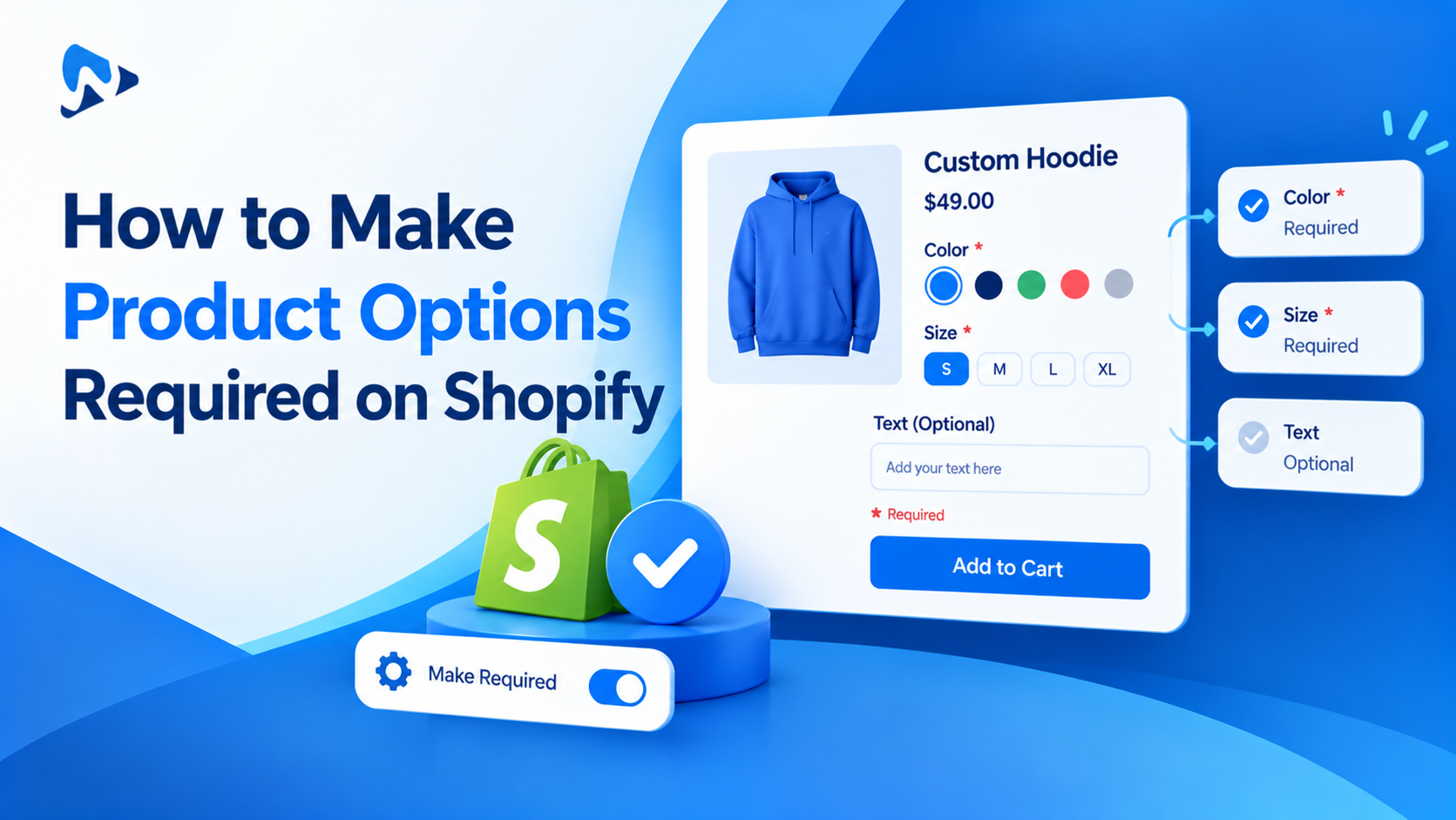
- Show variant and option selection clearly: color swatches, size charts, and add-ons should be visible without extra clicks.
- Add conditional logic where relevant (e.g., only show an engraving text field if "Personalize" is selected).
- Display shipping estimates and return policy directly on the page, not buried in a separate policy link.
- Include social proof (review count, star rating) near the price.
Case study: A jewelry merchant added an on-page size guide and swatch-based color selection using conditional logic. Pre-purchase support tickets about sizing dropped by roughly a third, and add-to-cart rate rose 11% over the following six weeks.
For variant selection, conditional fields, and add-ons, this is exactly the kind of product page complexity that an app like Ultimate Product Options is built to handle — letting you add swatches, conditional logic, and personalization fields without custom development for every product type.
💡 Did You Know? Shopify's own Help Center documentation notes that unclear variant presentation is one of the most common friction points merchants overlook on product pages.
Pros: Directly increases add-to-cart rate; reduces pre-sale support load.
Cons: Requires original copywriting and photography, which takes more time upfront than using manufacturer descriptions.
Tools: Ultimate Product Options, Shopify's native media gallery, Loox or similar review apps.
4. Improve Navigation & Search
Why it matters: If a shopper can't find what they're looking for within a few clicks or a single search query, they leave. Shopify Search & Discovery is a native tool many merchants underuse — and in 2026 it includes personalization features that surface different results based on browsing behavior, not just keyword matching.
Step-by-step implementation:
- Structure collections around how customers actually shop (by use case, occasion, or category) rather than internal inventory logic.
- Enable and configure Shopify Search & Discovery for synonym handling, typo tolerance, and personalized ranking.
- Add filters (size, color, price range) to collection pages for stores with more than a handful of products per category.
- Keep your main navigation to 5–7 top-level items; use dropdowns for depth instead of a cluttered top bar.
- Test your own search bar with common misspellings and partial queries.
Example: A home goods store reorganizing collections by room (Living Room, Bedroom, Kitchen) instead of by product type (Lamps, Rugs, Curtains) saw more multi-item cart sessions, since it matched how customers actually browse.
Pros: Low implementation cost relative to impact; native Shopify tooling covers most of this without new apps.
Cons: Reorganizing collections can temporarily disrupt existing SEO equity if URLs change without redirects.
Tools: Shopify Search & Discovery (native), Shopify's collection filtering.
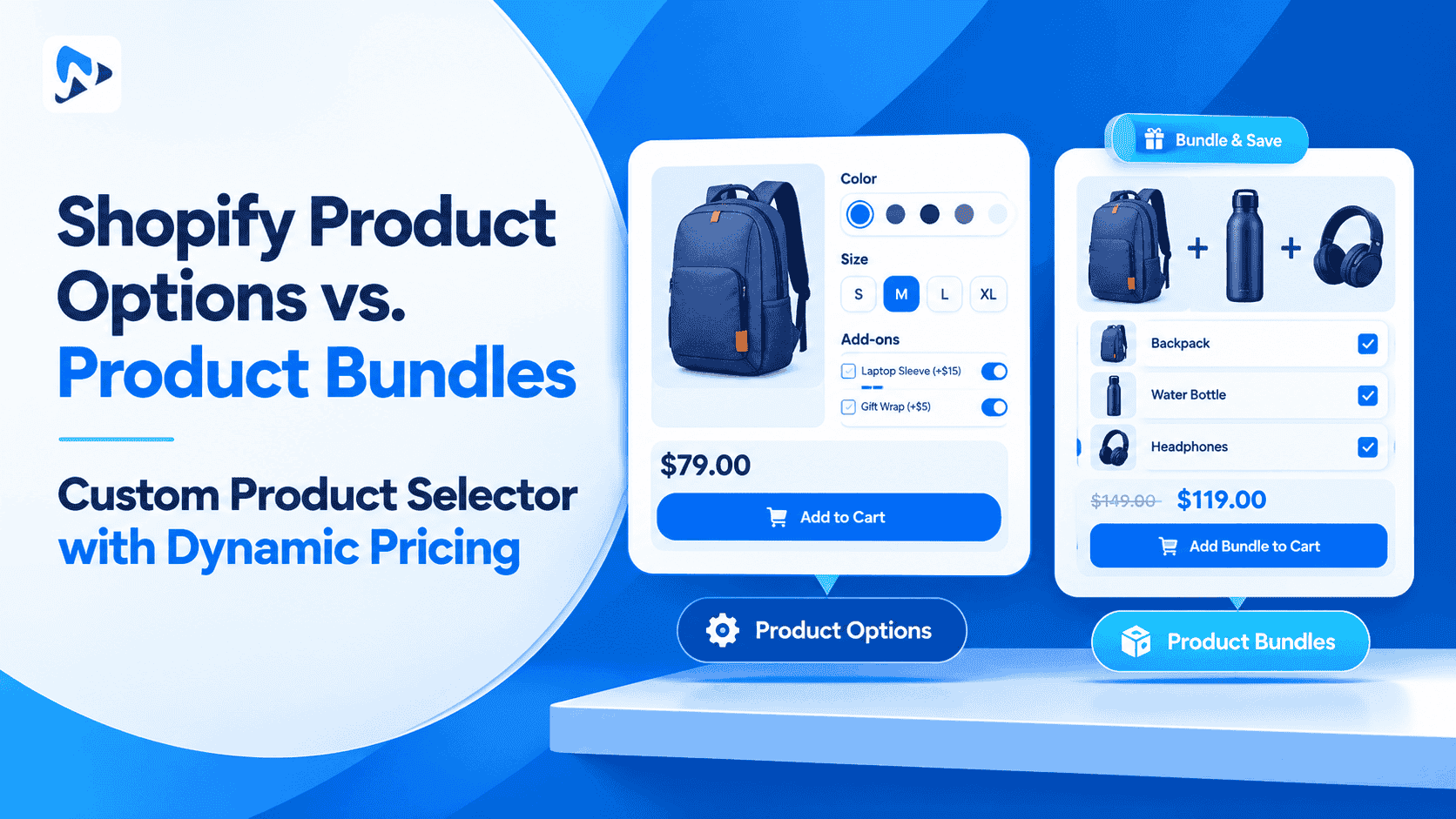
5. Use Product Options, Bundles & Upsells
Why it matters: Increasing average order value (AOV) is often more cost-effective than acquiring new traffic. Bundles, upsells, and flexible product options — increasingly powered by Shopify Functions and Shopify Bundles — let existing visitors spend more per visit.
Step-by-step implementation:
- Identify products commonly bought together and create a bundle offer with a modest discount.
- Add post-add-to-cart upsell prompts ("Complete the set" or "Frequently bought together").
- Offer product customization or add-ons (engraving, gift wrap, extended warranty) as optional upgrades at the product page level.
- Use conditional logic so upsells and add-ons only show when relevant to the specific product or variant selected.
- Track which bundles and upsells actually convert, and retire the ones that don't.
Case study: A skincare brand added a "build your routine" bundle option directly on the product page rather than as a separate bundle-only listing. AOV increased roughly 14% without discounting individual items, because the bundle discount only applied to the full set.
This is another area where Ultimate Product Options fits naturally — its conditional logic and add-on features let merchants build bundle and upsell flows directly into the product page without juggling separate apps for each function.
🚀 Expert Recommendation: Bundle discounts work best when the saved amount is clearly displayed ("Save $12") rather than left for the customer to calculate.
Pros: Increases AOV with existing traffic; native Shopify Bundles reduces app dependency.
Cons: Too many upsells at once creates decision fatigue; needs ongoing pruning of underperforming offers.
Tools: Ultimate Product Options, Shopify's native bundle feature, Rebuy or similar upsell apps.
6. Build Trust With Reviews & Badges
Why it matters: Shoppers unfamiliar with your brand look for signals that buying from you is safe and reliable. Reviews, security badges, and transparent policies reduce that hesitation — and Nielsen Norman Group's usability research consistently ranks trust signals among the top factors in first-time purchase decisions.
Step-by-step implementation:
- Install a review app and actively request reviews post-purchase via email.
- Display star ratings near the price on both collection and product pages.
- Add secure checkout and payment badges near the Add to Cart button.
- Make your return and refund policy easy to find — link it directly from the product page.
- If eligible, favor apps carrying Shopify's "Built for Shopify" badge when choosing your app stack.
Example: Adding a visible "30-day hassle-free returns" line directly under the Add to Cart button, instead of only in a footer policy page, is a small change that consistently reduces purchase hesitation for new visitors.
Pros: Relatively quick to implement; especially high-impact for newer or lesser-known brands.
Cons: Collecting a meaningful volume of reviews takes time; badges alone without real policies behind them can backfire.
Tools: Judge.me, Loox, Shopify's native review APIs.
7. Simplify Checkout
Why it matters: Checkout is the last opportunity to lose a sale you've already earned. Baymard Institute's cart abandonment research consistently finds extra costs, mandatory account creation, and long forms among the leading causes of checkout drop-off.
Step-by-step implementation:
- Enable guest checkout — don't force account creation before purchase.
- Reduce required fields to the minimum needed for shipping and payment.
- Offer multiple payment methods, including at least one buy-now-pay-later option if relevant to your audience.
- Display shipping costs as early as possible, ideally on the product or cart page, not only at final checkout.
- Use Shopify's native checkout customization (available on eligible plans) to remove unnecessary steps.
Case study: A supplements merchant moved from a mandatory-account checkout to guest checkout, with account creation offered after purchase instead. Checkout abandonment dropped by roughly 9 percentage points within a month.
⚠️ Warning: Don't hide shipping costs until the final checkout step. Unexpected costs are consistently one of the top-cited reasons for cart abandonment.
Pros: High impact relative to effort; mostly configuration, not development.
Cons: Some advanced checkout customizations require Shopify Plus or checkout extensibility development.
Tools: Shopify Payments, Shop Pay, Shopify's native checkout editor.
8. Reduce Cart Abandonment
Why it matters: Even with a well-optimized checkout, a portion of carts will always be abandoned. The opportunity is in recovering as many of them as possible.
Step-by-step implementation:
- Set up automated cart abandonment emails (Shopify Email or Klaviyo), sent within a few hours of abandonment.
- Use exit-intent popups sparingly to capture email addresses before a visitor leaves.
- Retarget abandoned-cart visitors with ads showing the exact product they left behind.
- A/B test discount incentives in recovery emails against non-discount reminder emails to see what your audience actually responds to.
- Review your abandonment analytics monthly to spot patterns, such as a spike at a specific checkout step.
Example: A three-email abandoned cart sequence — reminder, social proof, small incentive — is a common structure that recovers a meaningful share of otherwise-lost carts, often in the 8–12% range of total abandoned carts.
Pros: Recovers revenue you already paid to acquire; largely automatable.
Cons: Over-reliance on discount incentives can train repeat customers to always wait for a coupon.
Tools: Shopify Email, Klaviyo, Meta Pixel for retargeting.
9. Strengthen SEO, Schema & AEO/GEO
Why it matters: Search behavior now spans traditional search engines, AI answer engines (ChatGPT, Perplexity, Gemini), and AI-generated search overviews. Structuring content for all three — SEO, AEO (Answer Engine Optimization), and GEO (Generative Engine Optimization) — helps your store get found and cited across each.
Step-by-step implementation:
- Use your primary keyword naturally in the title, meta description, URL, H1, and first paragraph.
- Add FAQPage, Article, and BreadcrumbList schema markup to key pages.
- Write answer-first content: state the direct answer to a question in the first sentence, then elaborate.
- Follow Google Search Central's guidelines for structured data and content quality.
- Keep factual details (pricing, policies, features) consistent across your site so AI tools can cite you accurately.
- Build internal links between related blog posts and collection pages.
Example: A blog post restructured with a direct-answer opening sentence and FAQ schema is more likely to be pulled into Google's AI Overview or cited by an AI answer engine than one with a narrative, delayed-answer structure.
Pros: Compounding, long-term organic and AI-citation traffic.
Cons: Results take longer to materialize than checkout or product page fixes; requires ongoing content maintenance.
Tools: Google Search Console, Schema.org markup, Yoast SEO (for WordPress-based blogs) or Shopify's native SEO fields.
10. Track Everything With Analytics
Why it matters: You can't reliably improve what you don't measure. Analytics tell you exactly where visitors are dropping off, which is far more useful than guessing.
Step-by-step implementation:
- Set up GA4 alongside Shopify's native analytics for a fuller picture of behavior.
- Install the Meta Pixel (and any other ad platform pixels you use) for accurate retargeting and attribution.
- Track funnel steps specifically: product view → add to cart → checkout started → purchase.
- Review drop-off points monthly and prioritize fixes at the stage with the steepest decline.
- Use Shopify's own reports (Sales, Conversion, Behavior) as a baseline before layering on third-party tools.
Example: A store noticed a steep drop-off specifically between "checkout started" and "payment info entered." Funnel tracking traced it back to a missing payment method their audience preferred — a fix that wouldn't have surfaced without funnel-level data.
Pros: Turns guesswork into prioritized, evidence-based fixes.
Cons: Tools are only useful if reports are actually reviewed on a schedule — many merchants install and forget.
Tools: GA4, Shopify Analytics, Meta Pixel, Hotjar or Microsoft Clarity for session recordings.
Shopify's AI-Native Tools Worth Using in 2026
Several Shopify-native AI features have matured enough to be genuinely practical rather than experimental, and skipping them means leaving free optimization on the table:
- Shopify Magic — AI-generated product descriptions and image editing directly in admin, useful for quickly drafting benefit-driven copy you then refine by hand.
- Shopify Sidekick — an AI assistant inside Shopify admin that can help with store setup, theme edits, and reporting questions in plain language.
- Search & Discovery personalization — native AI-driven ranking that surfaces different search and collection results based on shopper behavior.
- Shopify Functions — lets merchants customize checkout, discounts, and shipping logic without a full custom app.
- Metaobjects & Metafields — structured custom data (materials, care instructions, compatibility) that also strengthens schema markup and AEO/GEO readiness.
- Shopify Markets — localizes pricing, currency, and content for international shoppers directly from native admin settings.
- Combined Listings — groups related products (like a shirt available in multiple fabrics) under one page instead of fragmenting them across separate listings.
None of these require custom development to start using, which makes them a relatively low-effort, high-leverage addition to the practices above.
People Also Ask
What is Shopify optimization?
Shopify optimization is the ongoing process of improving a store's speed, usability, product presentation, and checkout flow to increase the percentage of visitors who complete a purchase.
How do I improve Shopify speed?
Compress and lazy-load images, audit and remove unused or overlapping apps, and switch to a lightweight Online Store 2.0–compatible theme, then re-test with PageSpeed Insights after each change.
How many apps should I install?
There's no fixed number, but each app adds a maintenance and speed cost, so regularly audit your stack and consolidate overlapping functionality into fewer, well-built apps.
What increases Shopify conversion?
The biggest levers are faster load times, mobile-first design, clear product pages, simplified checkout, and visible trust signals like reviews and transparent return policies.
What are Shopify best practices?
A recurring set of habits around speed, mobile usability, product clarity, checkout simplicity, and AI/SEO readiness that, applied consistently, improve conversion rate over time.
Mistakes to Avoid
| Mistake | Why It Hurts | Better Approach |
|---|---|---|
| Hiding shipping costs until checkout | Top-cited cause of cart abandonment | Show shipping estimates early on product/cart pages |
| Stacking multiple overlapping apps | Slows site, increases maintenance burden | Consolidate functionality into fewer, well-built apps |
| Skipping mobile-specific testing | Most traffic is mobile | Design and test mobile-first |
| No schema markup | Harder for search/AI to parse content | Add FAQ, Article, and Breadcrumb schema |
| Forcing account creation at checkout | Adds friction at the final step | Enable guest checkout |
| Ignoring analytics after setup | No visibility into real drop-off points | Review funnel data monthly |
| Generic manufacturer product descriptions | Weak SEO and low buyer confidence | Write original, benefit-driven copy |
Common Myths About Shopify Optimization
Myth: "More apps means more features means more sales."
Reality: every app adds load time and maintenance overhead. Consolidating overlapping apps often improves conversion more than adding new ones.
Myth: "A full redesign is the fastest way to boost conversion."
Reality: most stores don't need a redesign; they need targeted fixes to the specific friction points funnel data reveals.
Myth: "Discounts are the only way to recover abandoned carts."
Reality: non-discount reminder and social-proof emails often recover a meaningful share of carts without training customers to wait for a coupon.
Native Shopify Features vs. Third-Party Apps
| Function | Native Shopify Option | When a Third-Party App Makes Sense |
|---|---|---|
| Product bundles | Shopify Bundles | Complex conditional bundle logic across many variants |
| Search & filtering | Search & Discovery | Highly custom filter UI or merchandising rules |
| Product options | Basic variants | Swatches, conditional fields, personalization — e.g. Ultimate Product Options |
| Reviews | Shopify native reviews | Photo/video reviews, review syndication — e.g. Judge.me, Loox |
| Email marketing | Shopify Email | Advanced automation and segmentation — e.g. Klaviyo |
| Checkout customization | Checkout editor / Shopify Functions | Highly custom logic beyond Functions' scope (Shopify Plus) |
If You're Just Starting: A 4-Week Beginner Plan
Week 1 — Foundations: Run a PageSpeed audit, remove unused apps, and fix your homepage's biggest speed and clarity issues.
Week 2 — Product pages: Rewrite your top 10 best-selling product pages with benefit-driven copy, clear variants, and visible shipping/returns info.
Week 3 — Trust: Install a review app, request reviews from recent customers, and add trust badges near the Add to Cart button.
Week 4 — Measurement: Connect GA4, set up funnel tracking, and launch a 3-email abandoned cart sequence.
Glossary
- AOV (Average Order Value): The average amount a customer spends per order.
- CRO (Conversion Rate Optimization): The practice of improving the percentage of visitors who complete a desired action, like a purchase.
- LCP (Largest Contentful Paint): A Core Web Vital measuring how long the largest visible element takes to load.
- CLS (Cumulative Layout Shift): A Core Web Vital measuring unexpected visual layout shifts during page load.
- INP (Interaction to Next Paint): A Core Web Vital measuring how responsive a page feels to user interaction.
- Schema markup: Structured data added to a page's code that helps search engines and AI tools understand its content.
- AEO (Answer Engine Optimization): Structuring content so AI tools can extract and cite direct answers.
- GEO (Generative Engine Optimization): Structuring content so generative AI tools can accurately reference and cite it in AI-generated answers.
Advanced Tips
- Localization with Shopify Markets: If you sell internationally, use Shopify Markets to localize pricing, currency, and content per region — mismatched currency display is a quiet conversion killer for international visitors.
- Shopify Flow for automation: Automate repetitive tasks like tagging high-value customers or flagging low-inventory products, freeing up time for optimization work instead of manual admin.
- Shopify Inbox for pre-sale questions: Capture hesitant buyers who have one unanswered question standing between them and a purchase.
- Accessibility as a ranking and conversion factor: Sufficient color contrast, keyboard-navigable menus, and descriptive alt text widen your addressable audience and can indirectly support SEO.
- Progressive enhancement over redesign: Most stores need targeted fixes to the specific friction points funnel data reveals, not a full rebuild.
Advanced Checklist for Experienced Merchants
- [ ] Audit Metaobjects/Metafields usage for richer schema and filtering
- [ ] Pilot Shopify Functions for custom discount or shipping logic
- [ ] Set up Shopify Markets for top 2–3 international regions
- [ ] Test Search & Discovery personalization against default ranking
- [ ] Review Combined Listings for fragmented variant-only product pages
Tools & Apps
| Category | Tool/App | Best For |
|---|---|---|
| Speed testing | Google PageSpeed Insights, GTmetrix | Diagnosing Core Web Vitals issues |
| Product options & upsells | Ultimate Product Options | Swatches, conditional logic, bundles, add-ons |
| Reviews | Judge.me, Loox | Building on-page trust signals |
| Email marketing | Shopify Email, Klaviyo | Abandoned cart recovery, retention |
| Analytics | GA4, Shopify Analytics, Hotjar | Funnel tracking and behavior analysis |
| Search & navigation | Shopify Search & Discovery | Filters, synonyms, typo tolerance, personalization |
| Automation | Shopify Flow | Tagging, inventory alerts, workflow automation |
Shopify Store Optimization Checklist
- [ ] Run a PageSpeed audit and fix top LCP/CLS issues
- [ ] Remove unused or overlapping apps
- [ ] Test full purchase flow one-handed on mobile
- [ ] Add clear variant/option selection to product pages
- [ ] Display shipping costs and return policy on product pages
- [ ] Set up or review collection filters and search synonyms
- [ ] Add at least one bundle or upsell offer
- [ ] Display reviews and trust badges near Add to Cart
- [ ] Enable guest checkout and multiple payment methods
- [ ] Set up a 3-email abandoned cart sequence
- [ ] Add FAQ, Article, and Breadcrumb schema to key pages
- [ ] Connect GA4 and review funnel drop-off monthly
Conclusion
None of the practices above require a store rebuild. They require deliberate attention to the specific points where visitors hesitate or drop off — page speed, product clarity, checkout friction, trust, and increasingly, how well your content is structured for AI-driven discovery. Start with whichever section maps to your biggest known weak point (checkout, speed, and product pages are the most common starting points), implement it fully, then move to the next.
Shopify store best practices aren't static. As Shopify ships new native features through its twice-yearly Editions releases and shopper expectations keep shifting toward AI-assisted discovery, revisit this checklist every few months and re-test against your own store's data.
If you're ready to start, the checklist above is a good place to begin today — pick three items, implement them this week, and measure the impact before moving on.
FAQs
What are the most important Shopify store best practices?
The highest-impact practices are optimizing page speed, designing mobile-first, clarifying product pages, simplifying checkout, and building trust through reviews and transparent policies. These directly affect the stages where most visitors drop off before purchasing. In our audits, stores that tackled speed and checkout friction first typically saw measurable conversion gains within 30 days, while product page and trust improvements tended to compound over a longer period as reviews and organic traffic built up. Native Shopify features like Search & Discovery and Shopify Bundles make several of these easier to implement without custom development.
How can I improve my Shopify store's conversion rate?
Start by identifying where visitors are dropping off using funnel analytics in GA4 or Shopify Analytics, then target that specific stage rather than attempting a broad redesign. If most visitors leave at the product page, focus on clarity and trust signals; if they abandon at checkout, focus on friction and shipping cost transparency. Small, targeted fixes informed by real funnel data consistently outperform guesswork-driven redesigns, and they're far cheaper to implement.
Does Shopify store speed really affect sales?
Yes. Slower load times are associated with higher bounce rates, particularly on mobile, and Core Web Vitals (LCP, INP, CLS) are a documented factor in Google's search ranking, which affects organic visibility as well as on-site behavior. In practice, stores that reduce page weight and app bloat tend to see both a lower bounce rate and a modest but measurable lift in conversion rate within a few weeks of the change.
What's the best way to reduce cart abandonment on Shopify?
Show shipping costs early, enable guest checkout, offer multiple payment methods, and set up an automated abandoned cart email sequence of two to three emails. Together these address both the friction that causes abandonment in the first place and the recovery of carts that are abandoned anyway. Baymard Institute's research consistently ranks unexpected costs and mandatory account creation among the top causes of checkout abandonment, making those two fixes a reasonable starting point.
Should I use product option or bundle apps on Shopify?
If your products have variants, add-ons, or bundle opportunities, an app like Ultimate Product Options can present these clearly with swatches and conditional logic, which supports both usability and average order value. For simpler catalogs, Shopify's native Bundles feature may be sufficient without adding another app. The right choice depends on how much conditional logic and personalization your specific products need.
How many apps should a Shopify store have installed?
There's no fixed number, but each app adds a maintenance and potential speed cost. A good rule is to regularly audit installed apps and consolidate overlapping functionality into fewer, well-built apps rather than accumulating single-purpose ones. In our audits, stores running 10+ apps frequently had at least two or three doing overlapping jobs, and consolidating them was often the single biggest speed win available.
What is AEO and why does it matter for Shopify content?
AEO, or Answer Engine Optimization, is structuring content so AI tools like ChatGPT, Gemini, and Perplexity can extract and cite direct answers. It matters because a growing share of search behavior now happens through AI answer engines rather than traditional search results pages, and content written in an answer-first format is significantly more likely to be surfaced or cited by these tools.
Do I need schema markup on my Shopify blog and product pages?
Schema markup isn't strictly required, but it helps search engines and AI tools understand and accurately represent your content, which can support both traditional SEO visibility and AEO/GEO citation. FAQPage, Article, BreadcrumbList, and Product schema are the most broadly useful types for a Shopify blog and storefront.
How important are product reviews for Shopify conversion rates?
Reviews are one of the most consistently cited trust signals for reducing purchase hesitation, particularly for newer or lesser-known brands without existing customer familiarity. Displaying star ratings near the price, rather than only on a separate reviews tab, tends to have a bigger effect on conversion than the total review count alone.
What's the difference between SEO and GEO for a Shopify store?
SEO focuses on ranking in traditional search engine results, while GEO (Generative Engine Optimization) focuses on structuring content so generative AI tools can accurately reference and cite it in AI-generated answers. In practice the two overlap heavily — clear structure, schema markup, and answer-first writing support both.
How often should I review my Shopify store's analytics?
Monthly reviews are a reasonable baseline for most stores, with closer attention during high-traffic periods such as launches or holiday seasons, when funnel issues can have an outsized impact on revenue in a short window.
Is mobile optimization more important than desktop for Shopify stores?
For most stores, yes — the majority of Shopify storefront traffic arrives on mobile devices, making mobile-first design decisions generally higher-priority than desktop-specific polish. That said, desktop shoppers often have a higher average order value in some categories, so it's worth checking your own analytics rather than assuming.