

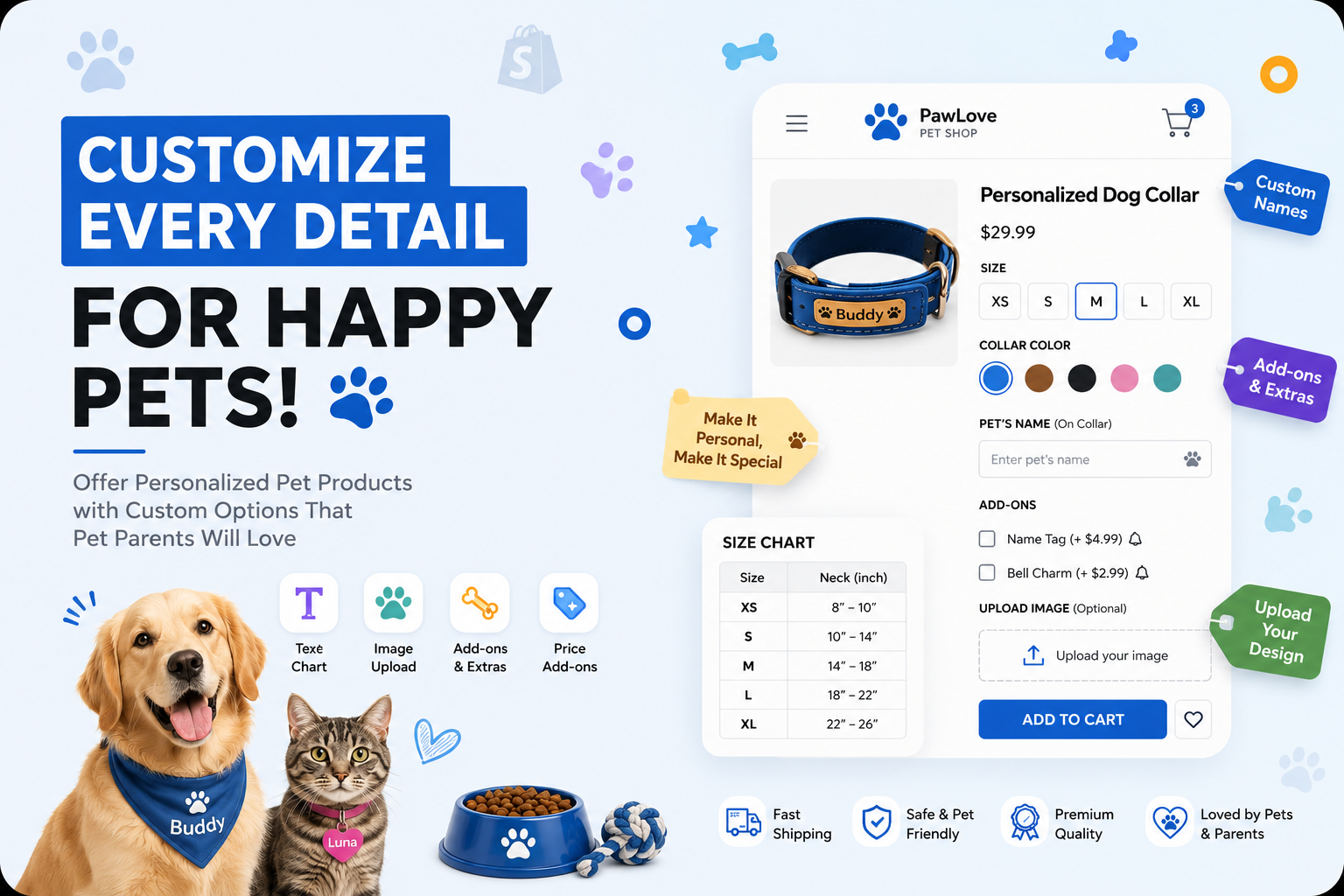
Quick answer: if you’re selling customizable pet gear on Shopify, your product page really needs three things — a size selector, a color picker that actually shows the color, and a text box where customers can type something personal. Native Shopify variants don’t do all three well. Ultimate Product Options does, and you don’t have to touch a single line of theme code to set it up.
- Shopify’s own variant system tops out at 100 combinations per product, and it has no way to accept typed input — that gap is exactly why pet stores end up needing a separate options app.
- Ultimate Product Options covers the three things pet brands ask for most: button-style sizes, real-photo color swatches, and typed personalization fields.
- You can hide the personalization fields until a shopper has actually picked a size and color, so the page doesn’t look cluttered.
- Every option, personalization included, can carry its own price add-on if you want to charge for it.
Pet products rarely fit neatly into “one size, one color.” A harness needs a girth measurement. A collar needs a color that won’t clash with the dog’s coat. And more often than not, someone wants a name or a phone number added to whatever they’re buying. If your product page can’t capture that cleanly, one of two things happens: the customer gives up, or you end up piecing together personalization requests from order notes and follow-up emails — which gets old fast.
To make this concrete, we’ll walk through an actual pet-store product page (a dog harness listing) and pull apart exactly which options are doing the work, then show how to rebuild that same setup on your own store.
Why Generic Shopify Product Pages Fall Short for Pet Brands
Shopify’s default answer to “this product comes in different versions” is variants — combinations of size, color, whatever, each with its own SKU, its own inventory count, its own price. That works fine for a t-shirt. For pet products, it starts breaking down in three fairly predictable places:
- You hit the 100-variant ceiling faster than you’d think. Four sizes times six colors is already 24 combinations. Throw in a leash-length option, and suddenly you’re bumping up against the limit.
- Variants can’t take typed input. They’re click-to-select, not type-to-fill. There’s simply no built-in field for a customer to type “Bruno” or their phone number.
- Colors show up as plain text unless you edit the theme. “Moss Green” and “Olive Green” read almost identically on a dropdown menu, even though they can look quite different on the actual product.
What actually fixes this is treating “options that change the product” and “options that need customer input” as two separate things — which is basically what’s happening in the example below.
What’s Actually Happening on This Dog Harness Page
Take a closer look at the screenshot and you’ll notice four different option types stacked on top of each other, each doing its own job. This combination is worth copying as-is.
1. Girth Size — Buttons, Not a Dropdown
“Select Girth Size” is laid out as XS, S, M, L buttons rather than a dropdown menu. That’s a deliberate choice — button rows tend to convert better than dropdowns for anything apparel-adjacent, simply because the shopper sees all the options at once instead of having to click to reveal them. In Ultimate Product Options this is just a standard button option group. You can tie it to inventory tracking, or leave it as a plain label if size doesn’t actually change what SKU ships.
2. Harness Color — You Can See What You’re Buying
Each color under “Harness Color” — Olive Green, Khaki Brown, Denim Blue, Teal Green, Moss Green, Dusty Rose — shows an actual product thumbnail instead of a name in a dropdown. That distinction matters more than it sounds like it should. “Moss Green” and “Olive Green” are hard to tell apart as words, but obvious as photos. Ultimate Product Options’ image-swatch option type handles this: upload one photo per color from the app dashboard, done. No CSS, no Liquid.
3. Pet Name — A Field Disguised as Design
Look at the strap and you’ll see “Pet Name” stitched right onto the harness in the mockup. It looks like a design detail, but it’s really a live text field. Whatever the customer types — “Bruno,” “Luna,” whatever — gets captured as a line-item property on the order, ready to hand off to embroidery, laser engraving, or print.
4. Contact Number — the Field That Actually Matters Most
The second callout, “Contact Number,” is easy to skim past, but it’s arguably the whole point of this product. A harness like this exists for the moment a dog slips its leash. A text field with basic format validation — so nobody accidentally types letters where a phone number should go — turns a plain harness into something closer to an ID tag.
Shopify Variants vs. Ultimate Product Options: A Straight Comparison
| Requirement | Native Shopify Variants | Ultimate Product Options |
|---|---|---|
| Size buttons (XS–L) | Supported, limited by 100-variant cap | Unlimited, no cap |
| Real-photo color swatches | Requires theme code | Built-in, no code |
| Pet name text field | Not possible | Built-in text input |
| Contact number field with validation | Not possible | Built-in with format rules |
| Show personalization only after size/color chosen | Not possible | Conditional logic |
| Price add-on for personalization | Requires separate product | Built-in per-field pricing |
How to Build This Same Setup on Your Own Store
None of this requires a developer. Here’s roughly how it goes:
- Install Ultimate Product Options from the Shopify App Store and connect it to your storefront theme.
- Create a button option group for girth size (XS, S, M, L), matching whatever sizing your harness supplier uses.
- Create an image-swatch option group for color, uploading one product photo per shade — Olive Green, Khaki Brown, Denim Blue, Teal Green, Moss Green, Dusty Rose, or your own palette.
- Add a short text-input field labeled “Pet Name,” with a character limit that matches your embroidery or tag-printing constraints.
- Add a second text-input field labeled “Emergency Contact Number,” with numeric format validation.
- Apply conditional logic so both text fields only appear once a size and color have been selected, keeping the page uncluttered for browsing customers.
- Set an optional price add-on on the personalization fields if engraving or embroidery adds production cost.
- Preview on the live product page before publishing to confirm the layout matches your theme.
This Isn’t Just a Harness Thing
The harness is just the easiest example to show. The same pattern shows up across most of a pet store’s catalog:
- Collars and leashes — sized by neck or chest measurement, with color swatches and a personalized nameplate.
- Pet ID tags — shape choice, material color, engraved name and phone number.
- Beds and crates — sized by breed weight range, fabric swatches, maybe an embroidered name.
- Feeding bowls and mats — a material or color pick, plus a printed pet name.
- Apparel and costumes — a standard size run, seasonal colors, an optional name patch.
The logic doesn’t change from product to product: keep the SKU-changing options (size, color) separate from the personal ones (name, contact info), and only surface the personal fields once someone’s actually committed to a size and color.
Frequently Asked Questions
Can a Shopify product page actually have a text box for a pet’s name?
Yes — that’s basically what Ultimate Product Options is for. Drop a text field onto the product page, and whatever the customer types (a pet’s name, a phone number, a short note) gets saved to the order automatically. No theme edits involved.
Is there a limit to how many sizes and colors one product can have?
There is if you’re using Shopify’s built-in variants — 100 combinations, full stop. Ultimate Product Options gets around that by treating size and color as separate option layers instead of variant combinations, so you’re not really capped anymore.
Do I need to hire someone to get real photo swatches for colors?
Not really. The image-swatch picker is built into the app — you just upload a photo for each color from the dashboard. No Liquid, no CSS.
Can personalized items cost more than the base product?
Yes. Any option field, including the personalization ones, can have a price add-on attached, so an embroidered name or custom tag can bump the checkout price automatically.
Can I stop the name/phone number fields from showing up until someone picks a size?
Yes — that’s conditional logic. Set it up once, and the personalization fields simply stay hidden until a size and color have both been chosen.
Was Ultimate Product Options made specifically for pet stores?
Not exclusively, no — it’s a general Shopify options app. But the pieces it offers (size buttons, photo swatches, text fields, conditional logic) happen to line up almost perfectly with what pet brands need.
Selling harnesses, collars, or anything personalized for pets?
Get size buttons, real-photo color swatches, and personalization fields on your product page — no developer needed.