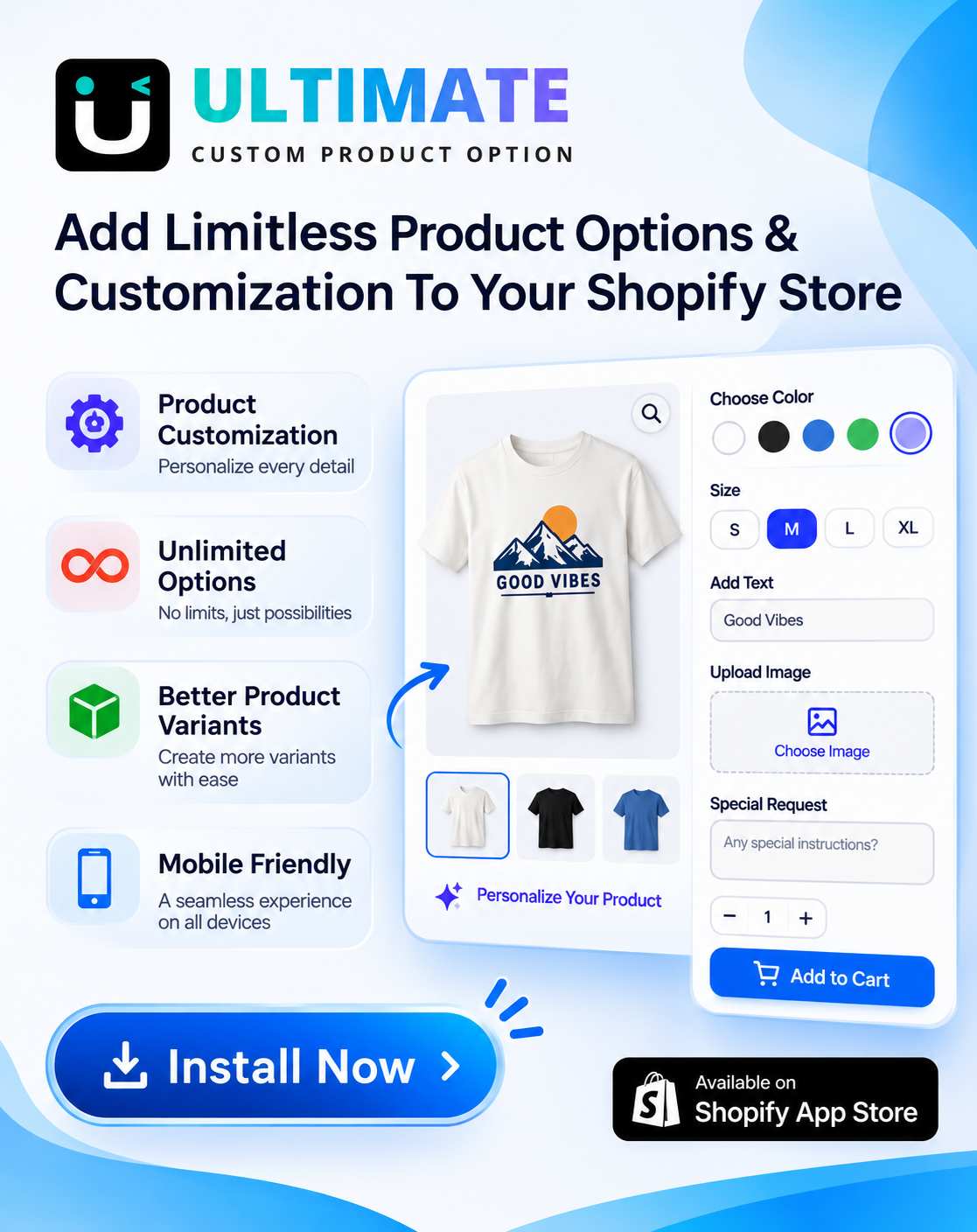


Last updated: November 16, 2026. Shopify limits come from the Shopify Help Center. Disclosure: Webiots builds Ultimate Product Options and LUX AI Product Images, which are mentioned in this guide.
Quick answer: To sell custom t-shirts on Shopify, pick a niche and a few strong designs, choose how you’ll print (a print-on-demand app that prints and ships each order, or printing in-house or with a local printer), add size and color as variants, and add personalization such as a name, font, text color or design upload with a product options app, since Shopify allows only 3 options per product. Price each shirt to cover the blank, printing, fees and shipping, show realistic mockups, and place a test order to check every choice reaches your printer.
Key takeaways:
- Start with one niche and 5 to 12 designs, not hundreds.
- Use variants for size and color, options for personalization.
- Charge a small fee for names or custom designs.
- Check your printer receives every personalization field.
In this guide
- Pick a niche and designs
- Print on demand vs printing yourself
- Which printing method to use
- How to choose the blank t-shirt
- How to set up custom t-shirts: 8 steps
- Which personalization options to offer
- How to price custom t-shirts
- Mockups and product photos
- How to market custom t-shirts
- Common mistakes
- FAQ
Is Selling Custom T-Shirts on Shopify Profitable?
Yes, if you sell to a clear audience and price for your real costs. Plain t-shirts are a crowded market, so the profit is in designs and personalization a buyer can’t get elsewhere: their name, their team, their event, their pet. Personalized shirts also carry a higher price, because the buyer is paying for something made for them. The pricing table below shows how a personalization fee can add to the profit on each shirt.
How Do You Pick a Niche and Designs?
- Pick a group with a shared identity: a hobby, job, sport, city, fan base or life event, such as nurses, runners, dog owners, family reunions or bachelorette parties.
- Check demand with Google Trends, Pinterest and the search bars of Etsy and Amazon.
- Start with 5 to 12 designs. A few strong designs are easier to test and advertise than a huge catalog.
- Add a personalized version of your best design, such as the same artwork with the buyer’s name or year.
- Design for the print method: use high-resolution PNG files with a transparent background, and avoid tiny text.
Should You Use Print on Demand or Print Yourself?
Print on demand is the easiest way to start with no stock; printing yourself or with a local printer gives better margins and more control once you have steady orders.
| Print on demand app | Print yourself or local printer | |
|---|---|---|
| Upfront cost | None; you pay per order | Blanks, equipment or minimums |
| Margin per shirt | Lower | Higher |
| Personalization | Depends on what the app accepts | Anything you can print |
| Shipping | Handled by the provider | You pack and ship |
| Best for | Testing designs, new stores | Names, team shirts, bulk orders |
Which Printing Method Should You Use?
| Method | Best for | Watch out for |
|---|---|---|
| DTG (direct to garment) | One-off and personalized shirts, full-color designs | Works best on cotton; colors can look softer on dark shirts |
| DTF (direct to film) | Bright prints on cotton and blends, small runs | Print sits on top of the fabric, so it feels slightly thicker |
| Screen printing | Bulk orders of the same design, such as teams and events | Setup cost per color; not for one-off names |
| Embroidery | Monograms, small logos, premium look | Limited detail; costs more per shirt |
| Sublimation | All-over prints on white polyester | Doesn’t work on cotton or dark colors |
For personalized names on single shirts, DTG or DTF is usually the right choice. Use screen printing when a team orders 20 or more of the same design.
How Do You Choose the Blank T-Shirt?
- Fabric: 100% cotton feels classic and prints well with DTG; cotton-poly blends are softer and shrink less.
- Weight: around 140 to 170 GSM feels light; around 180 to 220 GSM feels thicker and more premium. State the weight on the product page.
- Fit: classic, slim or oversized. Show the fit clearly and add a size chart with measurements.
- Order samples of your top 2 or 3 blanks and wash them before you choose.
How Do You Set Up Custom T-Shirts on Shopify? 8 Steps
- Choose your printing method and, if you use print on demand, connect its app to your store.
- Create the product with a clear title, such as “Personalized Name T-Shirt, Unisex Cotton”.
- Add size and color as variants. They affect stock and price, so variants are the right place for them.
- Add personalization options with a product options app: a name text field, font picker, text color, placement and design upload. Shopify allows 3 options per product, so these extra fields need an app (Shopify Help Center).
- Add prices to the options, such as +$5 for a name on the back.
- Add a size chart so customers pick the right fit.
- Upload mockups for each color and a close-up of the print.
- Place a test order and check every choice appears on the order, the packing slip and whatever your printer receives.
Check before launch: some print-on-demand apps only print the design you set up in their app and ignore extra personalization fields. If you offer custom names or uploads, confirm your provider can read them, or route those orders to a printer who can.
Which Personalization Options Should You Offer?
| Option | Field type | Tip |
|---|---|---|
| Name or text | Text field | Set a character limit that fits the print area |
| Font | Font picker or image swatches | Offer 3 to 5 fonts, shown as images |
| Text color | Color swatches | Hide colors that won’t show on the chosen shirt |
| Placement | Radio buttons | Front, back or sleeve, each with its own price |
| Number (sports) | Number field | Limit to 2 digits |
| Your own design | File upload | Ask for PNG or SVG and state the minimum size |
| Gift wrap | Checkbox | A small paid extra for gift orders |
Use conditional logic so fields only appear when needed, for example the text color only shows once a shopper adds a name. Ultimate Product Options supports all of these, with add-on pricing on its free plan and file uploads, conditional logic and 42+ option types from $7.99 a month. A live text preview on the shirt image is on its $12.99 plan. See how to let customers upload a file and how to add a font picker.
Selling team, family and event shirts
Group orders are where custom t-shirts earn the most. Offer quantity pricing, such as 5% off 10+ shirts and 10% off 25+, and let one buyer enter a list of names and numbers in a text area or upload a spreadsheet, so a coach or organizer can order for everyone at once.
How Should You Price Custom T-Shirts?
Illustrative example with assumed costs. A print-on-demand shirt costs you $13 for the blank and print, plus about $5 shipping that you either charge or absorb.
| Item | Plain design | With name on back |
|---|---|---|
| Selling price | $28 | $28 + $6 = $34 |
| Blank and print | $13 | $13 + $3 back print = $16 |
| Payment fees (about 3%) | $0.84 | $1.02 |
| Profit before ads and shipping | $14.16 | $16.98 |
Charge for personalization separately so the base shirt stays competitive, and the extra fee covers the extra print cost. Remember to subtract app fees and ad costs too. Use your own provider’s prices in this table.
How Do You Create Mockups and Product Photos?
- Show every color of the shirt, not just one.
- Add a close-up of the print so shoppers see the quality.
- Show an example of a personalized name so buyers understand the option.
- Add a lifestyle photo, such as the shirt being worn, for ads and collection pages.
- Use descriptive file names and alt text, such as “black cotton t-shirt with custom name on back”.
An AI image app such as LUX can turn a flat shirt photo into lifestyle scenes and write alt text for every image. See AI clothing product photos for Shopify.
How Do You Market Custom T-Shirts?
- Go where your niche gathers: Facebook groups, subreddits, clubs, teams and local events.
- Short videos: show the shirt being personalized, printed or unboxed on TikTok, Instagram Reels and YouTube Shorts.
- Seasonal pushes: holidays, graduations, sports seasons, family reunions and Mother’s and Father’s Day.
- Group sellers: reach out to coaches, event organizers and small businesses for bulk orders.
- Search and AI assistants: write product descriptions that state the fabric, weight, fit, print method and personalization options in plain words, so Google and AI shopping tools can match them to searches.
Common Custom T-Shirt Mistakes
- Too many variants. Putting fonts and placements into variants hits Shopify’s option limit fast.
- No character limit. Long names won’t fit the print area.
- Blurry uploads. State the minimum file size and format next to the upload field.
- Not testing the printer handoff. A name that never reaches the printer means a refund.
- Not ordering samples. Check the print and fabric yourself before customers do.
- Late holiday orders. Personalized shirts take longer, so set an earlier cutoff; see holiday order cutoffs for personalized products.
Frequently Asked Questions
Can I sell custom t-shirts on Shopify without inventory?
Yes. A print-on-demand app prints and ships each shirt after it’s ordered, so you don’t hold stock.
Is selling t-shirts on Shopify still profitable?
Yes, for stores with a clear niche and pricing that covers every cost. Personalized shirts usually earn more per order than plain designs.
How do I let customers add their name to a t-shirt on Shopify?
Add a text field with a product options app, set a character limit, and add a price for it if you charge extra.
Can customers upload their own design?
Yes, with a file upload field from a product options app. State the accepted formats and minimum size.
Which printing method is best for custom t-shirts?
DTG or DTF for one-off personalized shirts, screen printing for bulk orders of the same design, and embroidery for monograms and small logos.
Should t-shirt sizes be variants or options?
Variants, because sizes and colors affect stock and sometimes price. Use options for personalization like names, fonts and placement.
How much should I charge for a custom t-shirt?
Cover the blank, printing, fees and shipping, then add your margin. Charge personalization as a separate add-on so the base price stays competitive.
Related Reading
- 7 Best Shopify Apps for Clothing Stores (2026)
- How to Add a Custom Text Field to a Shopify Product Page
- How to Charge Extra for Product Options on Shopify
- Best Shopify Product Options Apps (2026): 12 Compared
Update Log
November 16, 2026: First published with niche and design tips, print models and methods, choosing blanks, 8 setup steps, personalization options, group orders, a pricing example, marketing and common mistakes.