

Last updated: November 9, 2026. Based on Shopify’s Help Center, developer docs and the Shopify Bundles app listing, checked on November 9, 2026. Disclosure: Webiots builds Shopify apps. No apps in this guide paid to be included.
Quick answer: You can create product bundles on Shopify in three ways. Use Shopify’s free Bundles app for fixed bundles and multipacks, such as a “skincare set” or “3-pack of socks”, with stock synced from each product. Use Shopify discounts for simple offers like buy one get one or “buy 3, save 10%”. Use a bundle app when you need mix-and-match or build-your-own bundles, tiered quantity breaks, bundle offers on the product page or in the cart, or post-purchase upsells. Start with the bundle type that fits how your customers buy, then pick the tool.
Key takeaways:
- Shopify Bundles handles fixed bundles for free.
- Discounts cover simple BOGO and volume offers.
- Mix-and-match and quantity breaks need an app.
In this guide
- The 8 types of product bundles
- Option 1: Shopify Bundles app (free)
- Option 2: Bundles with Shopify discounts
- Option 3: A bundle app
- How to price a bundle
- Which bundle suits your store
- Common bundle mistakes
- The bottom line
- FAQ
What Types of Product Bundles Can You Sell on Shopify?
There are eight common bundle types, and Shopify only handles some of them on its own.
| Bundle type | Example | Without an app? |
|---|---|---|
| Fixed bundle | Cleanser + toner + moisturizer set at $49 | Yes, with Shopify Bundles |
| Multipack | 3-pack of socks | Yes, with Shopify Bundles |
| Mix-and-match | Any 3 candles from a collection for $60 | No, needs an app |
| Build your own box | Pick 6 snacks step by step, with a progress bar | No, needs an app |
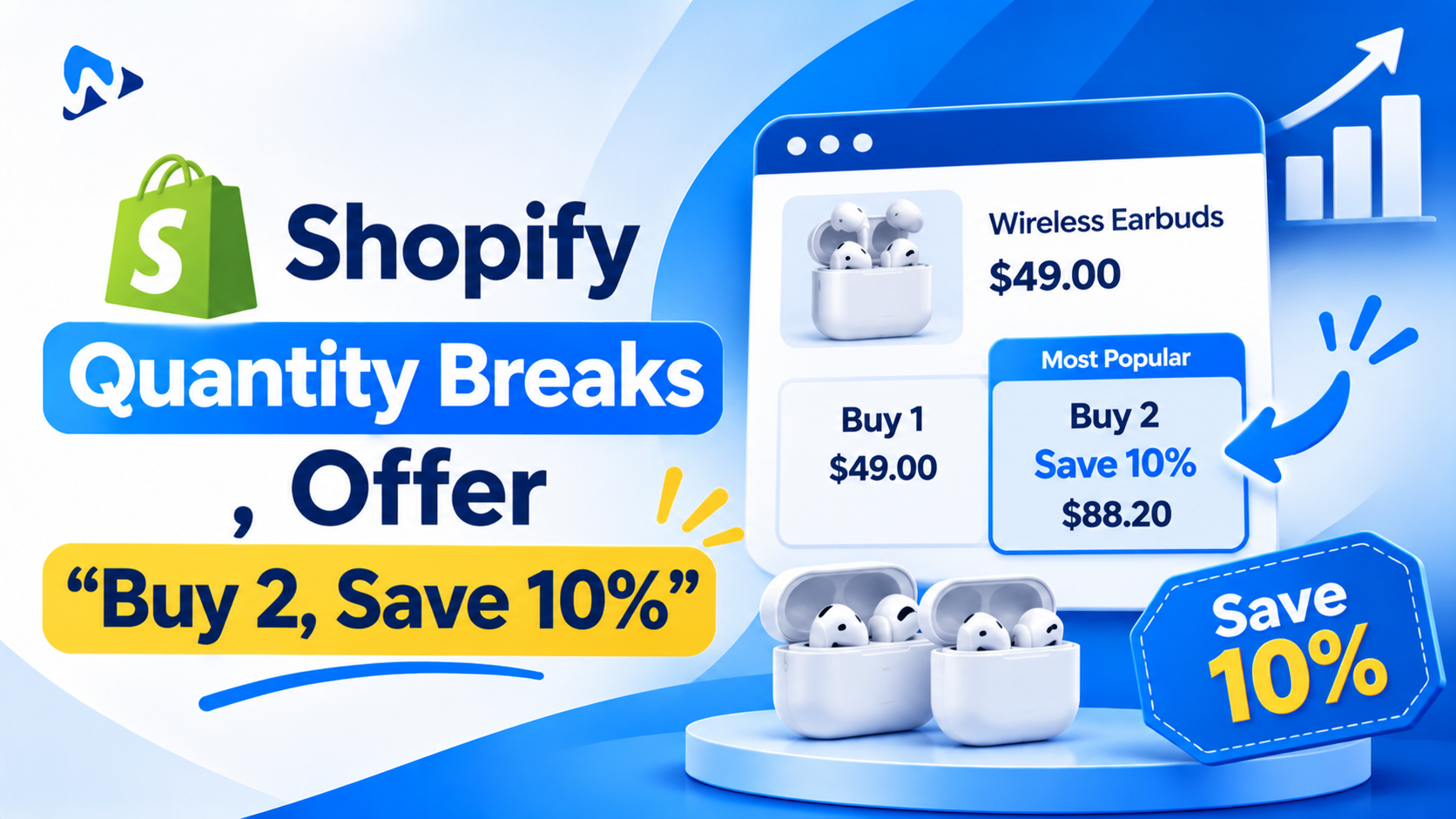
| Quantity breaks | Buy 2 save 10%, buy 3 save 15% | Partly: one tier per discount |
| Buy X get Y (BOGO) | Buy one, get one 50% off | Yes, with Shopify discounts |
| Frequently bought together | Camera + memory card + case, offered on the product page | No, needs an app |
| Cart and post-purchase upsells | “Add a gift box for $5” in the cart drawer or after checkout | No, needs an app |
How Do You Create a Bundle With the Shopify Bundles App?
Shopify Bundles is Shopify’s own free app for fixed bundles and multipacks. It creates the bundle as a real product, so it works on your online store, in the Shop app and on Shopify POS, and it updates stock from each product in the bundle.
- Install Shopify Bundles from the Shopify App Store.
- In the app, choose Create bundle and pick Fixed bundle or Multipack.
- Add the products (and variants) in the bundle and set how many of each.
- Set the bundle price, title, images and description.
- Save, then check the bundle’s product page and place a test order.
Stock is shared: if one product in the bundle runs out, the bundle shows as sold out too. The number of bundles available is set by the product with the least stock.
| Shopify Bundles does well | Shopify Bundles can’t do |
|---|---|
| Fixed bundles and multipacks, free | Mix-and-match or build-your-own bundles |
| Stock synced from each product | Tiered quantity breaks |
| Online store, Shop app and POS | Subscriptions, pre-orders or try-before-you-buy |
| Customers can pick size or colour for items in the bundle | Bulk editing, import or export |
| Shopify’s own support | Bundle offers in the cart or after checkout |
On November 9, 2026, Shopify Bundles had a 2.9 rating from 569 reviews on the Shopify App Store. Common complaints are setup for products with many variants and limited design control, so test it on your own products first.
Can You Make Bundles With Shopify Discounts?
Yes, for simple offers. Shopify’s built-in discounts can act as bundle deals without creating a bundle product:
- Buy X get Y: “Buy any 2 shirts, get a cap free” or “buy one, get one 50% off”. Customers buy a minimum quantity or amount and get a percentage off, an amount off or a free item. The free item isn’t added to the cart automatically, so customers must add it themselves.
- Amount off products with a minimum quantity: “Buy 3 or more, save 15%”. Each discount has one tier, so “buy 2 save 10%, buy 3 save 15%” needs several discounts, and you must check how they combine.
- Automatic or code: automatic discounts apply when the cart qualifies, with no code. They apply at POS only on POS Pro locations.
The catch is visibility. Discounts don’t show on the product page unless your theme or an app displays them, so many shoppers never see the deal. Bundle apps solve this with offer blocks on the product page and in the cart.
When Do You Need a Shopify Bundle App?
When you need a bundle type Shopify doesn’t support, or want offers shown where shoppers decide. Look for these in a bundle app:
| Check | Why it matters |
|---|---|
| Bundle types | One app for fixed, mix-and-match, build-your-own, quantity breaks and BOGO saves paying for several apps |
| Inventory per item | Some apps only apply a discount; others deduct stock from each product in the bundle |
| Shopify Functions | Discounts built on Shopify Functions work reliably at checkout and with Shopify’s discount rules |
| Where offers appear | Product page, cart drawer, checkout and after purchase each catch shoppers at a different moment |
| Speed | Theme app blocks load lighter than script-heavy widgets. Test your page speed before and after |
| Pricing model | Flat monthly price, or a fee that grows with orders or bundle revenue |
| POS and markets | Needed if you sell in person or in several currencies |
| AI and automation | Some newer apps connect to AI assistants through MCP, so you can create or update bundles by asking |
How Should You Price a Product Bundle?
Give a clear saving that still protects your margin. A 10% to 20% discount on the combined price is a common starting point. Work it out before you launch:
| Sold separately | As a bundle (15% off) | |
|---|---|---|
| Price | $30 + $25 + $25 = $80 | $68 |
| Product cost | $32 | $32 |
| Shipping and packing | $8 per order | $8 per order |
| Profit | $40 (if bought together) | $28 |
The bundle earns less per order than buying all three at full price, but far more than a single $30 sale, which leaves about $10 profit if that product costs $12. Bundles work best when they turn one-item orders into three-item orders. Show the saving in money (“Save $12”), not just a percentage.
Which Bundle Type Suits Your Store?
| Store type | Best bundle types |
|---|---|
| Beauty and skincare | Fixed routines (cleanse, tone, moisturize), gift sets, buy X get a mini free |
| Food, snacks and coffee | Build your own box, multipacks, quantity breaks |
| Fashion and accessories | Complete the look, BOGO, multipacks for basics |
| Supplements and consumables | Quantity breaks (1, 2 or 3 months’ supply), subscribe-and-save |
| Electronics | Frequently bought together (device + accessories), cart upsells |
| Gifts | Build your own gift box, gift wrap upsell in the cart |
For more on build-your-own bundles, see how to build a “build your own box” product page on Shopify.
Common Shopify Bundle Mistakes
- Bundling products nobody buys together. Check your orders report for products that already sell together.
- Hiding the offer. A discount that only appears at checkout won’t change what shoppers add to the cart.
- Ignoring stock. A bundle that sells a product you’ve run out of creates refunds and support tickets.
- Stacking too many discounts. Check how bundle offers combine with sitewide sales, especially around Black Friday.
- Not testing on mobile. Bundle pickers with many steps need to work on a small screen.
The Bottom Line
Start with what your customers already buy together. For fixed sets and multipacks, Shopify’s free Bundles app is enough. For a simple buy-one-get-one or “buy 3, save 15%” offer, use Shopify discounts. When you need mix-and-match or build-your-own bundles, several quantity tiers, or offers on the product page, in the cart and after checkout, use a bundle app that tracks stock for each product and runs its discounts on Shopify Functions.
Frequently Asked Questions
Does Shopify have a built-in bundle feature?
Yes. Shopify’s free Bundles app creates fixed bundles and multipacks with stock synced from each product. Mix-and-match and build-your-own bundles need a third-party app.
Can you do buy one get one free on Shopify without an app?
Yes. Create a Buy X get Y discount in Discounts. Customers must add the free item to the cart themselves.
Can you do quantity breaks on Shopify without an app?
Partly. An “amount off products” discount with a minimum quantity gives one tier. For several tiers shown on the product page, most stores use an app.
Do Shopify bundles track inventory?
Bundles made with Shopify Bundles do: stock comes from each product in the bundle. With apps, it depends on the app, so check before you install.
Do Shopify bundles work with subscriptions?
Not with Shopify Bundles. Bundles can’t be sold with subscriptions, pre-orders or try-before-you-buy. Some subscription and bundle apps support subscription bundles.
Do bundles work on Shopify POS?
Bundles made with Shopify Bundles can be sold on Shopify POS. For app bundles, check the app’s listing for POS support.
Related Reading
- How to Build a “Build Your Own Box” Bundle Product Page on Shopify
- Black Friday Promotion Ideas for Shopify Stores
- Best Shopify Product Options Apps (2026)
Update Log
November 9, 2026: First published, based on Shopify’s Help Center, developer docs and the Shopify Bundles app listing.