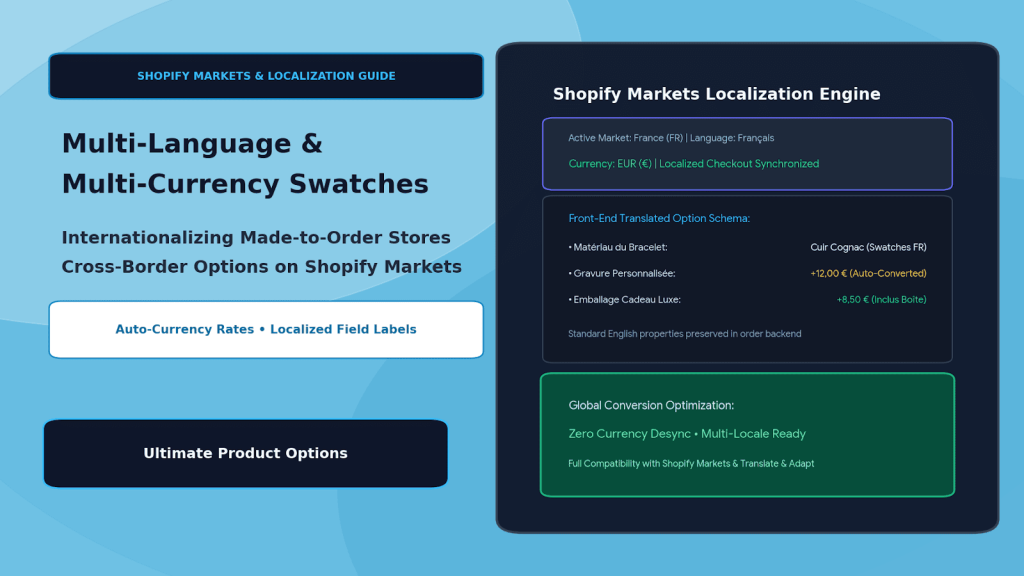
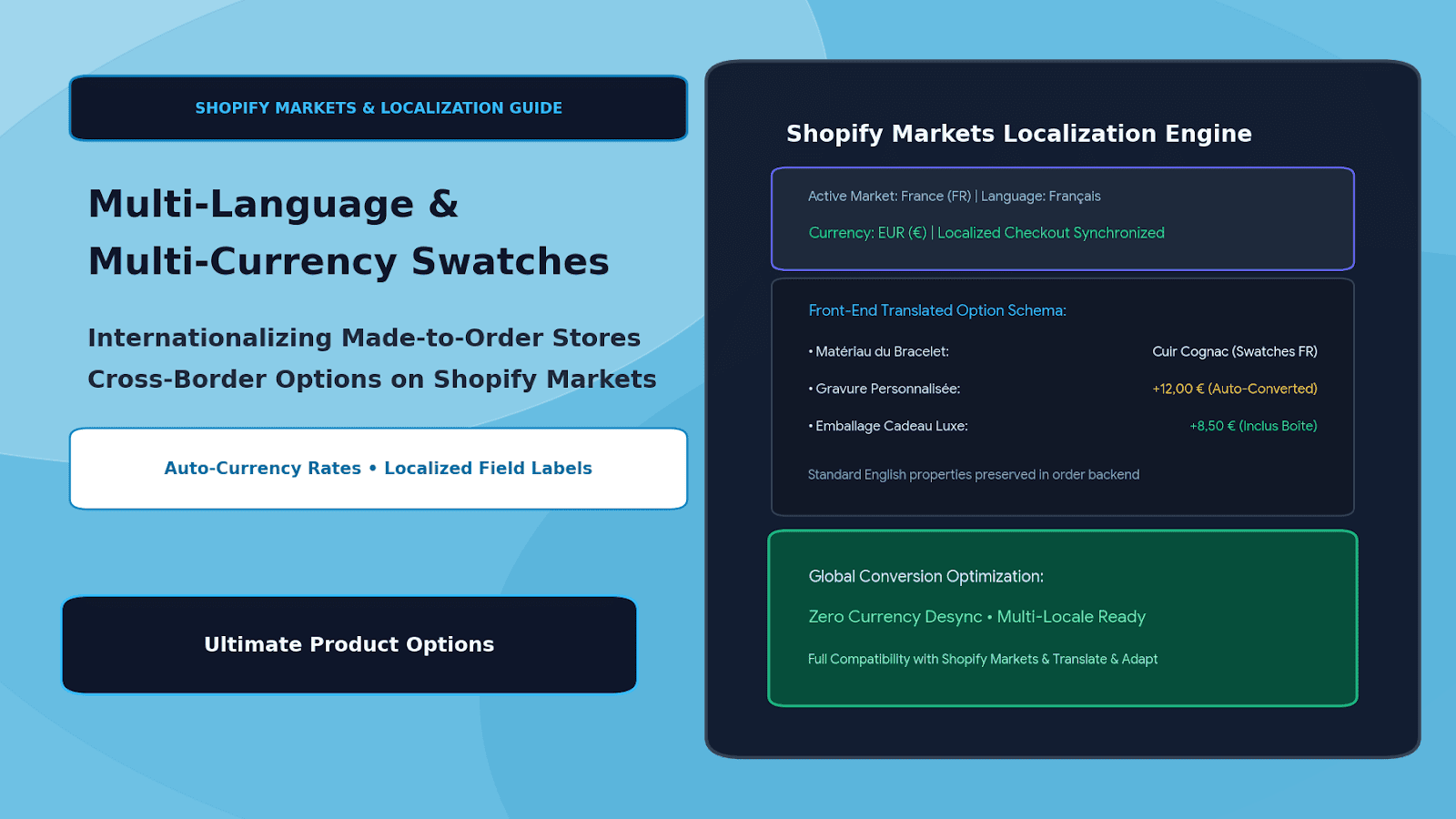
Selling personalized, configurable, and made-to-order products to a global audience is one of the fastest avenues for DTC growth. With Shopify Markets, merchants can easily expand cross-border with localized domains, regional duties, and localized base catalog pricing.
However, once a store introduces custom product options—such as personalized monograms, leather swatch pickers, bespoke gift packaging, or dimensional cut fees—cross-border localization frequently breaks down.
Consider the international customer journey on an un-localized custom store:
- A shopper in Paris browses a French storefront (
/fr) where the product description and title are in fluent French.
- But the customizer widget remains locked in English: “Choose Your Monogram Foil”, “Enter Custom Inscription”, and “Select Hardware Finish”.
- To make matters worse, while the base bag is priced in Euros (
€180,00), the dynamic gold foil personalization add-on displays as a hardcoded USD value: +$15.00 USD.
- When the buyer reaches the checkout, the currency converter miscalculates or strips the add-on surcharge, or the line-item properties arrive at the warehouse in fragmented, untranslated formats that confuse fulfillment.
This jarring disconnect erodes trust, triggers cart abandonment, and introduces post-purchase fulfillment chaos.
The solution is deploying native multi-language translation integration paired with real-time multi-currency price synchronization. By leveraging Ultimate Product Options alongside Shopify Markets, global DTC brands deliver seamlessly localized custom options without desyncing currencies or breaking order line-item properties.
The Cross-Border Bottlenecks in Customization
When brands attempt cross-border commerce with standard, monolithic product option plugins, three critical technical failures occur:
- Hardcoded Script Labels: Many option apps inject static text strings that translation apps (like Shopify Translate & Adapt, Weglot, or Langify) cannot discover or translate via standard GraphQL localization APIs.
- Currency Exchange Desync: Dynamic option price modifiers (e.g.,
+$10.00 for gift wrap) frequently fail to track Shopify Markets daily automated exchange rates, causing price discrepancies between the product page and checkout.
- Fulfillment Attribute Translation Confusion: If customer input labels are translated too aggressively into dozens of languages on the backend, warehouse pickers and laser operators must decipher multiple foreign terms for the same physical finish (e.g., “Cuir Noir”, “Schwarzes Leder”, and “Black Leather”).
The Localization Architecture: Client-Facing Translation vs. Normalized Backend Properties
┌─────────────────────────────────────────────────────────────────┐
│                     Storefront Visitor (France)                 │
│              Browsing on domain: brand.com/fr-fr                │
│              Market: European Union | Currency: EUR (€)         │
└────────────────────────────────┬────────────────────────────────┘
                                 │
                                 ▼
┌─────────────────────────────────────────────────────────────────┐
│            Front-End Localization & Currency Layer              │
│    (Powered by Ultimate Product Options & Shopify Markets)      │
│  • Label Translated: "Choix du Cuir" (Leather Selection)        │
│  • Helper Copy: "Max 3 Caractères" (Live character limit)       │
│  • Dynamic Surcharge Converted: $15.00 USD ➔ 13,85 € (Auto FX)   │
└────────────────────────────────┬────────────────────────────────┘
                                 │
                                 ▼
┌─────────────────────────────────────────────────────────────────┐
│               Cart Line-Item Ingestion Engine                   │
│   • Customer sees: "Gravure Or (+13,85 €)" in localized cart    │
│   • Checkout locks in official European currency amount         │
└────────────────────────────────┬────────────────────────────────┘
                                 │
                                 ▼
┌─────────────────────────────────────────────────────────────────┐
│          Normalized Backend Order Properties (WMS / RIP)        │
│   {                                                             │
│     "Option_Type": "Foil_Monogram",                             │
│     "Selected_Value": "GOLD",                                   │
│     "Customer_Input": "L.M.V",                                  │
│     "_localized_display": "Gravure Or"                          │
│   }                                                             │
└─────────────────────────────────────────────────────────────────┘
The localized customizer presents fluent native copy and localized currency to the shopper, while serializing normalized English/system attributes to the backend order payload so manufacturing workflows remain standardized.
Architectural Comparison: Basic Option Plugins vs. Localized Markets Engine
| Localization Capability |
Basic Custom Option Apps |
Ultimate Product Options + Shopify Markets |
| Language Translation |
Hardcoded English; invisible to translation tools |
Compatible with Shopify Translate & Adapt / Weglot |
| Dynamic Currency |
Fixed store default currency (USD only) |
Auto-converts via live Shopify Markets FX rates |
| Rounding Rules |
Ignores regional rounding preferences |
Honors market rounding rules (e.g., ending in .95 €) |
| Right-to-Left (RTL) |
Broken layouts on Arabic/Hebrew viewports |
Native RTL support for swatches and text inputs |
| Fulfillment Uniformity |
Chaos (options recorded in random languages) |
Normalized backend keys for consistent production |
Step-by-Step Setup: Localizing Product Options with Ultimate Product Options
Setting up multi-language and multi-currency product option sets on Shopify requires no complex coding when using Ultimate Product Options.
Step 1: Verify Shopify Markets & Theme App Embed
- In your Shopify admin, verify your active markets under Settings > Markets (e.g., United States, European Union, United Kingdom, Australia).
- Install Ultimate Product Options and ensure the theme app embed block is toggled to Active inside your theme customizer.
Step 2: Enable Automated Multi-Currency Conversion
- Open Apps > Ultimate Product Options in your Shopify Admin.
- Navigate to Settings > Currency & Formatting.
- Enable Sync with Shopify Markets Currencies.
- Set your base currency modifier rules (e.g., a base surcharge of
$10.00 USD automatically converts dynamically into €9.25 EUR, £7.90 GBP, or $15.50 AUD based on live platform exchange rates and regional rounding).
Step 3: Translate Option Labels & Placeholders
- In the Option Set Builder, configure your master option fields in your store’s primary language (e.g., English).
- Open the Localization / Multi-Language panel:
- Provide translated strings for each active locale (e.g., French, German, Spanish, Japanese).
- Translate field titles (e.g., Strap Color → Couleur du Bracelet).
- Translate swatch names and hover tooltips (e.g., Cognac Brown → Marron Cognac).
- Translate validation alerts (e.g., Max 3 characters → 3 caractères maximum).
- If using Shopify Translate & Adapt, option schemas expose translation keys directly within the native Shopify translation interface.
Step 4: Protect Order Line-Item Property Normalization
To prevent warehouse errors when fulfilling international orders:
- In the field settings, decouple the Display Label from the Internal Property Key.
- Set the customer-facing label to be dynamically translated based on locale (e.g.,
Matériau).
- Lock the backend key to a standardized master code:
Key: MATERIAL_CODE | Value: LEATHER-TAN.
- Result: The European customer browses in French, but your factory floor in the US or Mexico receives standardized production codes on their packing slips and CNC lasers.
Step 5: Test Cross-Border Checkouts
- In your storefront, use the country/currency selector to switch between markets (e.g., United States → Germany).
- Verify that:
- Option field titles, helper descriptions, and swatch tooltips translate into German instantly.
- Dynamic price surcharges convert into Euros (
€) according to live market rates.
- Adding the product to cart shows the localized add-ons with correct pricing in the cart drawer.
- The order is completed in native currency without line-item errors at checkout.
4 Best Practices for Cross-Border Customization
- Account for Character Expansions in Translations: German and French words are often 20%–30% longer than English equivalents; ensure your swatch pill buttons and tabs have flexible flexbox/grid containers to prevent awkward text wrapping.
- Respect Local Measurement Systems: When offering dimensional options (e.g., custom framing, curtains, rugs), conditionally present millimeters/centimeters to European and Asian buyers while serving inches to North American customers.
- Enforce Localized Character Restrictions: If your engraving machines only support Latin-1 character sets, add an informative localized helper tooltip in non-Latin locales (such as Japan or Greece) clarifying that personalization must be entered using Latin letters.
- Configure Market Rounding Rules: Align your option price conversions with your store’s psychological pricing rules (e.g., ensuring converted add-on fees round cleanly to the nearest
.00 or .95).
Frequently Asked Questions (FAQs)
Does Ultimate Product Options support Shopify Translate & Adapt?
Yes. The app exposes translatable schema strings that seamlessly integrate with Shopify Translate & Adapt and third-party localization tools like Weglot and Langify.
How are converted currency prices calculated for custom options?
Option surcharges automatically leverage Shopify Markets’ dynamic exchange rate engine, including store-defined currency rounding rules, to match base catalog prices seamlessly.
Will translation affect my warehouse fulfillment or manufacturing operations?
No. By decoupling the front-end localized label from the internal property key, fulfillment systems receive standardized master SKUs and English operational codes regardless of the shopper’s browsing language.
Conclusion
Expanding globally should not force your store to strip out product customization or settle for broken currencies and untranslated option widgets.
By unifying dynamic option swatches with Shopify Markets, merchants can deliver a tailored, native shopping experience in every territory—complete with local languages, automatic currency conversions, and bulletproof fulfillment workflows.
With Ultimate Product Options, scaling your made-to-order catalog across international borders is smooth, reliable, and completely code-free.